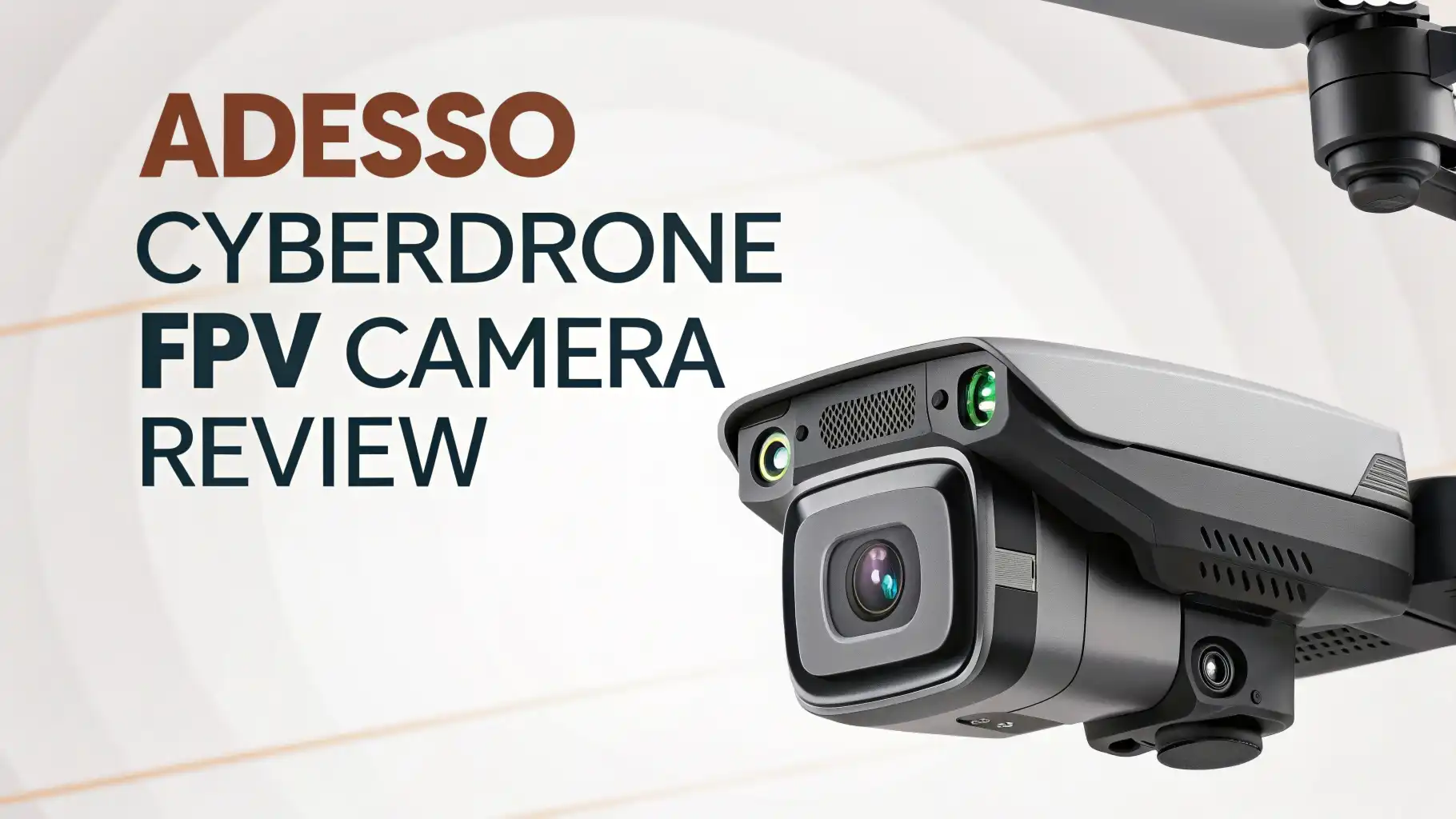
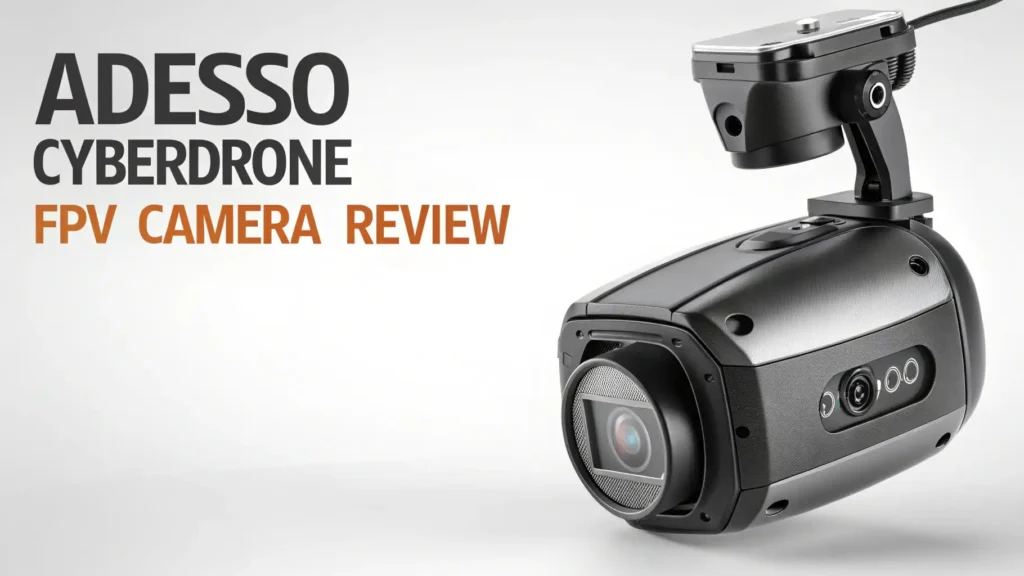
Adesso CyberDrone FPV Camera Review: Your Ultimate Guide
Are you ready to take your aerial photography game to new heights without breaking the bank? The Adesso CyberDrone series has been making waves in the drone community, and we’re diving deep into what makes these compact flyers worth your attention.
Whether you’re a weekend warrior looking to capture stunning landscapes or a beginner taking your first flight, this review will show you everything you need to know about these budget friendly drones that pack serious features.
Key Takeaways:
- The Adesso CyberDrone lineup offers something special for every skill level and budget. Here’s what makes these drones stand out from the crowded market.
- The 2K and 4K FPV camera options deliver crisp, clear footage that rivals more expensive competitors, giving you professional looking results without the professional price tag.
- You get GPS assisted flight with advanced features like follow me mode, waypoint flying, and automatic return to home, making every flight safer and more enjoyable.
- The lightweight and portable design means you can throw it in your backpack and take it anywhere, perfect for spontaneous adventure captures.
- With 15 to 17 minutes of flight time per battery and a control range of up to 300 meters, you have plenty of airtime to nail that perfect shot.
- The dual control options via mobile app or dedicated remote controller give you flexibility in how you pilot, adapting to your comfort level and flying conditions.
Understanding the Adesso CyberDrone Series
The Adesso CyberDrone family comes in four distinct models, each designed to meet different needs and budgets. The X1 serves as the entry point for absolute beginners with its 720P camera and simplified controls. Moving up, the X2 offers 1080P FPV capabilities that bring your flying experience to life with real time video streaming. The X3 hits the sweet spot with its 2K camera resolution and GPS features, perfect for enthusiasts ready to level up their game. At the top, the X4 delivers stunning 4K footage for those who demand professional quality results from a compact package.

Adesso CyberDrone X3: The Sweet Spot Model
The CyberDrone X3 represents the perfect balance between features and affordability. This lightweight quadcopter weighs just 254 grams, keeping it under most registration requirements in many countries.
The integrated 2K FPV camera sits on a stabilizing gimbal, ensuring your footage stays smooth even in breezy conditions. You get real time streaming directly to your smartphone, letting you see exactly what your drone sees from hundreds of feet in the air.
The GPS positioning system transforms this from a simple toy into a capable aerial photography tool.
It enables precise hovering, automatic altitude hold, and intelligent flight modes that make capturing professional shots easier than ever. The 300 meter control range gives you plenty of space to explore and frame your shots perfectly.
Camera Quality and Video Performance
Let’s talk about what really matters: the camera performance. The X3’s 2K resolution captures 2560 x 1440 pixel video that looks fantastic on modern displays. Colors appear vibrant and natural, with good dynamic range for both bright skies and shadowed landscapes.
The three axis gimbal stabilization works wonders to eliminate the jitters and shakes that plague cheaper drones, resulting in buttery smooth footage that looks like it came from a much more expensive rig.
Photo quality matches the video performance, with sharp details and accurate colors. You can snap high resolution stills during flight or while hovering, perfect for aerial landscape photography or real estate shots.
The camera angle adjusts remotely, letting you frame shots from different perspectives without landing.
Top 3 Alternative for Adesso CyberDrone


Flight Performance and Handling
The CyberDrone X3 flies with surprising stability for its price point. The GPS lock keeps it planted in position even when light winds try to push it around.
Response to control inputs feels precise without being twitchy, making it forgiving for beginners while still offering enough agility for experienced pilots to have fun.
The intelligent flight modes really shine during actual use. Follow Me mode tracks you automatically, perfect for hiking videos or action sports footage.
Waypoint flying lets you pre program a flight path, ensuring repeatable shots or complex camera movements. Orbit mode circles around a point of interest, creating those dramatic reveal shots you see in professional videos.
Battery Life and Charging Details
Real world flight time averages 15 to 17 minutes per battery, which matches the manufacturer’s claims.
The included 3.7V 500mAh battery charges fully in about two hours using the provided USB cable. Smart pilots grab extra batteries to extend their flying sessions, as swapping takes just seconds.
The drone includes low battery warnings and automatic return to home when power gets critically low.
This safety feature has saved countless drones from crash landings in hard to reach places. Battery life does decrease in cold weather or when fighting strong winds, so plan accordingly.
Remote Controller vs Mobile App Control
You get two ways to fly the CyberDrone, and each has its advantages. The dedicated 2.4GHz remote controller offers tactile feedback and longer range, making it ideal for serious flying sessions. Physical joysticks give you precise control, and the layout feels natural after just a few flights.
The mobile app control works great for casual flights or traveling light. Download the app, connect via WiFi, and you’re flying with just your smartphone.
The touchscreen interface shows your FPV feed prominently with virtual controls overlaid. It’s perfect for quick flights when you don’t want to carry extra gear.
GPS Features and Intelligent Flight Modes
The GPS system opens up advanced capabilities that transform your flying experience. Automatic return to home activates with a button press or when signal is lost, bringing your drone back safely.
The drone remembers its takeoff location and navigates back autonomously, even from hundreds of meters away.
Position hold means you can take your hands off the controls and the drone stays put, hovering rock steady while you frame the perfect shot. This makes getting those Instagram worthy photos incredibly easy, even if you’re flying solo without a camera operator.
Build Quality and Portability
The lightweight construction uses quality plastics that balance durability with weight savings.
The arms fold in for compact storage, and the included carrying case protects everything during transport. Propeller guards come in the box, highly recommended for beginners or indoor flying.
At under half a pound, this drone slips into a backpack without notice. The compact folded size means it’s always ready for adventure, whether you’re hiking mountain trails or exploring urban landscapes. Despite the light weight, the build feels solid, not cheap or flimsy.
Setup Process and First Flight Experience
Getting airborne takes less than 10 minutes from opening the box. Charge the battery, install the propellers with the color coded guide, download the app, and pair everything up. The quick start guide provides clear instructions with helpful diagrams for visual learners.
Your first flight should happen in an open area away from obstacles. Start with basic hovering to get a feel for the controls before attempting more complex maneuvers.
The altitude hold feature means you can focus on horizontal movement without constantly managing throttle.
Range Testing and Signal Strength
The advertised 300 meter range holds up well in open areas with minimal interference. In real world suburban environments with WiFi and other signals, expect reliable control to about 200 to 250 meters.
The video feed remains clear and smooth throughout this range, only breaking up at the extreme edges.
Always maintain visual line of sight with your drone, both for safety and legal compliance in most regions. The bright body and LED lights help you track its position even at distance, though binoculars can help when you’re really pushing the range limits.
Value for Money Analysis
At around $150, the CyberDrone X3 delivers exceptional value in the budget drone segment. You’re getting GPS features, a gimbal stabilized 2K camera, and intelligent flight modes that usually require spending two or three times as much. The build quality matches or exceeds other drones in this price bracket.
Compared to toy grade drones without GPS, the improved stability and safety features justify the modest price increase. Compared to premium brands, you’re sacrificing some camera quality and advanced features but gaining 80% of the capability at 30% of the cost.
Maintenance and Common Issues
Regular maintenance keeps your drone flying smoothly. Inspect propellers before each flight for cracks or damage, replacing them immediately if found. Keep the gimbal and camera lens clean using a microfiber cloth and gentle air puffs to remove dust.
The most common issue users report involves GPS lock time in certain locations. If acquisition takes too long, ensure you have a clear view of the sky and wait patiently for the satellite fix. Firmware updates occasionally address performance issues, so check for updates regularly through the app.
Who Should Buy the Adesso CyberDrone
This drone perfectly suits beginner to intermediate pilots who want capable aerial photography tools without premium prices.
Content creators shooting for social media will love the quality versus cost ratio. Real estate photographers on a budget can capture stunning property overviews.
It’s also great for hobbyists exploring drone photography before committing to expensive professional gear. Parents looking to share the drone flying experience with teenagers will appreciate the safety features and intuitive controls that make learning fun rather than frustrating.
Frequently Asked Questions
How long does the battery last on the Adesso CyberDrone X3?
The battery provides 15 to 17 minutes of actual flight time under normal conditions. Flight time decreases when flying aggressively, in strong winds, or in cold temperatures. Charging takes approximately 120 minutes from empty to full using the included USB cable.
Do I need to register the CyberDrone X3 with the FAA?
In the United States, drones weighing over 250 grams require FAA registration for recreational use. The X3 weighs 254 grams, just over this threshold, so registration is technically required. Check your local regulations as rules vary by country and region.
Can the CyberDrone X3 fly in windy conditions?
The drone handles light breezes well thanks to GPS stabilization. Moderate winds between 10 to 15 mph cause noticeable drift and drain the battery faster. Strong winds above 20 mph make flying difficult and unsafe. Always check weather conditions before flying.
What’s the maximum altitude the drone can reach?
The drone includes altitude limits programmed into the firmware, typically capping flights at 120 meters (400 feet) to comply with aviation regulations. You can manually adjust these limits in the app settings, though staying within legal limits is strongly recommended.
Does it work with both iOS and Android devices?
Yes, the companion app supports both iOS and Android platforms. Download the app from the Apple App Store or Google Play Store. Most modern smartphones with WiFi capability work fine, though newer devices with faster processors provide smoother video streaming.
How difficult is it for complete beginners to fly?
The CyberDrone X3 ranks among the easier drones for beginners thanks to GPS stabilization and intelligent flight modes. Start in an open area, use altitude hold, and practice basic movements before attempting advanced maneuvers. Most people feel comfortable flying within an hour of practice.
Can I fly it indoors?
While technically possible, indoor flying is not recommended unless you have a very large space. The GPS doesn’t work indoors, removing many stabilization features. The propeller guards help protect walls and furniture if you do fly inside, but outdoor flying provides a much better experience.
What comes in the box with the CyberDrone X3?
The package includes the drone, one battery, 2.4GHz remote controller, spare propeller blades, propeller guards, USB charging cable, and a quick start guide. Note that the remote requires three AAA batteries which are not included in the package.