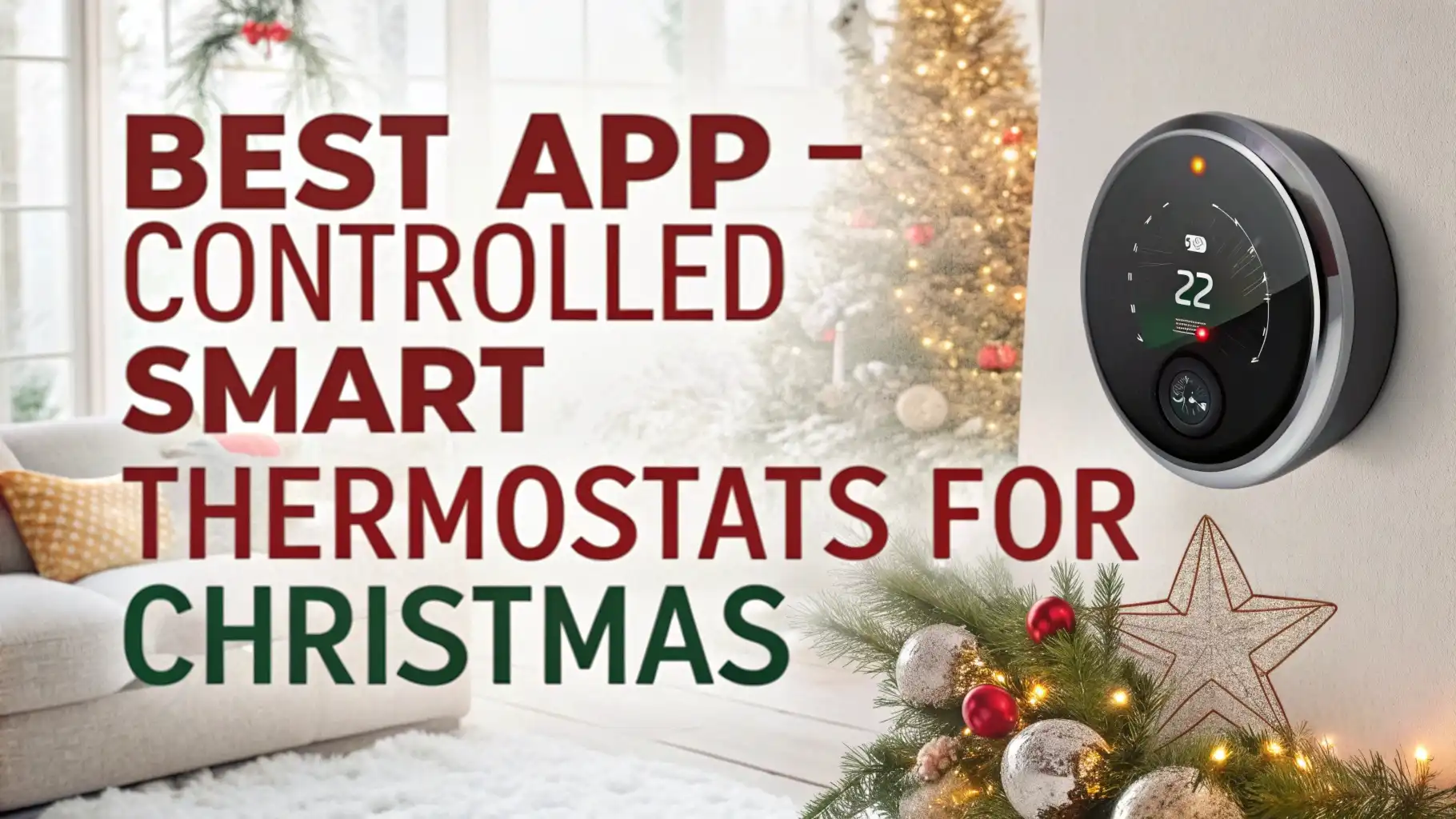
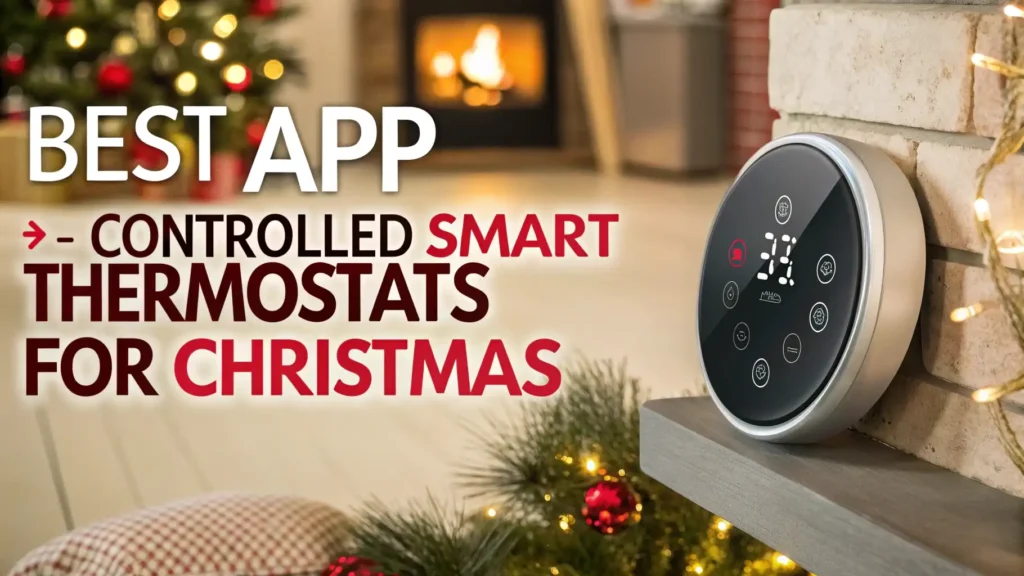
5 Best App-Controlled Smart Thermostats for Christmas 2026
Christmas 2026 brings exciting opportunities to upgrade your home with smart technology that saves money and adds comfort.
Smart thermostats have changed how we control our home temperature. These devices let you manage heating and cooling from anywhere using your smartphone.
You can adjust temperature while sitting on your couch or traveling across the country. The best part is that these smart devices help reduce energy bills while keeping your home comfortable throughout the seasons.
Key Takeaways:
- Budget Friendly Options: Smart thermostats range from $80 to $220 on Amazon. The Amazon Smart Thermostat offers excellent value at $79.99 while premium models like Ecobee Smart Thermostat Premium cost around $219.99.
- Energy Savings Add Up Fast: According to EPA estimates, Energy Star certified thermostats save homeowners an average of $50 each year on energy bills. Some models help reduce cooling costs by 8% and heating costs by up to 20%.
- Easy Installation Process: Most smart thermostats install in 30 to 60 minutes without professional help. The manufacturers provide clear instructions and compatibility checkers online. You need basic tools and a C-wire in most cases.
- Voice Control Makes Life Simple: Top models work seamlessly with Alexa, Google Assistant, and Siri. You can change temperature settings using voice commands while cooking dinner or lying in bed. This hands-free control adds remarkable convenience to daily life.
- Remote Access From Anywhere: The smartphone apps let you control your thermostat from any location. You can turn down heat while at work or warm up your home before arriving.
- Smart Features Beyond Temperature: Modern thermostats offer advanced capabilities like occupancy sensors, geofencing, and air quality monitoring. Some models double as security devices that detect movement when you are away.
Ecobee Smart Thermostat Premium

The Ecobee Smart Thermostat Premium stands as the most feature-rich option available today. This device goes beyond basic temperature control to offer comprehensive home management.
The built-in air quality monitor tracks VOCs, humidity, and temperature continuously. Alexa voice assistant works directly through the thermostat so you can play music, check weather, and control smart home devices. The premium model includes a SmartSensor that monitors temperature in another room.
Installation takes about 45 minutes for most homeowners. The large touchscreen display shows temperature, weather, and air quality readings clearly. The Ecobee app provides detailed energy reports showing usage patterns and savings.
Pros:
✓ Built-in air quality monitoring tracks VOCs and humidity levels
✓ Radar occupancy sensors detect presence in rooms automatically
✓ Works as Alexa speaker for music and voice commands
✓ Includes one SmartSensor for monitoring another room
✓ Compatible with all major smart home platforms
✓ Detailed energy reports show usage patterns clearly
✓ Premium build quality with responsive touchscreen
Cons:
✗ Higher price point at $219.99
✗ Requires C-wire for power supply
✗ May trap heat from electronics affecting internal sensor
✗ Additional sensors cost extra for multi-room control
Amazon Smart Thermostat

The Amazon Smart Thermostat delivers outstanding value for budget-conscious buyers. This device offers essential smart features without expensive bells and whistles. Honeywell Home partnered with Amazon to create this reliable thermostat.
The simple design works well in any home decor. The white finish matches walls and blends into the background nicely. Energy Star certification means it meets strict efficiency standards set by the EPA.
Setup takes about 30 minutes using the Alexa app. The app guides you through wiring connections step by step. You can create up to seven daily schedules for different temperature preferences.
Pros:
✓ Extremely affordable at $79.99 before utility rebates
✓ Simple installation takes about 30 minutes
✓ Works seamlessly with Alexa voice commands
✓ Energy Star certified for guaranteed savings
✓ Compatible with both Alexa and Ring apps
✓ Geofencing adjusts temperature automatically
✓ Seven customizable daily schedules available
Cons:
✗ Requires C-wire or separate adapter purchase
✗ No touchscreen display for manual control
✗ Limited to Alexa ecosystem only
✗ No advanced features like air quality monitoring
✗ Basic appearance compared to premium models
Google Nest Learning Thermostat Fourth Generation

The Google Nest Learning Thermostat Fourth Generation represents the pinnacle of automated temperature control. This device learns your preferences without manual programming.
The thermostat watches your adjustments for about one week and creates a perfect schedule automatically.
The sleek design features a beautiful display that shows temperature, weather, and time. Farsight technology lights up the display when you enter the room even from across the space.
The metal ring turns smoothly for manual adjustments when needed. The Nest app provides control from anywhere with excellent responsiveness. Energy history shows how much you used each day with factors that affected consumption.
Pros:
✓ Learns your schedule automatically within one week
✓ Beautiful display with Farsight technology
✓ Includes temperature sensor for another room
✓ Excellent Google Assistant integration
✓ Works perfectly with other Nest devices
✓ Detailed energy history with insights
✓ Premium build quality and design
✓ Preheating and precooling for efficiency
Cons:
✗ Expensive at $223.50 with sensor included
✗ Learning period requires consistent schedule
✗ Best features require Google ecosystem
✗ Installation may need professional help for some homes
Honeywell Home WiFi Smart Color Thermostat

The Honeywell Home WiFi Smart Color Thermostat combines reliability with smart features. Honeywell brings over 100 years of thermostat expertise to this modern device. The color touchscreen displays temperature clearly with customizable backgrounds.
You can upload photos to personalize the home screen. The seven-day programming allows different schedules for each day of the week. This flexibility works great for families with changing routines.
The device supports geofencing that tracks your smartphone location. When you leave home, the thermostat adjusts to energy-saving temperatures automatically. The system returns to comfort settings before you arrive back home.
Pros:
✓ Trusted Honeywell brand with long history
✓ Customizable color touchscreen display
✓ Seven-day flexible programming
✓ Geofencing for automatic adjustments
✓ Works with Alexa, Google, and Apple HomeKit
✓ Smart alerts for temperature and maintenance
✓ Easy-to-use interface for all ages
✓ Automatic software updates
Cons:
✗ Mid-range price at $99.99
✗ Display not as premium as competitors
✗ Requires C-wire for installation
✗ No learning capabilities
✗ Basic energy reporting compared to Nest
Emerson Sensi Touch WiFi Smart Thermostat

The Emerson Sensi Touch WiFi Smart Thermostat offers excellent value with touchscreen convenience. Emerson leverages 100 years of HVAC expertise in this reliable device. The color touchscreen responds quickly to touches with clear graphics.
The display shows indoor temperature, outdoor weather, and humidity levels simultaneously. Privacy features set this thermostat apart from competitors. Sensi does not sell your personal data or require account creation for basic features.
The flexible programming accommodates seven-day schedules with four periods per day. You can set different temperatures for wake, leave, return, and sleep times. The geofencing feature uses your phone location to save energy when you are away.
Pros:
✓ Privacy-focused design protects your data
✓ Responsive color touchscreen interface
✓ Emerson’s 100 years of HVAC expertise
✓ Simple DIY installation with LED guides
✓ Seven-day flexible programming
✓ Geofencing saves energy automatically
✓ Works with Alexa and Google Assistant
✓ No account required for basic operation
Cons:
✗ Price at $115.72 for white model
✗ Requires C-wire for power supply
✗ No learning features or AI
✗ Limited smart home integrations
✗ Basic app compared to premium options
How Smart Thermostats Save Money
Smart thermostats reduce energy bills through multiple intelligent features. The devices prevent heating and cooling empty homes when you are at work or vacation. Traditional thermostats run on fixed schedules that waste energy when plans change.
Smart models adjust automatically based on your location and habits. Studies show Energy Star certified thermostats save homeowners an average of $50 annually. Some users report even higher savings of 10 to 20 percent on total energy costs.
The learning algorithms understand your temperature preferences throughout the day. They know you prefer 72 degrees in the morning and 68 degrees at night. The system makes tiny adjustments that maintain comfort while minimizing HVAC runtime.
Installation Guide and Requirements
Installing smart thermostats requires basic tools and about 30 to 60 minutes of time. Most homeowners can complete installation without professional help. You need a screwdriver, smartphone, and strong WiFi signal at the thermostat location.
Start by turning off power to your HVAC system at the circuit breaker. This safety step prevents electrical shocks during installation. Take a photo of your existing thermostat wiring before disconnecting anything.
The C-wire provides continuous power to smart thermostats. Most homes built after 2000 have C-wires already installed. Older homes may lack this wire which causes compatibility issues. Some thermostats include power adapters that eliminate C-wire requirements.
Check your current thermostat wiring and consult the compatibility tool on manufacturer websites. The tools ask simple questions about your HVAC system and wiring. They confirm whether a specific thermostat works with your setup.
Comparing App Features and User Experience
The smartphone apps control all smart thermostat functions remotely. App quality varies significantly between manufacturers. The Nest app wins praise for intuitive design and quick responsiveness.
The home screen shows current temperature with simple up and down arrows for adjustments. Energy history appears with clear graphs showing daily and monthly usage. The Google integration feels natural with smooth voice command processing.
Ecobee’s app provides the most comprehensive information and controls. You access air quality data, sensor readings, and detailed HVAC reports. The interface requires more learning but offers greater power.
Users can create complex schedules and automation rules. The app supports multiple thermostats for homes with several zones. Remote sensor management lets you prioritize different rooms at different times.
Voice Assistant Integration and Smart Home Compatibility
Voice control adds tremendous convenience to smart thermostat operation. The ability to adjust temperature without touching a phone or walking to the wall saves time daily.
Amazon Smart Thermostat works exclusively with Alexa devices. You say “Alexa, set temperature to 70 degrees” and the adjustment happens instantly. The tight integration provides reliable performance and quick responses.
The Ecobee Premium includes built-in Alexa so it works as a standalone smart speaker. You control not only temperature but also lights, locks, and other smart devices. The thermostat responds to music requests and answers questions about weather and news.
Google Nest thermostats integrate perfectly with Google Assistant. The voice recognition understands natural language commands. You can say “Hey Google, make it warmer” instead of specifying exact degrees.
Energy Monitoring and Reporting Features
Understanding energy usage helps make better decisions about temperature settings. All five featured thermostats provide some level of energy reporting. The depth and usefulness of reports varies between models.
Nest offers the most visually appealing energy history. The leaf icon appears when you choose energy-saving temperatures.
Monthly and yearly reports show total runtime and estimated costs. The reports explain factors that affected usage like extreme weather or schedule changes.
Ecobee’s energy reports include the most technical details. You see separate runtime for heating, cooling, and fan operation. The reports break down usage by day, week, month, and year.
The app calculates percentage changes compared to previous periods. Ecobee estimates dollar savings based on your local energy rates. The comparison features help track progress toward efficiency goals.
Additional Features Worth Considering
Modern smart thermostats offer features beyond basic temperature control. The air quality monitoring in Ecobee Premium provides valuable health information. The device measures VOCs that come from cleaning products, furniture, and building materials.
High VOC levels trigger notifications suggesting ventilation or air purifier use. The humidity monitoring helps maintain comfortable moisture levels year-round. Too much humidity causes mold growth while too little creates dry skin and static electricity.
Occupancy sensors improve efficiency by detecting when rooms are empty. The Ecobee radar sensors work better than older motion detection technology. The sensors continue tracking occupancy even when people sit still watching television.
This accurate data prevents unnecessary heating and cooling of unoccupied spaces. Remote sensors let you balance temperatures between different floors and areas. You prioritize the bedroom temperature at night and living room during daytime.
Customer Reviews and Real World Performance
Customer feedback provides valuable insights into real-world thermostat performance. The Amazon Smart Thermostat receives consistent praise for value and reliability. Users report smooth installation and dependable operation.
Some customers mention the basic appearance but appreciate the low price. The Alexa integration works flawlessly according to most reviews. A few users note the C-wire requirement as the main installation challenge.
The Ecobee Smart Thermostat Premium earns high ratings for features and quality. Customers love the air quality monitoring and included sensor. The built-in Alexa speaker receives positive comments about audio quality.
Some reviews mention the premium feels worth the higher price. A few users report the device traps heat from internal electronics. This heat can affect temperature readings in rooms with poor airflow. The issue affects a small percentage of installations.
Choosing the Right Smart Thermostat for Your Home
Selecting the perfect smart thermostat depends on your specific needs and budget. Consider your existing smart home ecosystem first. Amazon device owners benefit most from the Amazon Smart Thermostat.
Google users should choose Nest for seamless integration. Apple HomeKit users need models that support Siri control. The Honeywell and Sensi options work well for people who want flexibility with multiple voice assistants.
Your budget obviously affects which model makes sense. The Amazon thermostat provides excellent value under $80. The Ecobee Premium costs more but justifies the price with extensive features.
Consider whether you need air quality monitoring, remote sensors, or learning capabilities. Homes with multiple zones benefit from models that support additional sensors. Single zone homes may not need expensive multi-room features.
Frequently Asked Questions
Do Smart Thermostats Really Save Money on Energy Bills?
Yes, smart thermostats save money through automated temperature adjustments and usage tracking. Energy Star certified models save homeowners an average of $50 yearly according to EPA estimates. The actual savings depend on your previous thermostat, home insulation, and HVAC efficiency. Homes upgrading from old manual thermostats see the biggest savings. The geofencing and learning features prevent heating and cooling empty homes.
Can I Install a Smart Thermostat Myself Without Professional Help?
Most homeowners can install smart thermostats themselves in 30 to 60 minutes. You need basic tools like a screwdriver and smartphone. The manufacturers provide detailed installation guides and video tutorials. The main challenge involves the C-wire requirement that provides continuous power. Homes built after 2000 usually have C-wires already installed. Older homes may need adapter installation or professional help adding a C-wire.
What is a C-Wire and Why Do I Need It?
A C-wire provides continuous 24-volt power to smart thermostats. Traditional thermostats use battery power or steal power from other wires. Smart thermostats need constant power for WiFi connection, display, and processing. The C-wire typically uses blue wire color but not always. Many homes have the wire tucked behind old thermostats unused. Some smart thermostats include power adapters that eliminate C-wire requirements.
Which Smart Thermostat Works Best With Alexa?
The Amazon Smart Thermostat provides the best Alexa integration at the lowest price. The device was designed specifically for Amazon’s ecosystem. The Ecobee Smart Thermostat Premium includes built-in Alexa so it works as a speaker. You control temperature and other smart devices through the thermostat itself. Both options provide excellent voice control and seamless operation.
How Do Smart Thermostats Learn My Schedule?
Learning thermostats like Google Nest observe your manual adjustments for about one week. The device notes when you change temperature and to what degree. After collecting enough data, the thermostat creates an automatic schedule matching your preferences. The system continues learning and adjusting based on your feedback. Models without learning features require manual schedule programming through the app.
Are Smart Thermostats Compatible With All Heating and Cooling Systems?
Most smart thermostats work with common HVAC systems including gas, electric, and heat pump. They support multi-stage heating and cooling in many cases. Compatibility issues arise with some older systems, electric baseboard heating, and high-voltage systems. Use the compatibility checker tools on manufacturer websites before purchasing.
Can I Control Multiple Thermostats From One App?
Yes, most smart thermostat apps support multiple devices in one account. This feature benefits homes with multiple HVAC zones or vacation properties. You name each thermostat by location like “Upstairs” or “Basement”. The app lets you switch between thermostats quickly. You set different schedules and temperatures for each zone.
Do Smart Thermostats Work During Internet Outages?
Smart thermostats continue basic heating and cooling during internet outages. You can adjust temperature manually at the device using buttons or touchscreen. The thermostat maintains your last schedule until internet connection restores. Remote access through the smartphone app obviously requires working internet.
How Often Should I Replace My Smart Thermostat?
Smart thermostats typically last 10 years or more with proper care. The devices have no moving parts that wear out like old mechanical thermostats. Software updates extend functionality and add new features over years. Replace your thermostat when it stops working or new technology offers significant improvements.