Brother HL-L2350DW Review 2026: Is This Worth It?
Are you looking for a cheap, reliable monochrome laser printer for your home office or small business? The Brother HL-L2350DW has been a favorite pick for years.
It delivers fast print speeds, wireless printing, and automatic duplex all at a low price point. But does it still hold up in 2026? In this detailed review, we break down every feature, pro, and con of the Brother HL-L2350DW so you can decide if this printer deserves a spot on your desk.
Whether you print homework, invoices, or daily reports, this review covers everything you need to know before clicking that buy button.
Key Takeaways:
- Fast print speed of up to 32 pages per minute makes this one of the quickest monochrome laser printers in its price range, perfect for busy home offices and small teams that need documents fast.
- Automatic duplex printing saves you paper and money over time. You can print on both sides of a page without flipping sheets by hand.
- Wireless and USB connectivity lets you print from your laptop, desktop, smartphone, or tablet with ease. The printer supports AirPrint, Mopria, Brother iPrint&Scan, and Wi-Fi Direct.
- 250 sheet paper tray capacity reduces how often you need to reload paper. It handles both letter and legal size sheets.
- Low running costs thanks to the availability of Brother Genuine TN760 high yield toner cartridges, which print up to 3,000 pages per cartridge.
- Compact and lightweight design at just 14.0″ x 14.2″ x 7.2″ and 15.9 lbs. This printer fits on most desks and shelves without taking up much space.

Brother HL-L2350DW Overview and First Impressions
The Brother HL-L2350DW is a compact monochrome laser printer built for home users and small offices. Brother released this printer as a budget option, and it still earns praise for its simple setup and reliable output.
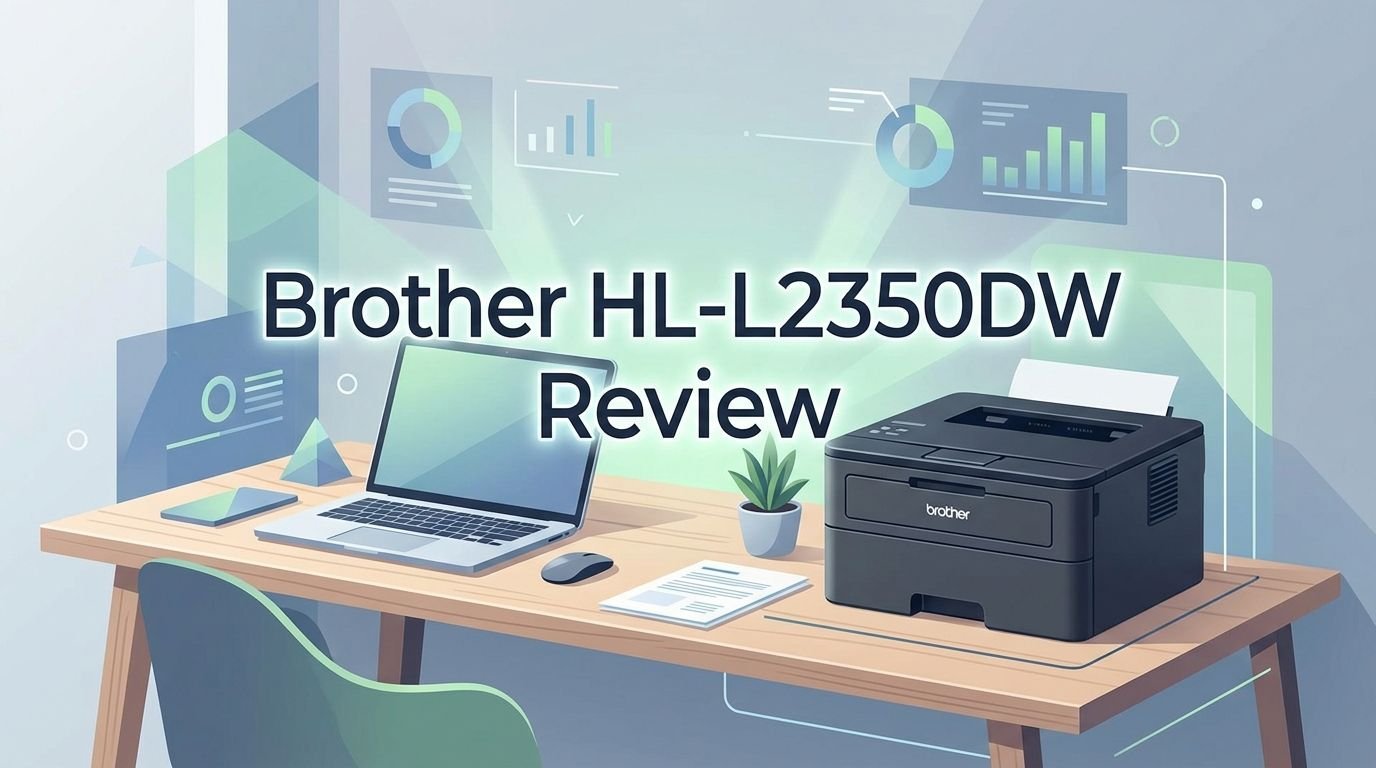
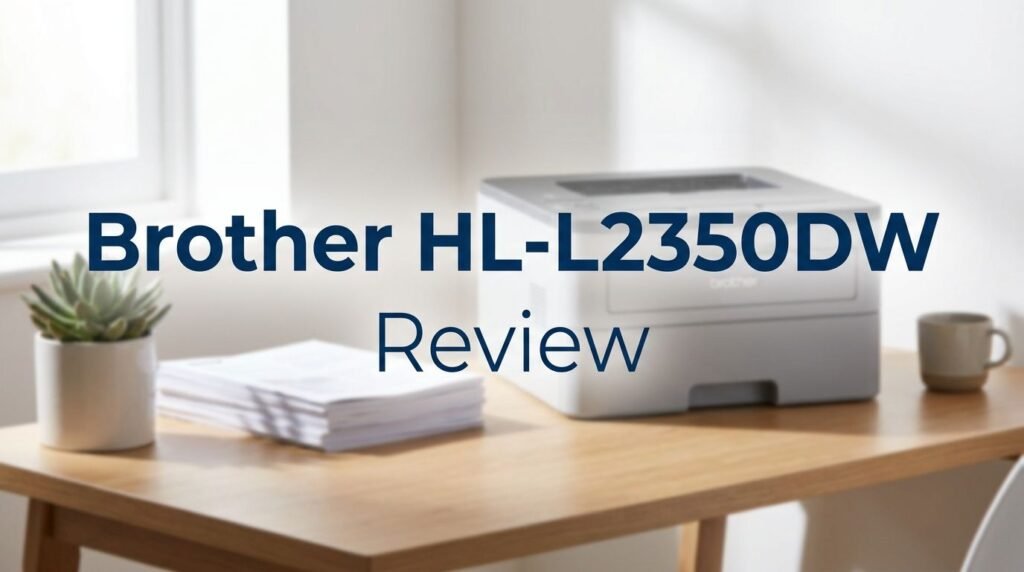
Right out of the box, the printer looks clean and minimalist. It has a matte gray finish that blends into most office or home desk setups. The build feels solid for its weight class. You won’t find flimsy plastics or loose panels here.
Setup takes about 10 to 15 minutes. You connect the power cord, load the starter toner cartridge, add paper, and connect to your Wi-Fi network. Brother includes a quick setup guide that walks you through every step. Most users can start printing without reading the full manual.
The 1 line LCD display on the front panel shows basic status info. It tells you the printer status, toner level warnings, and error messages. It’s simple but gets the job done.
Print Speed and Performance
Speed is one of the biggest selling points of the Brother HL-L2350DW. This printer delivers up to 32 pages per minute for single sided printing. That speed places it at the top of its class among sub $200 monochrome laser printers.
The first page out time is about 8.5 seconds. That means you don’t have to wait long after hitting the print button. For short documents like letters or forms, the wait is barely noticeable.
Real world performance is close to the rated speed. Multi page documents like reports and essays print quickly with minimal delay between pages. The printer handles large jobs without stalling or jamming in most conditions.
The 600 MHz processor keeps things running smoothly. It processes print jobs fast, even when multiple users send files through the wireless connection. For a home or small office printer, this level of speed is more than enough.
Print Quality and Resolution
The Brother HL-L2350DW prints at a maximum resolution of 2400 x 600 dpi. This gives you sharp, clean text on every page. Letters and numbers look crisp, and fine print stays readable.
Standard business documents, spreadsheets, and invoices look professional straight from the tray. Text edges are smooth, and there is no visible bleeding or smearing on most paper types. The toner bonds well to standard 20 lb bond paper.
Graphics and images print in grayscale. Charts, logos, and basic images come out clear, but this is not a photo printer. Do not expect photo quality output from any monochrome laser printer. If you need color or photo prints, you will need a separate device.
For everyday black and white printing, the quality meets and often beats what you’d expect at this price. It handles envelopes, labels, and card stock through the manual feed slot without quality loss.
Top 3 Alternatives for Brother HL-L2350DW


Wireless and Mobile Printing Features
The Brother HL-L2350DW supports 802.11 b/g/n wireless connectivity. You can place the printer anywhere in your home or office as long as it connects to your Wi-Fi network. No Ethernet cable is needed.
Mobile printing works with several platforms. Apple AirPrint lets you print directly from your iPhone, iPad, or Mac without installing extra software. Mopria Print Service works with most Android devices. Brother iPrint&Scan is a free app that gives you more control over print settings from your phone or tablet.
Wi-Fi Direct is another useful feature. It lets you connect your device directly to the printer without a router. This is handy for guest printing or setups where a Wi-Fi network isn’t available.
For wired connections, the printer includes a Hi Speed USB 2.0 port. You can connect it directly to one computer if you prefer a cable connection. There is no Ethernet port on this model. If you need wired network access, consider the Brother HL-L2370DW instead.
Paper Handling and Tray Capacity
The Brother HL-L2350DW comes with a 250 sheet standard paper tray. This tray accepts letter, legal, executive, A4, A5, A6, B5, and B6 paper sizes. You can load standard 20 lb paper and print for days without reloading.
A single sheet manual feed slot sits on the back of the printer. This slot handles specialty media like envelopes, labels, card stock, and thicker bond paper. It accepts sheet weights from 16 to 61 lbs bond through the manual feed. This gives you flexibility for different print jobs.
The output tray holds up to 100 sheets face down. Pages stack neatly, and the tray keeps your printouts organized. For larger print runs, you may need to clear the output tray between batches.
There is no optional second tray available for this model. If you print high volumes regularly and want a 500+ sheet capacity, you may need a higher tier model. But for most home and small office users, 250 sheets is plenty.
Duplex Printing and Paper Savings
Automatic duplex printing is a built in feature on the Brother HL-L2350DW. This means the printer can print on both sides of a page without any manual intervention. You simply select double sided printing in your print settings and the printer does the rest.
This feature cuts your paper usage almost in half. Over months and years, the savings add up. A ream of 500 sheets goes much further with duplex printing enabled. This is good for your wallet and for the environment.
Duplex printing supports letter, legal, and folio (8″ x 13″) paper sizes. The printer flips the page internally and prints the second side quickly. The speed does drop a bit during duplex printing, but it remains fast enough for most tasks.
If you print reports, contracts, school papers, or any multi page documents, duplex printing is a must have feature. Many printers in this price range skip automatic duplex, so this is a real advantage for the HL-L2350DW.
Toner and Running Costs
The Brother HL-L2350DW uses the Brother TN730 standard yield and TN760 high yield toner cartridges. The starter cartridge included in the box yields about 700 pages. That’s enough to get you going, but you’ll want a full cartridge soon.
The TN730 standard cartridge prints about 1,200 pages. The TN760 high yield cartridge prints about 3,000 pages. The high yield option brings your cost per page down significantly. For regular printing, the TN760 is the smarter buy.
The drum unit is the DR730, which lasts about 12,000 pages. The drum and toner are separate units. You only replace what runs out, which helps keep costs low over time.
Brother also offers the Refresh EZ Print Subscription service. This program delivers toner to your door automatically and can save you up to 50% compared to buying cartridges at retail. It’s worth considering if you print regularly.
Setup Process and Ease of Use
Setting up the Brother HL-L2350DW is quick and painless. Most users finish the full setup in under 15 minutes. The quick setup guide included in the box gives clear, step by step instructions with pictures.
You start by unpacking the printer and removing all protective tape and packing materials. Then you install the drum unit and starter toner cartridge. Load paper into the 250 sheet tray, plug in the power cord, and turn on the printer.
Wireless setup uses the printer’s 1 line LCD and a few buttons. You select your Wi-Fi network, enter the password, and the printer connects. You then install the Brother printer driver on your computer. Brother provides drivers for Windows, macOS, and Linux.
The Brother iPrint&Scan app makes mobile setup even easier. Download the app, and it finds the printer on your network automatically. From there, you can print from your phone or tablet in seconds.
Noise Level and Energy Efficiency
The Brother HL-L2350DW runs quietly for a laser printer. In ready mode, it produces just 30 dB of noise. During active printing, noise levels reach about 48 dB. That’s comparable to a quiet conversation and won’t disrupt a home office or shared workspace.
Energy efficiency is another strong point. The printer is ENERGY STAR certified and carries an EPEAT Silver rating. It consumes about 1.2 kWh per week under typical use. In deep sleep mode, power draw drops to just 0.5 watts.
Active printing uses about 460 watts, and ready mode draws about 48 watts. These numbers are standard for laser printers of this size. The automatic sleep and deep sleep modes kick in after periods of inactivity, saving electricity throughout the day.
A Toner Save Mode is also available. This setting uses less toner per page, which lightens the print slightly but extends the life of your cartridge. It’s useful for draft prints, internal documents, or anything where top quality isn’t needed.
Design and Build Quality
The Brother HL-L2350DW has a compact footprint of 14.0″ x 14.2″ x 7.2″. It weighs just 15.9 lbs. This printer fits on a desk, shelf, or small table without hogging space. The matte gray color scheme looks clean and professional.
The build quality is solid for a budget printer. The paper tray slides in and out smoothly. The top output tray is stable, and the manual feed slot in the back works without issues. No part feels cheap or fragile during regular use.
The front panel is simple. A 1 line LCD screen, a few buttons, and LED indicators give you basic control and status updates. There is no touchscreen. For a single function printer at this price, the interface is straightforward and easy to learn.
The overall design prioritizes function over style. It won’t win design awards, but it does its job well. The compact size makes it a great fit for tight spaces, dorm rooms, and small home offices.
Who Should Buy the Brother HL-L2350DW?
This printer is ideal for home users and small offices that print mostly black and white documents. Students, freelancers, remote workers, and small business owners will find it reliable and affordable.
If you print fewer than 2,000 pages per month, this printer handles that volume with ease. That’s the recommended monthly print volume from Brother. The maximum duty cycle is 15,000 pages per month, so it can handle occasional heavy use.
It’s a great choice if you don’t need color, scanning, or copying. The HL-L2350DW is a dedicated single function printer. It does one thing, printing, and does it well.
If you value low cost per page, fast output, wireless printing, and auto duplex, this printer checks all the boxes. It’s one of the best value monochrome laser printers you can still buy in 2026.
Pros and Cons of the Brother HL-L2350DW
Pros:
Every printer has strengths. The HL-L2350DW prints fast at 32 ppm. Automatic duplex saves paper. Wireless and mobile printing gives you flexibility. The 250 sheet tray reduces reloads. Toner costs stay low with the high yield TN760 cartridge. Setup is easy, and the printer runs quietly.
Cons:
There are some limitations. The printer has no Ethernet port for wired network connections. There is no scanning or copying function. The starter toner only lasts about 700 pages. The 1 line LCD is basic and does not support touchscreen navigation. The output tray holds just 100 sheets, which can be limiting for large print jobs.
The 64 MB of standard memory is modest. You cannot expand the memory on this model. For very complex documents with heavy graphics, this could slow things down slightly. But for standard text documents, it works without issues.
Final Verdict: Is the Brother HL-L2350DW Worth Buying in 2026?
The Brother HL-L2350DW remains a strong contender for budget monochrome laser printing in 2026. Its speed, reliability, low running costs, and compact size make it a practical choice for home and small office users. While newer models like the HL-L2460DW offer incremental upgrades, the HL-L2350DW still delivers excellent value for its price.
If you print black and white documents regularly and want a printer that just works without fuss, this is a safe and smart investment. The wireless features, auto duplex, and affordable toner options make daily printing simple and cost effective. For its price point, it’s hard to beat.
Frequently Asked Questions
Does the Brother HL-L2350DW print in color?
No. The Brother HL-L2350DW is a monochrome laser printer. It prints only in black and white. If you need color printing, you will need a different printer such as a color laser or inkjet model.
Can I print from my phone with the Brother HL-L2350DW?
Yes. The printer supports AirPrint for Apple devices, Mopria for Android, and the Brother iPrint&Scan app. You can also use Wi-Fi Direct to connect your phone directly to the printer without a router.
What toner does the Brother HL-L2350DW use?
The printer uses Brother TN730 standard yield (about 1,200 pages) or TN760 high yield (about 3,000 pages) toner cartridges. The drum unit is the DR730, which lasts about 12,000 pages.
Does the Brother HL-L2350DW have automatic duplex printing?
Yes. Automatic duplex (two sided) printing is a built in feature. You can print on both sides of the page without flipping the paper manually. It supports letter, legal, and folio sizes for duplex.
Is the Brother HL-L2350DW good for home use?
Absolutely. Its compact size, quiet operation, wireless printing, and low running costs make it one of the best budget laser printers for home offices, students, and light to moderate printing needs.
Does the Brother HL-L2350DW have an Ethernet port?
No. The HL-L2350DW offers wireless (Wi-Fi) and USB connectivity only. If you need a wired Ethernet connection, consider the Brother HL-L2370DW, which includes an Ethernet port along with the same features.
How long does the starter toner last on the Brother HL-L2350DW?
The included starter toner cartridge yields approximately 700 pages. For longer use, Brother recommends purchasing the TN730 (1,200 pages) or TN760 (3,000 pages) replacement cartridges.