Emerson Sensi Touch Wi-Fi Smart Thermostat Review 2026: Complete Guide
Are you tired of wrestling with that old thermostat that seems stuck in the 1990s? Does your energy bill make you cringe every month? The Emerson Sensi Touch Wi-Fi Smart Thermostat might just be the upgrade your home has been waiting for.
This sleek device promises to bring your heating and cooling into the modern age while saving you money. But does it actually deliver on those promises?
In this detailed review, we’re diving deep into everything you need to know about the Sensi Touch. We’ll explore its features, installation process, performance, and whether it’s worth your hard-earned money in 2026.
Key Takeaways:
- Easy DIY Installation takes most homeowners under 30 minutes with no need to hire a professional electrician, saving you installation costs right from the start
- Universal Compatibility works with most HVAC systems including conventional and heat pump systems, plus it fits standard wall openings so no drywall patching required
- Significant Energy Savings can reduce your heating and cooling costs by up to 23% annually through smart scheduling and geofencing features
- Seamless Smart Home Integration connects effortlessly with Amazon Alexa, Google Assistant, Apple HomeKit, and Samsung SmartThings for voice control convenience
- Intuitive Touchscreen Interface features a bright, responsive color display that’s easy to read and navigate even for those who aren’t tech-savvy
- Remote Access Capability lets you control your home temperature from anywhere using the free Sensi mobile app, perfect for adjusting settings before you arrive home

What Is the Emerson Sensi Touch Wi-Fi Smart Thermostat
The Emerson Sensi Touch represents a significant leap forward in home climate control technology. This device combines traditional thermostat functionality with modern smart home capabilities. You get a beautiful touchscreen display paired with Wi-Fi connectivity that puts temperature control right at your fingertips.
Unlike older thermostats that require manual adjustments, the Sensi Touch learns your preferences and adapts. The device connects to your home’s Wi-Fi network, allowing remote access through your smartphone. You can adjust temperature settings whether you’re at work, on vacation, or just relaxing in another room.
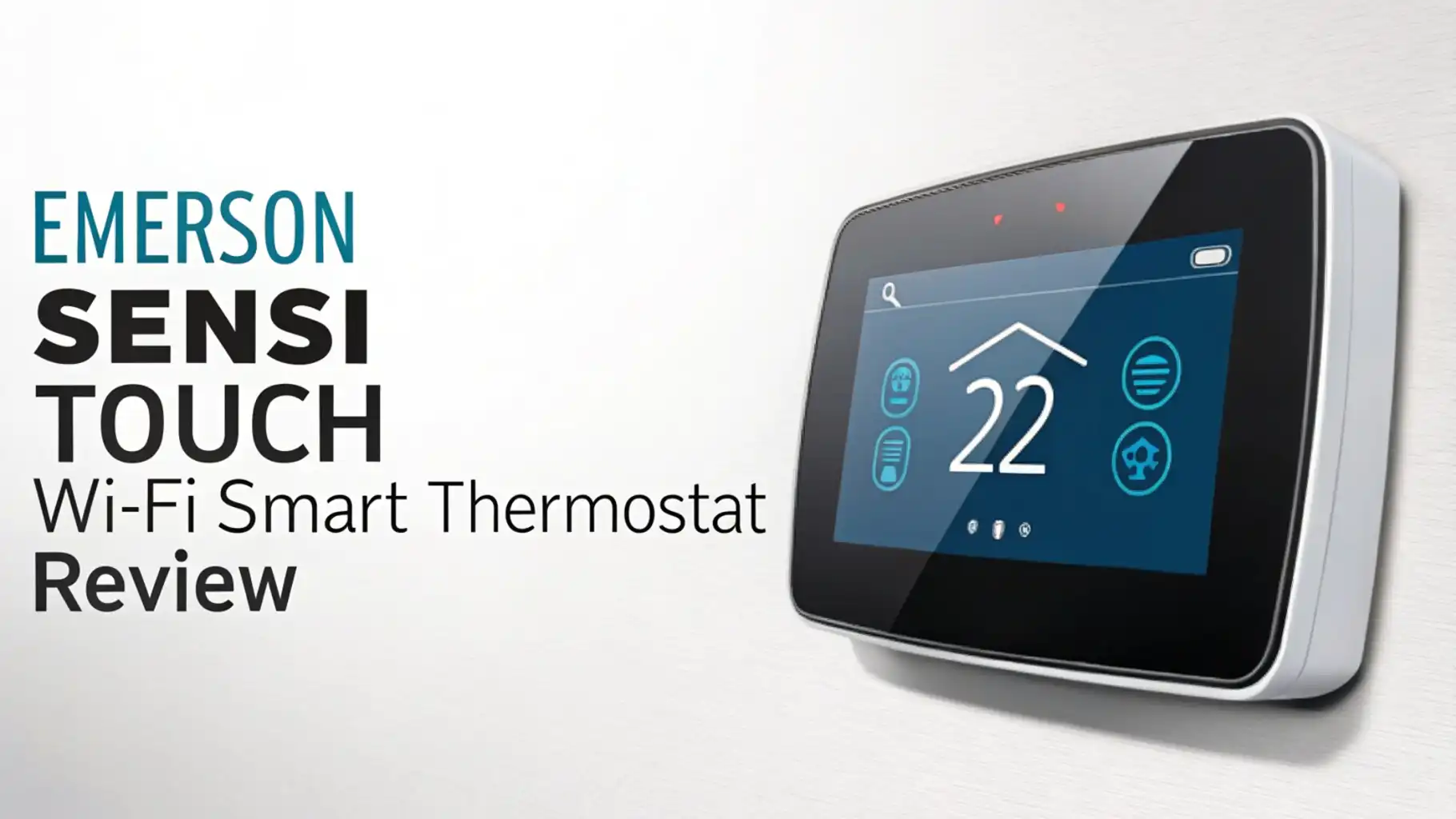
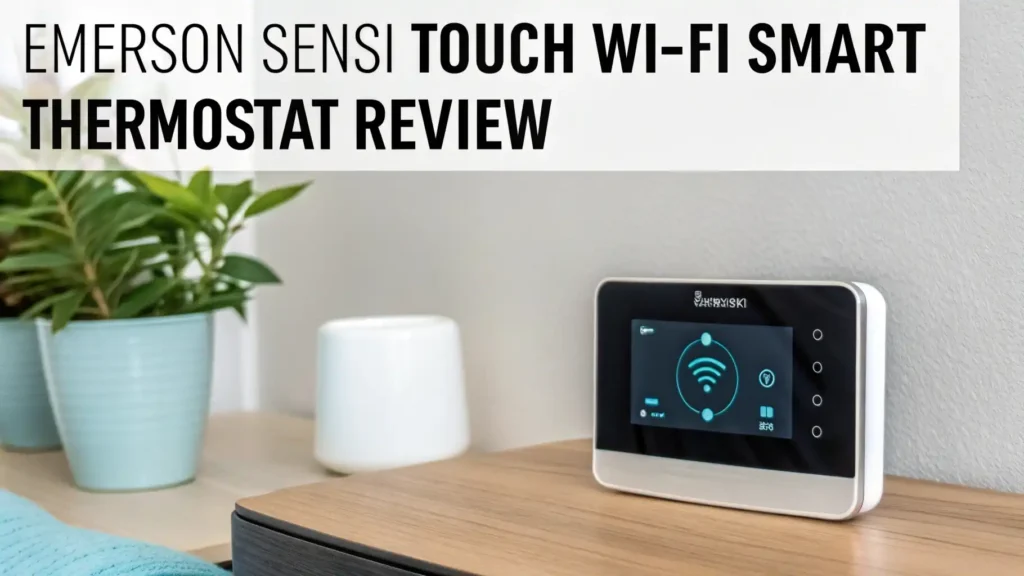
The thermostat measures 4.7 inches tall and 3.6 inches wide. It features a sleek design that blends with modern home decor. The full-color touchscreen provides clear visibility from across the room. You’ll find it responds quickly to every touch, making adjustments smooth and frustration-free.
Design and Build Quality That Impresses
The Sensi Touch sports a modern aesthetic that elevates any wall it occupies. The device features a premium glass front panel that gives it an upscale appearance. This isn’t your grandmother’s beige box thermostat. It looks like it belongs in a smart home.
The touchscreen measures 3.5 inches diagonally with vibrant colors. The display automatically adjusts brightness based on ambient light conditions. During nighttime hours, it dims to avoid disturbing your sleep. This thoughtful feature shows attention to user experience details.
Build quality feels solid and substantial. The materials used don’t feel cheap or flimsy. The glass front resists fingerprints better than expected, though it’s not completely immune. A quick wipe keeps it looking pristine.
Installation Process: Simpler Than You Think
Installing the Sensi Touch proves remarkably straightforward for most homeowners. Emerson includes clear, step-by-step instructions that guide you through the process. You don’t need to be an electrician or HVAC expert to get this working.
The installation typically takes between 20 and 45 minutes. You’ll start by turning off power to your HVAC system at the breaker. Safety comes first. Next, you remove your old thermostat from the wall, exposing the existing wires.
Emerson provides color-coded labels for all wire connections. You label each wire according to its terminal position on your old thermostat. This prevents confusion later. The base plate mounts to your wall using the included screws and anchors.
Connecting wires to the new Sensi Touch becomes simple thanks to clear terminal markings. Each wire slot features a push-button release mechanism. You insert the wire and the terminal grips it securely. No screwdrivers needed for wire connections.
The app guides you through the Wi-Fi setup process after physical installation. You’ll connect the thermostat to your home network using your smartphone. The process includes a compatibility check that ensures your system works properly with the device. If issues arise, the app provides troubleshooting steps.
Top 3 Alternatives for Emerson Sensi Touch Wi-Fi Smart Thermostat


Smart Features That Actually Make Life Easier
The Sensi Touch packs impressive smart capabilities that justify the upgrade from traditional thermostats. Geofencing stands out as one of the most practical features. Your thermostat automatically adjusts when you leave home and prepares your space before you return. This happens without any manual input required.
Flexible scheduling gives you complete control over temperature throughout the week. You can set different temperatures for different times and days. Maybe you want it cooler on weeknights but warmer on weekend mornings. The seven-day programming accommodates any lifestyle pattern.
The usage reports feature provides insights into your heating and cooling patterns. You can see exactly how much your system runs each day. This data helps identify opportunities to save energy and money. You’ll spot trends you never noticed with your old thermostat.
Smart alerts keep you informed about important system events. The thermostat sends notifications when filters need changing, when extreme temperatures occur, or when connectivity issues arise. These proactive alerts prevent small problems from becoming expensive repairs.
App Experience and Remote Control Capabilities
The Sensi mobile app serves as your command center for home climate control. Available for both iOS and Android devices, the app features a clean, intuitive interface. Even technology newcomers find it easy to navigate and understand.
Launching the app shows your current home temperature immediately. Large, clear numbers make the information readable at a glance. You can adjust temperature with simple up and down arrows. Response time feels instantaneous despite the internet connection involved.
The app provides access to all thermostat functions remotely. You can modify schedules, change system modes, and adjust settings from anywhere with internet access. Stuck at the office late? Delay your evening temperature change. Heading home early? Get things comfortable before you arrive.
Multiple thermostats can be controlled through a single app installation. This benefits homes with multiple zones or people managing several properties. Switching between devices takes just one tap.
The app includes helpful tutorials and support resources. Video guides explain various features and settings. A built-in troubleshooting section addresses common questions. Customer support contact information sits readily accessible.
Energy Savings: Does It Really Lower Bills
Energy efficiency represents a primary reason people invest in smart thermostats. The Sensi Touch delivers real savings through intelligent temperature management. Independent studies suggest smart thermostats can reduce energy costs by 10 to 23 percent annually.
The device achieves savings through several mechanisms. Automatic adjustments prevent heating or cooling empty homes unnecessarily. Traditional thermostats continue running on schedule regardless of occupancy. The Sensi Touch adapts based on whether you’re home.
The geofencing feature contributes significantly to energy reduction. Your system enters an away mode when your phone leaves the designated area. It returns to comfort mode when you approach home. This eliminates energy waste during unexpected schedule changes.
Precise temperature control prevents the overshooting common with older thermostats. The Sensi Touch maintains tighter temperature ranges. Your system runs only as much as needed to reach the target temperature. This precision reduces unnecessary cycling.
Usage reports help you identify energy-hogging habits. You might discover your overnight temperature setting runs the system more than necessary. Armed with this knowledge, you can make informed adjustments that compound savings over time.
Compatibility: Will It Work With Your System
System compatibility can make or break a thermostat purchase. The Sensi Touch works with a wide range of HVAC configurations. Emerson designed it to replace most existing thermostats without requiring system modifications.
The device supports conventional heating and cooling systems up to two stages. It works with heat pumps including auxiliary and emergency heat. Furnaces, boilers, and air conditioning units all fall within compatibility parameters. The thermostat handles both gas and electric systems.
What doesn’t work? The Sensi Touch can’t control high-voltage systems like electric baseboard heaters. It’s not designed for proprietary systems that require specific manufacturer thermostats. Multi-zone systems that use a single thermostat won’t function properly either.
The C-wire question creates the most confusion during compatibility checks. Many modern HVAC systems include this common wire that provides continuous power. The Sensi Touch can operate without a C-wire in many installations. However, some configurations absolutely require one for stable operation.
Emerson provides an online compatibility checker tool. You input information about your current thermostat and system. The tool indicates whether the Sensi Touch will work for you. This free resource prevents incompatible purchases.
User Interface: Touchscreen vs App Control
The Sensi Touch offers two primary control methods that cater to different preferences. The physical touchscreen provides immediate, local access. The mobile app delivers remote convenience. Both interfaces prioritize simplicity and ease of use.
The touchscreen interface features large, touch-friendly buttons. Temperature adjustment happens through prominent up and down arrows. Current temperature displays in massive digits you can read from across the room. The color display makes information hierarchy immediately clear.
Navigating menus feels intuitive thanks to logical organization. Settings group related options together. You won’t find yourself hunting through endless submenus for basic functions. Common tasks require minimal touches to accomplish.
The screen responds quickly to input without noticeable lag. Touch targets are sized appropriately to prevent accidental presses. This attention to interface design makes daily interaction pleasant rather than frustrating.
The mobile app mirrors many touchscreen functions while adding remote capabilities. The home screen layout resembles the physical device for consistency. Users familiar with one interface immediately understand the other.
Performance and Reliability in Daily Use
Real-world performance determines whether a smart thermostat succeeds or disappoints. The Sensi Touch delivers consistent, reliable operation in typical home environments. Temperature readings prove accurate within one degree Fahrenheit. This precision ensures comfort without energy waste.
Wi-Fi connectivity remains stable in homes with decent router coverage. The device maintains connection without requiring frequent reconnection. However, positioning matters. Thermostats located far from routers or behind interference sources may experience dropouts.
System response times meet expectations for modern smart devices. Temperature changes take effect within seconds of adjustment. The thermostat communicates quickly with your HVAC equipment. You won’t experience frustrating delays between input and action.
The device handles power fluctuations gracefully. Brief outages don’t erase programming or require reconfiguration. When power returns, the Sensi Touch resumes normal operation automatically. Your schedules and settings remain intact.
Long-term reliability reports from users indicate solid construction quality. The device doesn’t suffer from common failure points after months of operation. The touchscreen maintains responsiveness over time. Wi-Fi modules continue functioning without degradation.
Voice Control Integration Across Platforms
Voice assistant compatibility transforms how you interact with home climate control. The Sensi Touch supports all major voice platforms, providing flexibility regardless of your smart home ecosystem preference. Speaking commands feels natural after a brief adjustment period.
Amazon Alexa integration offers the most robust functionality. You can ask Alexa to set specific temperatures, change modes, or report current readings. Natural language understanding works well. Phrases like “Alexa, make it warmer” succeed without requiring exact syntax.
Google Assistant support delivers comparable capabilities for Google Home users. Commands flow naturally through Google’s voice processing. You can incorporate thermostat control into Google Assistant routines for automated scenarios.
Apple HomeKit integration brings Siri into the equation for iPhone, iPad, and HomePod users. The thermostat appears in the Apple Home app alongside other HomeKit devices. Siri commands work as expected, though some users report slightly less natural phrasing requirements.
Samsung SmartThings compatibility enables integration with Samsung’s smart home platform. Users invested in SmartThings can incorporate the Sensi Touch into scenes and automations. This extends functionality beyond simple voice commands.
Comparing Sensi Touch to Competition
The smart thermostat market offers numerous options at various price points. The Sensi Touch positions itself in the mid-range segment, competing against established brands and newcomers. Understanding how it stacks up helps you make an informed decision.
Against the Nest Learning Thermostat, the Sensi Touch offers comparable features at a lower price. Nest includes learning algorithms that automatically create schedules. The Sensi requires manual schedule creation but provides more predictable behavior. Installation simplicity favors the Sensi Touch for DIY enthusiasts.
The Ecobee SmartThermostat Premium brings room sensors and a built-in smart speaker. These extras increase functionality but also raise the price significantly. The Sensi Touch focuses on core thermostat functions without the bells and whistles. This simplicity appeals to users who want effective climate control without complications.
Compared to the Honeywell Home T9, the Sensi Touch offers similar smart features at competitive pricing. Both support major voice assistants and provide remote access. The T9 includes room sensors in the package, while the Sensi Touch focuses on whole-home control.
Pros and Cons: The Complete Picture
Every product includes strengths and weaknesses. The Sensi Touch succeeds in many areas while leaving room for improvement in others. Understanding both sides helps set realistic expectations.
The pros list starts with exceptional ease of installation. Most homeowners complete setup without professional help. This saves money and empowers you to maintain control over your smart home. The intuitive interface makes daily operation simple for all family members.
Broad HVAC compatibility means the Sensi Touch works in most homes. You won’t discover incompatibility after purchasing. The multiple smart home integrations provide flexibility as your ecosystem evolves. Strong reliability ensures the device works when you need it.
Energy savings deliver real financial benefits beyond the initial purchase. The combination of scheduling, geofencing, and precise control reduces waste. Accurate temperature sensing maintains comfort while minimizing runtime.
On the cons side, the lack of room sensors limits multi-zone effectiveness. Homes with significant temperature variations between spaces might need additional solutions. The Sensi Touch controls only the area around its installation location.
The absence of learning features requires manual schedule creation. Some competitors automatically develop schedules based on your behavior. The Sensi approach gives you complete control but demands more initial setup effort.
Is the Emerson Sensi Touch Worth Your Money
Determining value requires weighing cost against benefits for your specific situation. The Sensi Touch occupies a sweet spot in the smart thermostat market. It delivers essential smart features without excessive complexity or cost.
For homeowners seeking to modernize climate control without breaking the bank, the Sensi Touch represents an excellent choice. The price-to-performance ratio compares favorably against both budget and premium options. You get meaningful functionality without paying for features you won’t use.
DIY enthusiasts will appreciate the straightforward installation process. Avoiding professional installation fees improves the overall value equation. The money saved can offset a significant portion of the purchase price.
The energy savings potential means the thermostat can pay for itself over time. Even conservative estimates suggest annual savings that accumulate meaningfully. Over a five to ten year lifespan, total savings may exceed the initial investment several times over.
Users deeply invested in smart home ecosystems benefit from broad compatibility. The device integrates smoothly rather than creating friction. This seamless operation enhances your entire smart home experience.
What question do people ask about the Emerson Sensi Touch
Many potential buyers share common questions about the Sensi Touch. These frequently asked questions address the most important concerns before purchasing.
People often wonder whether they can install the thermostat themselves. Yes, most homeowners successfully complete installation without professional help. The process takes 30 to 45 minutes for typical installations. Clear instructions and labeled wires make the job straightforward. You need basic tools like a screwdriver and possibly a drill.
Another common question involves compatibility with existing HVAC systems. The Sensi Touch works with most conventional heating and cooling systems. It supports heat pumps, furnaces, and air conditioners up to two stages. The online compatibility checker confirms whether your specific system works. Systems requiring proprietary thermostats won’t be compatible.
Can you control the thermostat when away from home? Absolutely. The Sensi mobile app provides full remote access through your smartphone. You can adjust temperature, change modes, and modify schedules from anywhere with internet connection. This feature proves especially valuable during travel or unexpected schedule changes.
Does the device require a subscription for full functionality? No. All features work without monthly fees. The app download is free and includes all capabilities. Some competitors charge for advanced features, but Emerson includes everything at no additional cost. This represents significant long-term value.
Does installation require a C-wire? Not always. Many systems work fine without a common wire. The installation app performs a compatibility check that determines whether your configuration needs one. Some HVAC systems absolutely require the C-wire for stable operation. The documentation explains how to identify and potentially add this wire if needed.
Final Thoughts on Your Smart Home Investment
The Emerson Sensi Touch Wi-Fi Smart Thermostat represents a smart investment for modern homeowners. It delivers the core benefits of smart climate control without unnecessary complexity. The device balances functionality, reliability, and affordability effectively.
Installation simplicity empowers you to upgrade your home yourself. The intuitive interface ensures everyone in your household can adjust temperature comfortably. Broad compatibility means it likely works with your existing HVAC system. Strong smart home integration creates a cohesive connected home experience.
Energy savings provide ongoing financial benefits that compound over years. The combination of scheduling, geofencing, and precise control reduces waste meaningfully. Many users discover their investment pays for itself through lower utility bills.
The Sensi Touch may not include every cutting-edge feature available in premium models. It doesn’t offer room sensors or automatic learning algorithms. What it does provide is dependable performance in the features that matter most for daily comfort and efficiency.
FAQs
1. Does it require a C-wire?
Yes, the Sensi Touch always requires a C-wire for operation.
2. What HVAC systems are compatible?
Works with gas, oil, electric furnaces, central air, heat pumps, and boilers. Not compatible with line voltage (baseboard) or proprietary systems.
3. Can I install it myself?
Yes, most homeowners can install it in 15-30 minutes.
4. What voice assistants does it support?
Amazon Alexa, Google Assistant, and Apple Siri (via HomeKit).
5. Does it support remote room sensors?
No, the ST75 does not support remote sensors. The newer Sensi Touch 2 does.
6. What does the app offer?
Remote control, 7-day scheduling, geofencing, usage reports, and system alerts.
7. What’s the display size?
4.2-inch full-color touchscreen.
8. How does geofencing work?
Automatically adjusts temperature based on your phone’s location—saves energy when you leave.
9. How much does it cost?
MSRP 169; typically 97-$118 at retailers.
10. What are the main drawbacks?
Requires C-wire, no remote sensors, no IFTTT support, and less modern design than competitors.