Enbrighten Smart Plug Review 2026: Is It Worth Buying?
Are you looking for a simple, reliable smart plug that does exactly what it promises without draining your wallet? Then you’ve landed in the right place.
The Enbrighten Smart Plug has been a fan favorite for budget-conscious smart home builders for several years now. But in 2026, does it still hold its ground against newer, shinier competitors?
In this in-depth review, we break down everything you need to know. From setup and app features to voice control and outdoor models, we cover it all.
Key Takeaways
- The Enbrighten Smart Plug is a Wi-Fi based indoor plug that connects to your 2.4GHz network with no hub required. It offers remote on/off control through the Enbrighten app, making it a solid choice for everyday smart home use.
- Voice control is built in and works directly with both Amazon Alexa and Google Assistant. You can control lights, fans, and small appliances with simple voice commands without needing a separate bridge or hub.
- Setup is fast and beginner-friendly. The plug pairs with the Enbrighten app in just a few minutes. The app uses Bluetooth to discover the device and transfer your Wi-Fi credentials automatically.
- Scheduling and automation features work reliably. You can set custom timers, sunrise/sunset schedules, countdown timers, and even geofencing automations through the app.
- The plug is budget-friendly and widely available. Priced well below many competitors, it delivers strong core functionality at a very low cost, especially for users who do not need energy monitoring.
- It does not support Apple HomeKit or IFTTT, which may be a deal breaker for iPhone-heavy households or users who rely on advanced third-party automation platforms.

What Is the Enbrighten Smart Plug?
The Enbrighten Smart Plug is a plug-in Wi-Fi outlet switch made by Jasco Products. The brand is well known for its budget-friendly smart home accessories.
This plug allows you to turn any standard outlet into a smart outlet without any professional installation. You simply plug it into the wall, connect it to your Wi-Fi, and control it from your phone or with your voice.
The indoor model comes with one grounded outlet and is rated at 15 amps and 125 volts AC. It handles standard household loads like lamps, fans, holiday lights, humidifiers, and small appliances.
The device runs on a 2.4GHz Wi-Fi connection only, which is standard for most smart plugs at this price point. No additional hub or bridge is required. The Enbrighten Smart Plug is designed for people who want a no-fuss solution to automate their home without spending a lot of money.
Key Features of the Enbrighten Smart Plug
The Enbrighten Smart Plug comes packed with features that matter most for everyday home automation. Here is what stands out:
Remote Control: You can turn the plug on or off from anywhere in the world using the Enbrighten app on your smartphone. Voice Commands: The plug works with both Amazon Alexa and Google Assistant for hands-free control.
Scheduling: You can create fully custom schedules, including sunrise and sunset timers, repeating weekly schedules, and countdown timers. Geofencing: The app uses your phone’s location to trigger automations when you arrive at or leave home. This is a great feature for automatically turning off devices when you walk out the door.
Manual Override: A physical button on the plug lets you turn it on or off directly, no app needed. Settings Retention: The plug remembers all its settings even after a power outage.
Multi-User Access: You can share control of the plug with family members through the app. These features make the Enbrighten Smart Plug one of the most complete budget options on the market in 2026.
Design and Build Quality
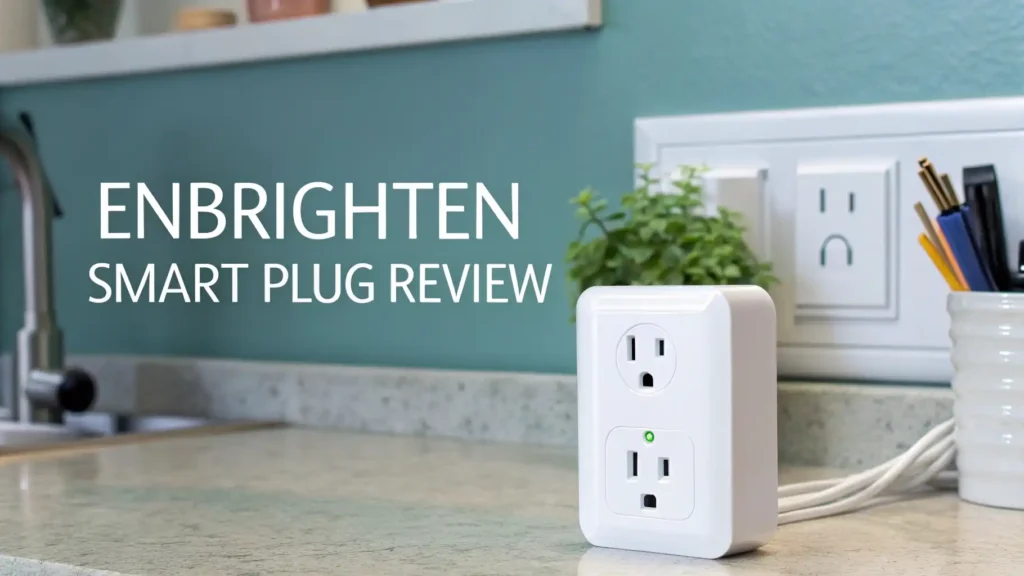
The Enbrighten Smart Plug has gone through a significant design improvement over the years. Earlier versions of the plug were bulky and often blocked the second outlet on a wall socket. The current model is much slimmer and more compact. It fits neatly into a standard wall outlet without covering the outlet next to it.
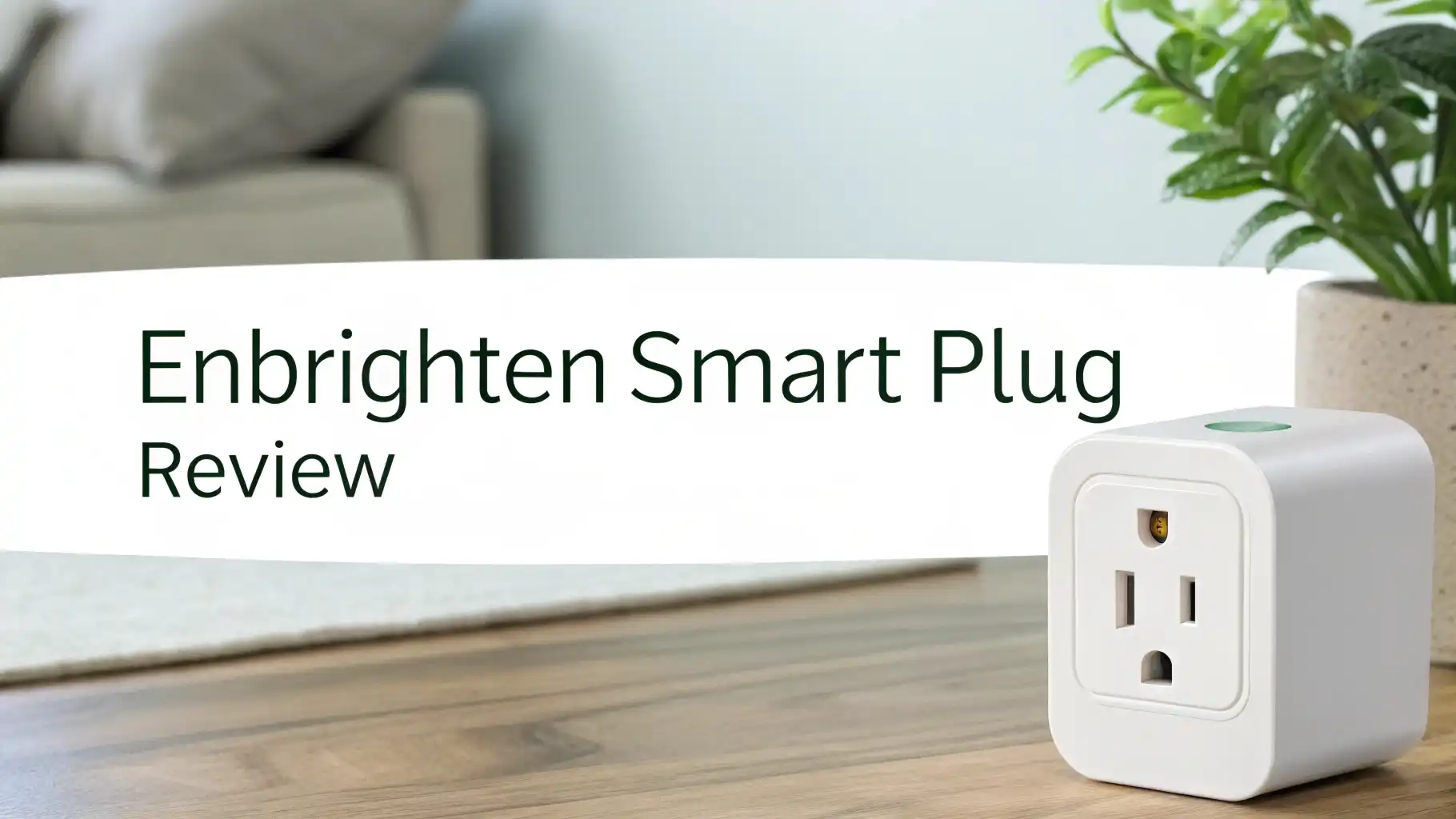
The plug is made from white plastic and has a clean, minimal look that blends well with most home interiors. There is a single button in the center and a blue LED indicator light that shows the current status of the plug.
You can change the LED behavior in the app. You can set it to stay on when the plug is active, turn it off when active, or disable the LED completely.
The build quality feels solid for its price range. It does not feel flimsy or cheap to hold. The compact form factor makes it ideal for tight spaces like behind furniture or near baseboards. Overall, the design is practical, unobtrusive, and user friendly.
Top 3 Alternatives for Enbrighten Smart Plug


How to Set Up the Enbrighten Smart Plug
Setting up the Enbrighten Smart Plug is one of its biggest selling points. The process takes less than five minutes for most users. Here is how it works:
First, download the free Enbrighten app from the App Store or Google Play Store. Create an account or log in. Plug the Enbrighten Smart Plug into your wall outlet.
The LED will flash quickly, which means it is in pairing mode. Open the app and tap the plus icon to add a new device. The app uses Bluetooth to automatically discover the plug and transfer your 2.4GHz Wi-Fi credentials to it.
You do not need to manually enter your Wi-Fi password in most cases. Once connected, you can name the device, assign it to a room, and start creating schedules. The app will prompt you to allow location access, which is needed for Bluetooth pairing on Android and for geofencing and sunrise/sunset features.
If the plug does not connect on the first attempt, make sure your phone is on a 2.4GHz network and that Bluetooth is enabled. The plug will not work on a 5GHz only network. Most common issues are resolved by toggling Bluetooth off and on again.
App Experience and Controls
The Enbrighten app is clean, simple, and functional. It is not the most feature-rich app in the smart home space, but it covers everything a standard user needs. The main screen shows all your connected devices in one place. You can toggle each device on or off with a single tap. Tapping on a device gives you access to its scheduling options, countdown timers, and settings.
The app supports multiple homes, which means you can control plugs at different locations from a single account. You can also create device groups. Groups allow you to control multiple plugs at once with a single tap or voice command.
Scheduling inside the app is well laid out. You can choose daily, weekly, or custom repeating schedules. Preset modes like “evening” or “dusk to dawn” speed up the scheduling process.
The countdown timer is useful for things like setting a fan to turn off after 60 minutes while you sleep. The app also allows you to share access to devices with family members, which is convenient for shared households.
One limitation of the app is that it does not support IFTTT, which means you cannot connect the plug to third-party services beyond Alexa and Google Home. For most users, this is not a problem. But power users who rely on complex cross-platform automations may find this limiting.
Voice Control and Smart Home Compatibility
Voice control is one of the strongest features of the Enbrighten Smart Plug. It works directly with Amazon Alexa and Google Assistant without any extra hub or bridge. Once your plug is connected in the Enbrighten app, you simply link the Enbrighten skill in the Alexa or Google Home app and your devices appear automatically.
From that point, you can use commands like “Alexa, turn on the living room lamp” or “Hey Google, turn off the bedroom fan.” Voice control responds quickly and reliably in most cases. The plug supports Alexa routines, which means you can include it in larger automation sequences triggered by time, sunrise, or other Alexa-compatible events.
However, the Enbrighten Smart Plug does not support Apple HomeKit. This is a notable gap for users who rely on Siri or the Apple Home app. If Apple HomeKit compatibility is important to you, you will need to look at the Kasa KP125M or similar Matter-enabled options instead.
The plug also does not support SmartThings directly through the Wi-Fi model, though a Z-Wave version of Enbrighten plugs is available separately for users who run SmartThings or a Z-Wave based hub.
Scheduling and Automation Features
The scheduling tools inside the Enbrighten ecosystem are genuinely useful. You can set schedules based on fixed times, sunrise, and sunset. Sunset and sunrise times update automatically based on your location, which means your holiday lights will turn on at the right time all year round without manual adjustments.
Countdown timers are another favorite feature among Enbrighten users. You can set a timer for anywhere from a few minutes to several hours.
This works great for coffee makers, space heaters, and bedtime lamps. The app also supports geofencing automations. When your phone leaves a set radius around your home, the plug turns off. When you return, it can automatically turn back on.
Programs and schedules are stored inside the plug itself, not just in the app. This means your schedules will continue to run even if your internet goes down, as long as your router is still functioning.
This is a big advantage over some competitors where schedules break without internet connectivity. The automation tools available in the Enbrighten app are more than enough for the average smart home user, especially at this price point.
Outdoor vs Indoor Models
Enbrighten offers both indoor and outdoor versions of their smart plugs. The indoor model (ASIN B08B1R7347) is compact and designed for standard household use. It is rated at 15 amps and handles most common devices. The outdoor models are built with weatherproof covers and are designed to withstand rain and temperature changes.
The outdoor models typically feature two separate grounded outlets. Some versions allow you to control each outlet independently, while others control both outlets together.
The outdoor plug is rated for the same 15 amps per outlet and works on the same Enbrighten app platform. This means all your indoor and outdoor plugs live in one app and work under one account.
If you plan to use the plug for holiday lighting, garden pumps, or patio fans, the outdoor version is the clear choice. It offers the same scheduling and voice control features as the indoor model.
The weatherproof design gives it a much longer lifespan when exposed to the elements. Both versions are available at similar price points, making the outdoor model an excellent value for outdoor smart home needs.
Performance and Reliability
In real world use, the Enbrighten Smart Plug performs consistently well. It connects to your Wi-Fi network and stays connected without frequent dropouts. Most users report that the plug rarely goes offline on its own. When it does disconnect, a simple unplug and replug usually restores the connection instantly.
Response time through the app is fast, usually under two seconds for a remote on/off command. Voice control through Alexa and Google Home is equally responsive.
The physical button on the plug also works instantly with no delay. The plug handles its rated load without overheating, which is an important safety consideration for always-on devices.
One area where performance is average is Wi-Fi range. Like most 2.4GHz devices, the plug works best within a reasonable distance from your router. Walls and interference from other devices can reduce signal strength.
If your router is far away, a Wi-Fi extender may improve reliability. Overall, for a budget smart plug, the Enbrighten delivers strong and dependable performance that most users will be happy with day to day.
Pros and Cons of the Enbrighten Smart Plug
Every product has its strengths and weaknesses. Here is an honest look at both sides:
Pros:
The Enbrighten Smart Plug is very easy to set up, even for first-time smart home users. The price is low, making it one of the most affordable Wi-Fi smart plugs available in 2026. It works with Alexa and Google Home without a hub.
Scheduling tools are solid and programs survive power outages. The compact design does not block the second outlet on a wall socket. Multiple users can share control through the app. Both indoor and outdoor models are available under the same app.
Cons:
There is no Apple HomeKit support, which limits appeal for Apple users. The plug does not have energy monitoring built in, which some competitors offer. It only works on 2.4GHz networks, which can be slower or more congested.
The app is functional but feels basic compared to apps like Kasa or Wyze. IFTTT is not supported, limiting third-party automation options. The dual outlet indoor model does not allow individual outlet control.
Price and Value for Money
The Enbrighten Smart Plug is priced affordably, typically ranging from $10 to $20 for the single outlet indoor model. Multi-packs and outdoor versions are available at slightly higher price points, but still remain competitive in the overall market.
For what you pay, the value is excellent. You get remote control, voice integration, scheduling, geofencing, and multi-user access at a price that rivals even the most basic non-smart plugs on the market.
The lack of energy monitoring and HomeKit support does bring the value down slightly for advanced users. But for the average household that just wants to automate lights, fans, and seasonal decorations, the Enbrighten Smart Plug delivers strong value without unnecessary extras that inflate the price.
If you are buying smart plugs for the first time, or equipping an entire home with outlets on a budget, Enbrighten remains one of the best cost-per-outlet options available in 2026.
Final Verdict: Should You Buy the Enbrighten Smart Plug in 2026?
After reviewing all the features, performance, and value, the answer is clear. Yes, the Enbrighten Smart Plug is still worth buying in 2026, as long as you know what it is and what it is not.
It is a reliable, affordable, and easy-to-use smart plug that covers the core needs of most smart home users. Setup is painless, voice control works great, and the scheduling features are more capable than you might expect at this price. It is a fantastic starter plug or a solid addition to a growing smart home setup.
It is not the best choice if you need Apple HomeKit support, energy monitoring, or advanced cross-platform automations. In those cases, the Kasa KP125M is a better option. But if you want a plug that just works, at a price that does not hurt, the Enbrighten Smart Plug earns a strong recommendation.
Frequently Asked Questions
Does the Enbrighten Smart Plug work with Apple HomeKit?
No, the standard Wi-Fi version of the Enbrighten Smart Plug does not support Apple HomeKit. It works with Amazon Alexa and Google Assistant only. If you need HomeKit support, consider a Matter-compatible plug like the Kasa KP125M, which works across all major platforms.
Does the Enbrighten Smart Plug need a hub?
No, it does not require any hub. The plug connects directly to your 2.4GHz Wi-Fi network and is controlled through the free Enbrighten app. You do not need a SmartThings hub, Wink hub, or any other bridge device for the Wi-Fi model.
Will my schedules still work if the internet goes down?
Yes. The Enbrighten Smart Plug stores schedules internally on the device. As long as your router is still functioning, your programmed schedules will continue to run even without internet access.
Can more than one person control the Enbrighten Smart Plug?
Yes. The Enbrighten app supports home sharing and device sharing. You can invite family members to your home account or share individual devices with other users. Any changes made by one user are reflected for all users immediately.
Is the Enbrighten Smart Plug safe to leave on all the time?
Yes. The plug is UL-rated and designed for continuous use. It handles its rated load of 15 amps safely without overheating. Always make sure the devices you plug in do not exceed the rated capacity of the outlet.
What Wi-Fi frequency does the Enbrighten Smart Plug require?
The Enbrighten Smart Plug requires a 2.4GHz Wi-Fi network. It does not work on 5GHz networks. If your router broadcasts both frequencies under the same name, your phone may need to be connected to the 2.4GHz band during setup for the plug to pair correctly.
Does the Enbrighten Smart Plug support energy monitoring?
No, the standard Wi-Fi indoor model does not include energy monitoring. If tracking power consumption is important to you, consider a plug like the Kasa KP125M which includes real-time and historical energy monitoring built in.