Eufy SoloCam S340 Review 2026: Should You Buy This?
Are you tired of monthly subscription fees eating into your wallet? Do you want a security camera that works all day and all night without needing constant battery changes?
The eufy SoloCam S340 might just be the answer you have been looking for. This little powerhouse packs dual lenses, solar charging, and full 360 degree coverage into one sleek package.
Imagine having eyes everywhere around your home without drilling holes or running wires. Sounds good, right? In this review, we will break down everything you need to know about this popular camera.
Key Takeaways:
- Dual Lens System: The eufy SoloCam S340 features two cameras working together. The main wide angle lens captures 3K resolution video at 2880 by 1620 pixels. The telephoto lens provides 8X hybrid zoom for close up details. This combination means you see both the big picture and small details clearly.
- True 360 Degree Coverage: With 360 degrees of pan and 70 degrees of tilt, this camera eliminates blind spots. You can monitor your front yard, backyard, driveway, and sides of your home from one device. The camera can spin completely around to follow motion automatically.
- Solar Powered Freedom: The built in solar panel keeps the battery charged. You place it in direct sunlight and forget about charging cables. The camera maintains power even during cloudy days thanks to its efficient energy management system.
- No Monthly Fees: Eufy stores your video locally on 8GB of built in storage. You never pay subscription fees for basic features. This saves you hundreds of dollars over the camera’s lifetime compared to competitors like Ring or Arlo.
- Smart AI Detection: The camera recognizes humans, pets, and vehicles. You receive alerts only when something important happens. This reduces false alarms from leaves, shadows, or passing cars.
- Works With Smart Home Systems: The eufy SoloCam S340 connects with Amazon Alexa and Google Assistant. You can view live feeds on your Echo Show or Nest Hub with simple voice commands.

Unboxing and First Impressions
Opening the eufy SoloCam S340 box reveals a well organized package. Inside, you find the camera unit, mounting bracket, screws, and a quick start guide. The camera itself feels solid and premium in hand. It weighs about 450 grams, which gives it a sturdy presence without being too heavy for most mounting locations.
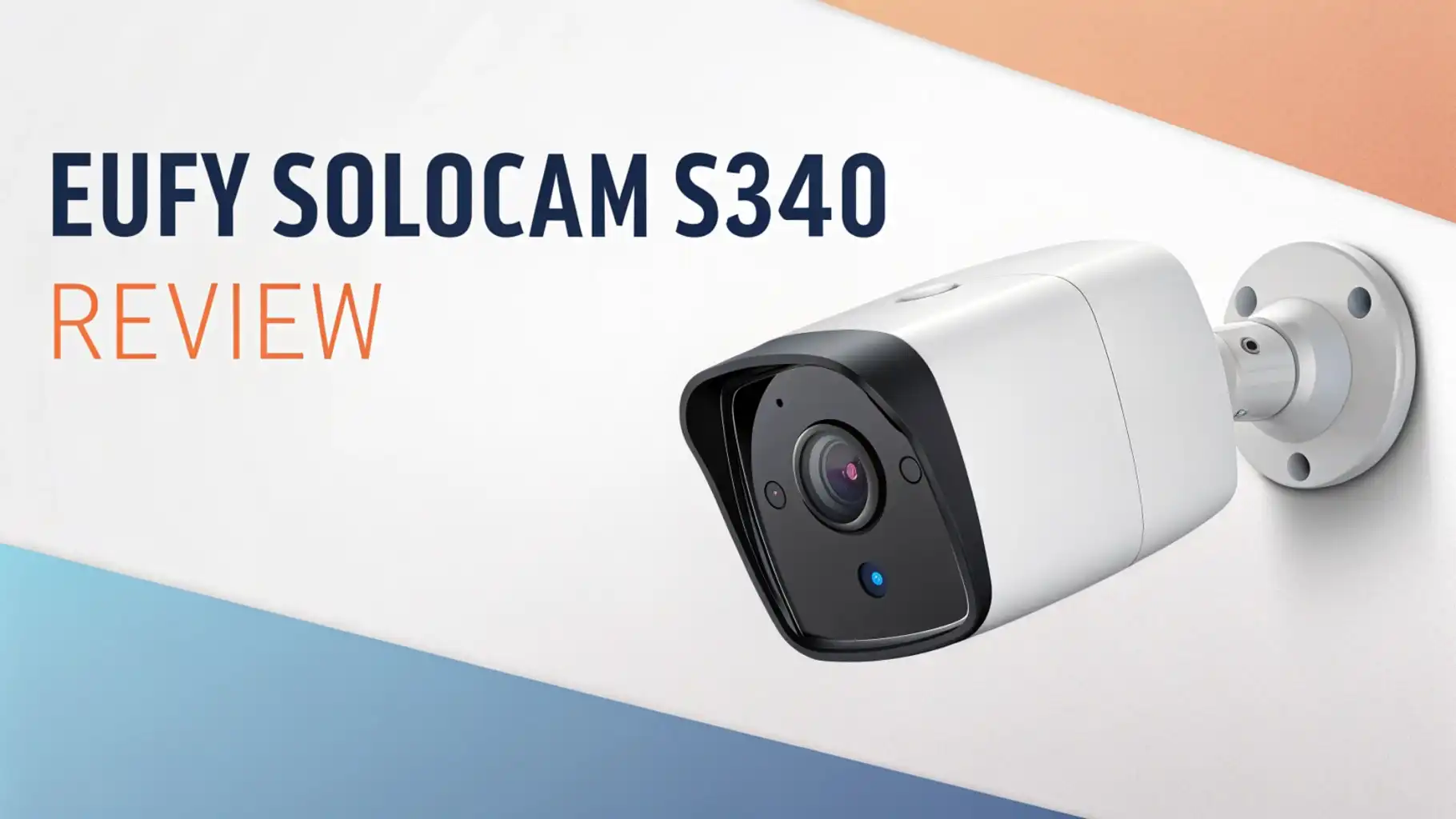
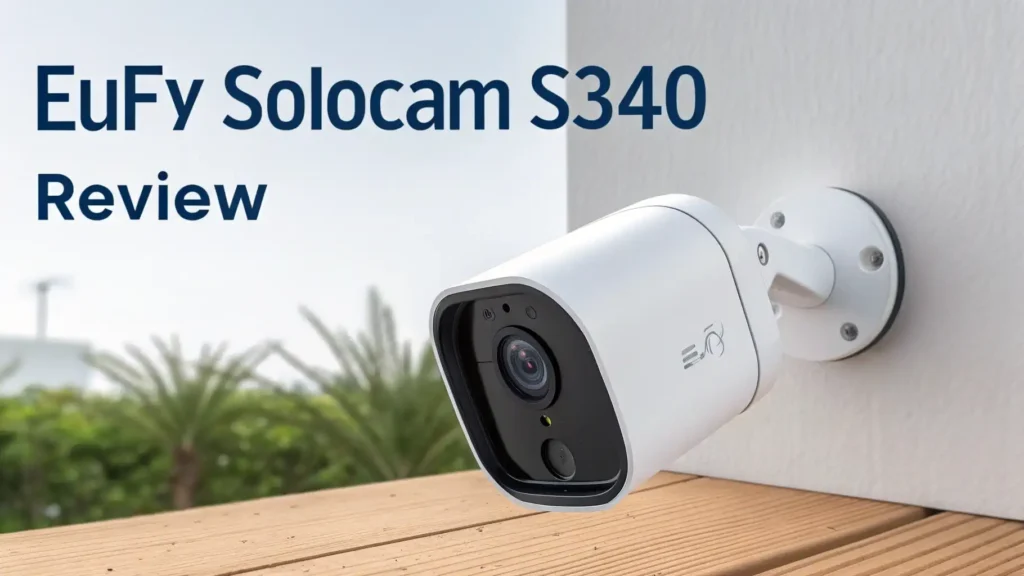
The white finish looks clean and modern. It blends nicely with most home exteriors. The solar panel sits on top of the dome, angled to catch maximum sunlight. The dual lens setup is visible on the front, giving the camera a distinctive look.
Setup takes about 15 minutes for most users. You download the eufy Security app, create an account, and scan the QR code on the camera. The app walks you through connecting to your 2.4 GHz Wi Fi network. Note that this camera does not support 5 GHz networks, which is common for outdoor security cameras.
The included mounting hardware works for wood, concrete, and brick surfaces. You get plastic anchors for harder materials. The adjustable bracket lets you position the camera at different angles to optimize solar charging.
Video Quality and Resolution
The eufy SoloCam S340 delivers impressive 3K video quality. The wide angle lens captures footage at 2880 by 1620 pixels. This resolution sits between standard 1080p and full 4K. In practice, you see sharp details like facial features and license plates from reasonable distances.
Colors appear natural and accurate during daylight hours. The camera handles bright sunlight well without overexposing the image. Shadows retain detail, and the dynamic range prevents washed out skies.
The 8X hybrid zoom combines optical and digital magnification. When you spot something interesting in the wide view, you can zoom in for closer inspection. The telephoto lens maintains clarity at 3X optical zoom. Beyond that, digital enhancement fills in the gaps.
Video compression uses H.265 encoding for efficient storage. A single 8GB of internal memory holds several days of recordings depending on activity levels. The camera overwrites old footage automatically, so you always have recent events saved.
Frame rate stays smooth at 15 frames per second for continuous recording. During event clips, the camera bumps up quality for better motion capture. This balance preserves storage while delivering usable footage when it matters most.
Night Vision Performance
Low light performance matters for security cameras. The eufy SoloCam S340 offers two night vision modes. Infrared night vision uses invisible IR LEDs to illuminate the scene. Objects appear in black and white with good contrast and detail at distances up to 40 feet.
The more exciting option is color night vision with the built in spotlight. When motion triggers the camera, the 600 lumen spotlight activates. This floods the area with white light, enabling full color recording at night. The sudden brightness also deters potential intruders.
You control spotlight behavior in the app. Options include always on, motion activated, or schedule based. Some users prefer keeping it off to avoid annoying neighbors. Others maximize security with aggressive lighting.
Black and white IR mode works well for general monitoring. You see shapes, movements, and basic identification details clearly. Color spotlight mode shines for critical events where you need every detail captured.
The camera transitions between day and night modes automatically based on ambient light levels.
Top 3 Alternatives For Eufy SoloCam S340


Pan Tilt and Motion Tracking
The mechanical pan and tilt system sets the eufy SoloCam S340 apart from fixed cameras. It rotates a full 360 degrees horizontally and tilts 70 degrees vertically. This movement covers areas that would require multiple fixed cameras.
Motion tracking works automatically once enabled. When the camera detects movement, it follows the subject across its field of view. A person walking from your driveway to your front door stays centered in frame. The motors move quietly and smoothly without jerky transitions.
Manual control through the app lets you look around your property anytime. Open the live view, and swipe to pan left, right, up, or down. The response feels nearly instant with minimal lag on stable Wi Fi connections.
Preset positions let you save favorite views. You might create presets for your front door, driveway entrance, and backyard gate. Tap a preset, and the camera snaps to that exact position. This feature proves useful for quick checks of specific areas.
The auto cruise feature cycles through your presets automatically. The camera pauses at each position before moving to the next. This simulates active monitoring even when you are not watching.
Smart Detection and Alerts
Nobody wants hundreds of notifications for every passing car or swaying branch. The eufy SoloCam S340 uses AI powered detection to filter alerts intelligently. The camera distinguishes between humans, pets, and vehicles.
Person detection triggers priority alerts. You see a notification immediately when someone enters your camera’s view. The app shows a thumbnail preview, so you know at a glance if the alert deserves attention.
Pet detection helps families with outdoor animals. You can disable pet alerts if your dog roams the backyard frequently. Or keep them active if you want to know when your cat escapes.
Vehicle detection recognizes cars and trucks passing by or entering your driveway. This works well for monitoring deliveries or unexpected visitors in vehicles.
Activity zones let you draw specific areas on the camera’s view. Only motion within these zones triggers alerts. This eliminates false positives from busy streets, neighboring yards, or windblown trees outside your property line.
Detection sensitivity adjusts from low to high. Finding the right balance takes some experimentation based on your specific environment.
Local Storage and Privacy
Data privacy concerns many homeowners choosing security cameras. Eufy addresses this with local storage by default. The 8GB of built in memory stores your recordings directly on the camera. No footage automatically uploads to cloud servers.
This approach keeps your videos private and under your control. Only you decide who sees your recordings. Government agencies, hackers, or even eufy employees cannot access your footage without physical access to the camera.
The downside is that determined thieves could steal the camera along with its recordings. Eufy offers optional cloud backup for users who want offsite storage. The HomeBase S380 accessory provides additional local storage on your home network.
End to end encryption protects live streams and remote viewing. Data traveling between your camera and phone stays scrambled and unreadable to interceptors.
You export important clips to your phone for permanent storage. The app makes it easy to download, share, or delete specific recordings as needed.
Two Way Audio Quality
The eufy SoloCam S340 includes a built in microphone and speaker for two way communication. Audio quality sounds clear and intelligible in most conditions. You hear visitors speaking at normal volume from about 10 feet away.
The speaker projects your voice loudly enough to be heard outdoors. Delivery drivers hear your instructions clearly. Potential intruders get a surprise when you address them directly through the camera.
Echo cancellation prevents feedback loops during conversations. You talk and listen naturally without awkward delays or audio artifacts. The experience feels similar to a phone call.
Background noise like wind or traffic can interfere with audio clarity. The microphone picks up everything in its range, not just people speaking to the camera. In quiet environments, conversations sound crisp and natural.
Some users pair the two way audio with preset voice messages. Record warnings like “You are being recorded” or “Please leave the package by the door.” Play these automatically or manually when specific events occur.
Weather Resistance and Durability
Outdoor cameras face harsh conditions year round. The eufy SoloCam S340 carries an IP67 weather resistance rating. This means complete dust protection and survival in water submersion up to one meter for 30 minutes.
In practical terms, the camera handles rain, snow, sleet, and humidity without issue. Summer heat and winter cold fall within its operating range of negative 4 to 122 degrees Fahrenheit. The solar panel continues charging even in light rain.
The polycarbonate housing resists UV damage and yellowing over time. Users report cameras lasting multiple years outdoors with minimal cosmetic wear. The lens cover stays clear without manual cleaning in most environments.
Wind resistance matters for pan tilt cameras. The eufy SoloCam S340 maintains stability in normal wind conditions. Severe storms might cause slight vibration, but the camera recovers quickly once winds calm.
Mounting the camera under an eave or overhang extends its lifespan. Direct sun exposure maximizes solar charging but accelerates wear. Finding the right balance depends on your specific installation location.
Eufy Security App Experience
The eufy Security app controls all camera functions. Available for iOS and Android, it downloads free from app stores. The interface looks clean and intuitive with large buttons and clear labels.
The home screen shows all your eufy devices in one view. Tap any camera to open its live feed instantly. Response time depends on your internet connection but typically takes two to four seconds.
Settings organization makes sense logically. Video quality, detection sensitivity, notification preferences, and storage management live in predictable places. New users find their way around without extensive tutorials.
Event history displays recorded clips in a timeline format. Scroll through days and tap any event to play it back. Filters narrow results to specific detection types like people or vehicles only.
The app supports multiple users on one account. Family members install the app and receive shared access. You control which cameras each person can view and what actions they can take.
Firmware updates install automatically or manually through the app. Eufy releases periodic improvements that add features and fix bugs without requiring new hardware.
Battery Life and Solar Charging
The 6500mAh rechargeable battery powers the eufy SoloCam S340. With solar charging disabled, the battery lasts about 60 to 90 days depending on activity levels. High traffic areas drain power faster than quiet spots.
Solar charging extends battery life indefinitely under ideal conditions. The camera needs about three to four hours of direct sunlight daily to maintain charge. South facing installations in sunny climates never need manual charging.
Cloudy regions or shaded mounting spots may require occasional USB charging. The included cable connects to any standard USB adapter. A full charge from empty takes about eight hours.
The app displays battery percentage and solar charging status. You receive low battery warnings at 20 percent. This gives you time to charge before the camera goes offline.
Winter months with shorter days and lower sun angles challenge solar cameras. Users in northern latitudes often supplement with manual charging during December and January.
Compatibility and Smart Home Integration
The eufy SoloCam S340 works with Amazon Alexa and Google Assistant out of the box. Link your eufy account in the Alexa or Google Home app. Voice commands then control basic functions.
Say “Alexa, show me the backyard camera” to display live video on an Echo Show. Ask Google to stream your front door camera to your Nest Hub. The integration feels seamless and responsive.
Unfortunately, the camera lacks Apple HomeKit support. iPhone users relying on the Home app need to use the eufy app instead. This limits automation options within the Apple ecosystem.
IFTTT integration enables creative automations. Connect your eufy camera to smart lights, locks, or other devices. Create recipes like “turn on porch lights when motion is detected at night.”
The HomeBase S380 accessory unlocks additional features like local network storage, advanced AI detection, and faster response times. It costs extra but provides meaningful upgrades for power users.
Pros and Cons Summary
What We Love:
- Stunning 3K dual lens video quality
- Complete 360 degree coverage eliminates blind spots
- Solar charging means no battery worries
- Zero monthly subscription fees
- Smart AI detection reduces false alerts
- Solid build quality and weather resistance
What Could Be Better:
- No Apple HomeKit support
- 2.4 GHz Wi Fi only, no 5 GHz option
- 8GB storage fills up quickly in busy areas
- Color night vision requires spotlight activation
- Some features need HomeBase accessory
Frequently Asked Questions
Does the eufy SoloCam S340 require a subscription?
No, the eufy SoloCam S340 does not require any subscription for basic features. All video recordings store locally on the camera’s 8GB internal memory. You access live viewing, motion alerts, two way audio, and AI detection without paying monthly fees. Optional cloud storage subscriptions exist for users who want backup, but they remain completely optional.
How far can the eufy SoloCam S340 see at night?
The camera sees clearly up to 40 feet in daylight and about 26 feet at night with infrared night vision. When the spotlight activates for color night vision, visibility extends to approximately 40 feet with full color detail. Actual performance varies based on ambient lighting conditions and environmental factors.
Can I use the eufy SoloCam S340 indoors?
Yes, the camera works indoors and outdoors. However, indoor use prevents solar charging unless placed near a sunny window. You would need to charge the battery manually via USB. The camera’s pan tilt features and wide coverage make it useful for large indoor spaces like warehouses or workshops.
Does the eufy SoloCam S340 work with Ring or Nest devices?
The eufy SoloCam S340 does not integrate directly with Ring or Nest ecosystems. It works with Amazon Alexa and Google Assistant for voice control and display viewing. You cannot add it to the Ring app or Nest app. Each system operates independently through its own manufacturer app.
How long does the battery last without solar charging?
Without solar charging, the 6500mAh battery lasts approximately 60 to 90 days under normal use. Heavy traffic areas with frequent motion events drain the battery faster. Light activity extends battery life. The camera sends low battery notifications at 20 percent, giving you time to recharge.
Is the eufy SoloCam S340 easy to install?
Yes, installation takes about 15 to 20 minutes for most users. You download the eufy Security app, create an account, and follow the guided setup. Mounting requires drilling two small holes and securing with included screws. The camera connects to your 2.4 GHz Wi Fi network wirelessly. No professional installation is necessary.