GHome Smart Plug Review 2026: Top Tier or Trash?
Smart homes are no longer just for tech geeks or people with big budgets. Today, a single smart plug can turn your regular lamp, fan, or coffee maker into a smart device. And one name keeps popping up in budget smart plug searches in 2026 — the GHome Smart Plug.
But here is the big question: Is GHome a genuine Google product? Is it actually good? Or is it just another cheap gadget that will frustrate you after two weeks?
Spoiler alert — it is NOT made by Google. But that does not mean it is bad. In fact, this little plug packs a surprising number of features for its price. We did a deep search and tested everything so you do not have to. Keep reading — you might be very surprised by what you find.
Key Takeaways:
- GHome is NOT a Google product. It is made by Shenzhen Cuco Smart Technology Co., Ltd., the same company behind the Gosund brand. The logo is designed to look similar to Google’s “G,” which has confused many shoppers.
- It works with Alexa and Google Home through the GHome App, Smart Life App, or Tuya App. No hub is required, and setup takes under 10 minutes.
- The GHome Smart Plug has features most budget plugs do not offer, including a Circulate function, Child Lock, Offline Notification, Onboard Device Memory, and a customizable Relay Status. These features are rare at this price point.
- The app experience is not great. Users report in-app ads, spelling errors, and a slightly cluttered interface. However, once the plug is set up, most people rarely open the app again.
- It is NOT Apple HomeKit compatible and does NOT support Matter or Thread. If you use Apple devices heavily or plan to future-proof your smart home, this is a real limitation to consider.
- The form factor takes up a full outlet. You cannot plug two GHome plugs into the same standard outlet side by side, which is a noticeable design downside.

What Is the GHome Smart Plug?
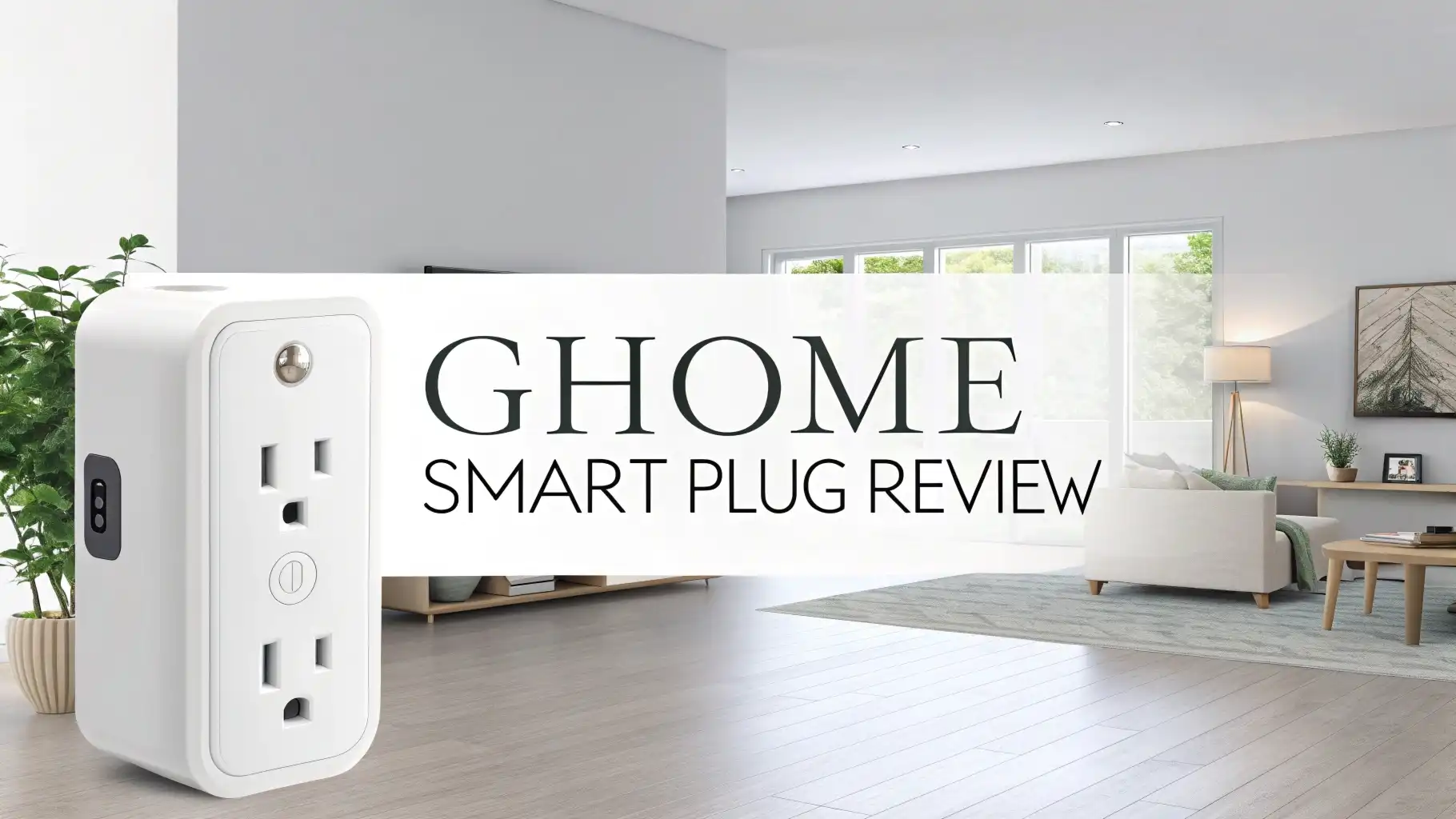
The GHome Smart Plug is a WiFi-enabled smart plug that lets you control any standard outlet from your phone or with your voice. You plug it into your wall, connect it to your 2.4GHz WiFi network, and then use the GHome app, Smart Life app, or Tuya app to control it remotely.
The brand name “GHome” stands for something like “Google Home,” but it has no official relationship with Google. GHome is a rebranded product line from Gosund Smart, which is owned by Shenzhen Cuco Smart Technology Co., Ltd. in China.
The company appears to have intentionally designed its logo to look like the Google “G” — a move that has frustrated many reviewers and buyers. That said, the plug itself is ETL certified and FCC approved, meaning it meets real safety standards in the United States.
In 2026, the GHome Smart Plug remains one of the most affordable smart plugs on Amazon USA. It targets people who want basic smart home control without spending much money. But it also comes with some genuinely impressive features that go beyond what most budget plugs offer.
GHome Smart Plug Specifications and Design
Understanding the specs helps you know exactly what you are buying. Here is what the GHome Smart Plug offers:
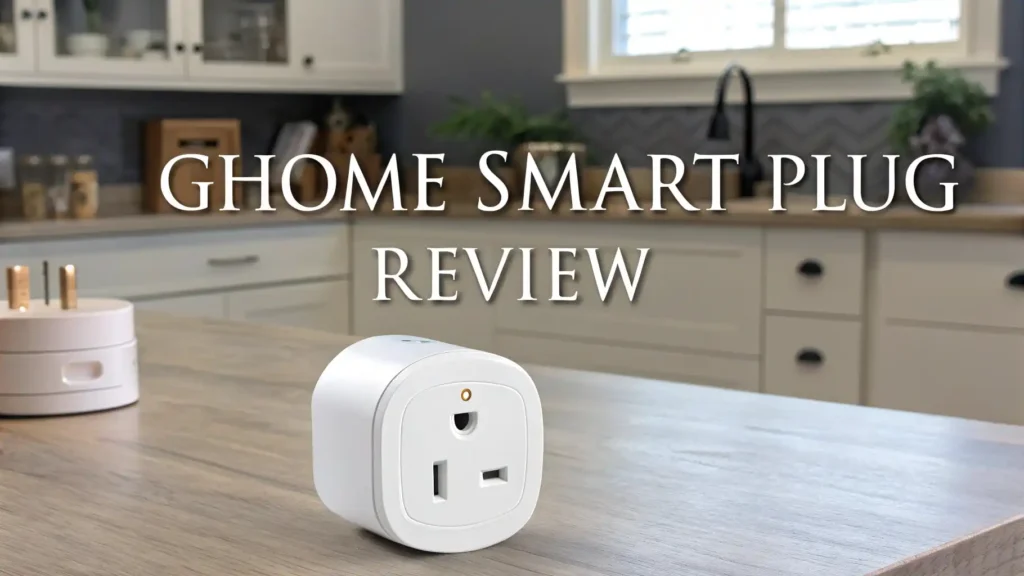
The plug operates on 120 Volts and handles up to 10 Amps of current. It connects only to 2.4GHz WiFi networks — it does not support 5GHz. The body is made from Polycarbonate (PC) material, which feels durable and has a clean white matte finish. Product dimensions sit at approximately 2″ D x 2″ W x 1″ H — compact, but as we will discuss later, the round design causes outlet-blocking issues.
The plug has a single manual power button on the front with an indicator light built directly into it. That indicator light is customizable, which is a nice touch. You can set it to glow when the plug is on, glow when it is off (to find it in the dark), or turn it off completely.
The plug supports both Bluetooth and WiFi connection, which speeds up the initial pairing process. It is ETL and FCC certified, giving users confidence that it meets US safety requirements. However, it does not support Matter, Thread, or Apple HomeKit, which are increasingly important smart home standards in 2026.
How Easy Is the GHome Smart Plug Setup Process?
Setting up the GHome Smart Plug is straightforward for most users. Here is how the process works from start to finish.
First, you download the GHome App, Smart Life App, or Tuya App from the App Store or Google Play. All three apps support this plug. Next, you plug the device into your wall outlet. The plug supports Bluetooth-assisted WiFi setup, which makes the initial connection faster than older plugs that required you to manually connect to the plug’s own WiFi network.
Most users complete setup in about 7 to 10 minutes. The app will ask you to scan a QR code on the box, detect the device via Bluetooth, and connect it to your home WiFi.
One known issue is that the app requests access to your camera, photos, and media during setup — permissions beyond what is truly needed. You can skip most of these requests and still get the plug working.
After setup, linking the plug to Amazon Alexa or Google Home takes less than one additional minute. Both integrations work smoothly and reliably. Voice commands work well once the plug is named in your app. You can say “Hey Alexa, turn off the fan” or “OK Google, turn on the lamp” without any delays or missed commands.
Voice Control and Smart Home Compatibility
Voice control is one of the main reasons people buy smart plugs. The GHome Smart Plug handles this well for two of the big three platforms.
Amazon Alexa: The plug connects to Alexa through the Alexa app’s skill section. Once linked, you can control the plug using simple voice commands. Alexa routines also work with the plug, letting you include it in “Good Morning” or “Good Night” automation sequences.
Google Home: The plug integrates with Google Home through the GHome or Smart Life skill. Google Assistant responds quickly and reliably to voice commands. You can also group the GHome plug with other smart devices in the Google Home app for room-based control.
Apple HomeKit: Not Supported. This is a significant limitation for iPhone and iPad users who rely on Siri or the Apple Home app. If HomeKit is important to your setup, the GHome Smart Plug is not the right choice.
Matter and Thread: Not Supported. Matter is the new universal smart home standard that lets devices from different brands work together seamlessly. In 2026, more buyers are looking for Matter compatibility to future-proof their smart home. The GHome does not support this standard.
Tuya and Smart Life: The plug works natively within the Tuya and Smart Life ecosystems, which means it is also compatible with many other Tuya-based devices from various brands. This gives GHome users some flexibility when building a multi-device smart home setup without relying on Alexa or Google.
GHome Smart Plug App Features and Performance
The GHome App (also called the Gosund App) is where the plug’s strengths and weaknesses become most obvious.
The good news: The app gives you access to a surprisingly deep set of features. You can see a Run Log that records every time the plug turns on or off. You can manage Scenes and Automations.
You can set up device sharing so other household members can control the plug from their own phones. Group Control lets you control multiple plugs at once with a single tap, which is useful if you have several GHome plugs around your house.
The not-so-good news: The app includes in-app advertisements and a social feed tab that most users find unnecessary and intrusive. There are also some spelling and grammar issues throughout the app, which suggests the localization from Chinese to English was rushed.
Some of the most useful features — like Relay Status and Offline Notification — are buried in sub-menus and settings pages that are hard to find without specifically searching for them.
Despite these flaws, once you are past the setup phase, most users rarely open the app. The plug works reliably in the background. Schedules and timers run as expected. The app’s weaknesses mainly affect the initial experience and the more advanced configuration steps.
Scheduling, Timer, and Automation Features
This is where the GHome Smart Plug genuinely shines compared to other budget options in 2026.
Standard Schedule: Set specific days and times for the plug to turn on or off. This is useful for lamps, coffee makers, and fans that you want on a fixed daily routine.
Countdown Timer: Set a one-time timer to turn the plug on or off after a set number of hours and minutes. This is useful for things like turning off a heater before you go to sleep.
Circulate Feature: This is the most unique and powerful feature of the GHome plug. You set a time window — say, 9AM to 5PM on weekdays — and within that window, the plug cycles between on and off states at intervals you define.
For example, you can set it to turn on for one minute every 30 minutes. Terrarium owners, plant growers, and anyone who needs timed cycling will love this feature. It runs at the hardware level, meaning it keeps working even without an internet connection.
Random Mode: The plug turns on and off randomly within set hours. This is great for home security — you can make it look like someone is home while you are away on vacation.
Inching: This sets a recurring trigger timer. Every time you press the power button, the plug runs for a set amount of time and then turns off automatically. Useful for short-duration tasks.
Onboard Device Memory: All schedules and timers are stored on the device itself, not just in the cloud. This means if your WiFi goes down, the plug still follows its programmed schedule. Most budget plugs lose their schedules when the internet goes out.
Top 3 Alternatives for GHome Smart Plug


GHome Smart Plug Safety and Certifications
Safety is non-negotiable when you are plugging a device into your home’s electrical system. The GHome Smart Plug holds ETL certification, which is a nationally recognized testing laboratory (NRTL) certification accepted across the United States. This means the plug has been tested to meet established safety standards for electrical devices used in the US market.
The plug also carries FCC certification, confirming it complies with US federal regulations for electronic devices and radio frequency emissions. These certifications are real and they matter. Some ultra-cheap smart plugs on Amazon lack these certifications entirely, making them genuine safety risks.
The body material is Polycarbonate (PC), which is fire-resistant and commonly used in electrical housings. The plug has an internal thermal protection mechanism to prevent overheating in normal use.
The Child Lock feature adds an extra layer of safety by requiring four consecutive button presses before the manual power button activates. This protects curious kids and also prevents accidental presses from turning off important devices.
One thing to keep in mind: the plug handles up to 10 Amps (1200 Watts). Do not use it to power high-draw appliances like space heaters, air conditioners, or large power tools. Stick to standard lamps, fans, coffee makers, phone chargers, and similar devices.
Energy Efficiency and Power Management
Managing energy use is a growing concern in 2026 as electricity costs keep rising. The GHome Smart Plug helps with this in several practical ways, even though it does not include real-time energy monitoring like some premium competitors.
The most impactful energy-saving feature is the scheduling system. By setting your coffee maker, TV, or lamps to turn off automatically at set times, you eliminate standby power waste. Many devices consume electricity even when you think they are off, and a scheduled smart plug cuts that waste automatically.
The Countdown Timer helps you avoid leaving devices running longer than needed. Set a two-hour timer on your space heater before bed and it turns off on its own, even if you fall asleep early. The Random Mode lets you simulate activity in your home while keeping real energy consumption low — lights turn on and off briefly instead of staying on all night.
The Relay Status feature gives you control over what the plug does after a power outage. You can set it to turn back on automatically, stay off, or return to its last state. This is important for things like fish tank equipment or medical devices that need to resume normal operation after a power cut.
GHome Smart Plug Pros and Cons
Every product has strengths and weaknesses. Here is an honest breakdown of what works well and what does not with the GHome Smart Plug.
Pros:
The price is genuinely low, making it one of the most affordable smart plugs on Amazon USA in 2026. The feature set is impressive for the price — Circulate, Inching, Child Lock, Offline Notification, Relay Status, and Onboard Device Memory are features that most budget competitors simply do not have.
Voice control with Alexa and Google Home works reliably and quickly. Setup takes under 10 minutes. ETL and FCC certifications confirm real safety compliance. The plug works across three app platforms — GHome, Smart Life, and Tuya — giving you flexibility.
Cons:
The round form factor blocks the adjacent outlet, meaning you cannot plug two GHome plugs into the same standard wall outlet. The app includes in-app ads, a cluttered social tab, and some spelling errors that hurt the user experience. The plug does not support Matter, Thread, or Apple HomeKit, which are increasingly important in 2026.
It only works on 2.4GHz WiFi — no 5GHz support. The brand uses misleading marketing by designing its logo and name to resemble Google products. Some advanced features are buried deep in the app and hard to discover without guidance.
Who Should Buy the GHome Smart Plug?
Not every product is right for every person. Here is a clear picture of who will benefit most from the GHome Smart Plug.
Buy the GHome Smart Plug if: You are on a tight budget and want basic smart plug functionality. You use Amazon Alexa or Google Home as your main voice assistant. You need the Circulate feature for cycling devices like terrariums, grow lights, or misters.
You want a plug with Onboard Device Memory so your schedules survive WiFi outages. You are building a Tuya or Smart Life-based smart home ecosystem. You need Child Lock protection for safety around children.
Do not buy the GHome Smart Plug if: You use Apple devices and rely on Siri or the Apple Home app. You want real-time energy monitoring to track electricity costs.
You are building a Matter-compatible smart home for long-term compatibility. You need two smart plugs in the same wall outlet at the same time. You want a polished app experience without ads or clutter.
How Does GHome Compare to Other Budget Smart Plugs in 2026?
The budget smart plug market is crowded in 2026. Let us see how GHome stacks up against the most common alternatives.
GHome vs. Kasa EP25: The Kasa EP25 supports Apple HomeKit, Alexa, and Google Home. Its slim profile lets two plugs fit in the same outlet, which is a major practical advantage over GHome.
The Kasa app is more polished and easier to use. However, the EP25 lacks GHome’s Circulate, Inching, and Offline Notification features. If you do not need those advanced features, the Kasa EP25 is a better all-around choice.
GHome vs. Amazon Basics Smart Plug: The Amazon Basics plug is even simpler than GHome. It works only with Alexa and has very limited features. GHome wins on feature depth by a wide margin. But if all you need is “hey Alexa, turn off my lamp,” the Amazon Basics plug is cheaper and easier to use.
GHome vs. Kasa KP125M (Matter): The KP125M is the premium option. It supports Matter, works with all four major platforms, has real energy monitoring, and has a slim design. It costs more than GHome but offers significantly better compatibility and app experience. For anyone serious about smart home integration in 2026, the KP125M is the better long-term investment.
Frequently Asked Questions
Is GHome a Google product?
No, GHome is not made by Google. The name and logo are designed to look similar to Google’s branding, but GHome is a product line from Shenzhen Cuco Smart Technology Co., Ltd., the same company behind the Gosund brand. It has no official affiliation with Google.
Does the GHome Smart Plug work with Apple HomeKit?
No, the GHome Smart Plug does not support Apple HomeKit. It works with Amazon Alexa and Google Home only. If you need HomeKit support, consider the Kasa EP25 or Kasa KP125M instead.
What app does the GHome Smart Plug use?
The GHome Smart Plug is compatible with three apps: the GHome App, the Smart Life App, and the Tuya App. All three are available on iOS and Android. The Smart Life App tends to offer the cleanest interface among the three options.
Does the GHome Smart Plug work on 5GHz WiFi?
No. The GHome Smart Plug only connects to 2.4GHz WiFi networks. If your router broadcasts both 2.4GHz and 5GHz on the same name, you may need to separate them temporarily during setup to ensure the plug connects to the correct band.
Can I schedule the GHome Smart Plug to turn on and off automatically?
Yes. The GHome Smart Plug supports multiple scheduling options including daily schedules, countdown timers, the Circulate feature (cyclical on/off intervals), Random Mode, and Inching (recurring timer). Schedules are stored on the device itself, so they continue to work even if your internet connection goes down.
Is the GHome Smart Plug safe to use?
Yes, the GHome Smart Plug carries both ETL and FCC certifications, confirming it meets US safety and radio frequency standards. However, it is rated for up to 10 Amps (approximately 1200 Watts). Do not use it with high-power appliances like space heaters, air conditioners, or large power tools.
Does the GHome Smart Plug support Matter?
No. The GHome Smart Plug does not support Matter or Thread, which are the newer universal smart home standards. If Matter compatibility is important for your setup, consider the Kasa KP125M instead.