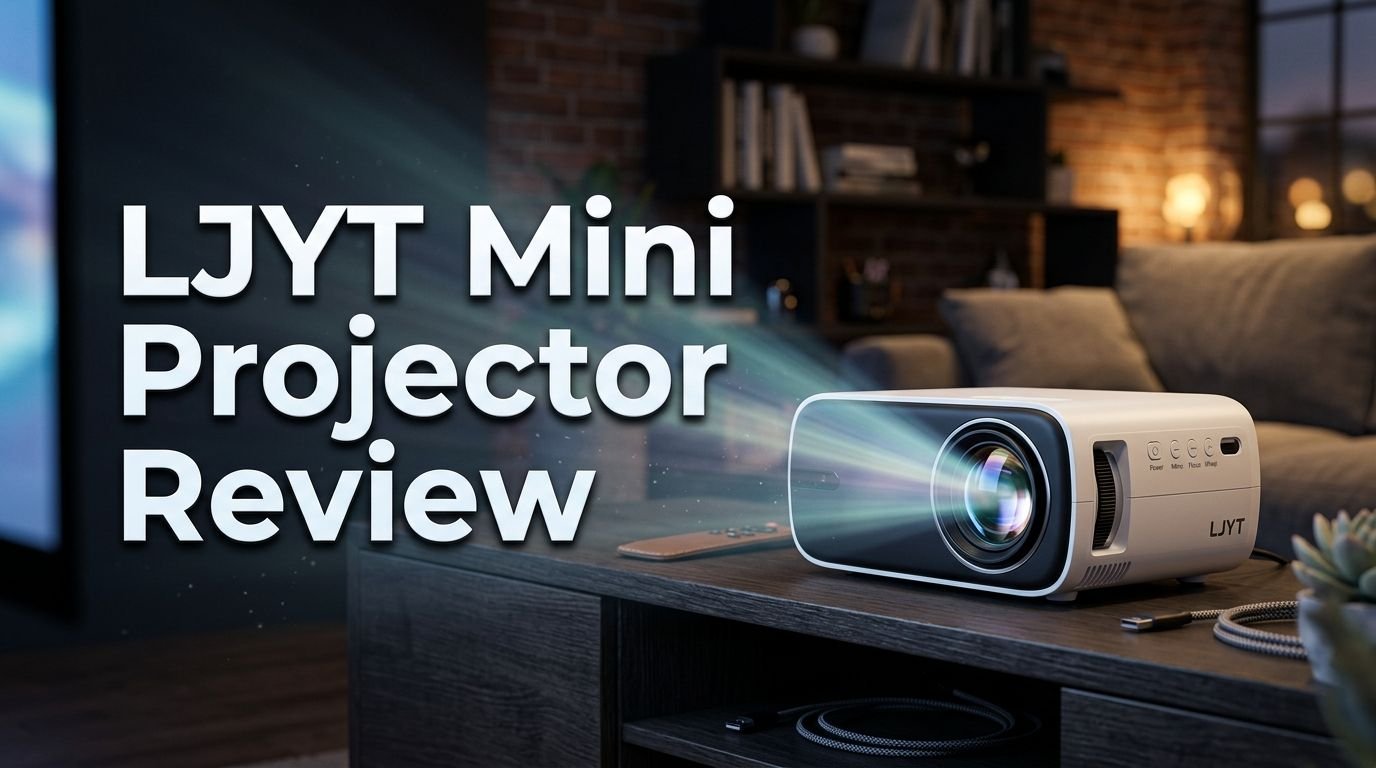
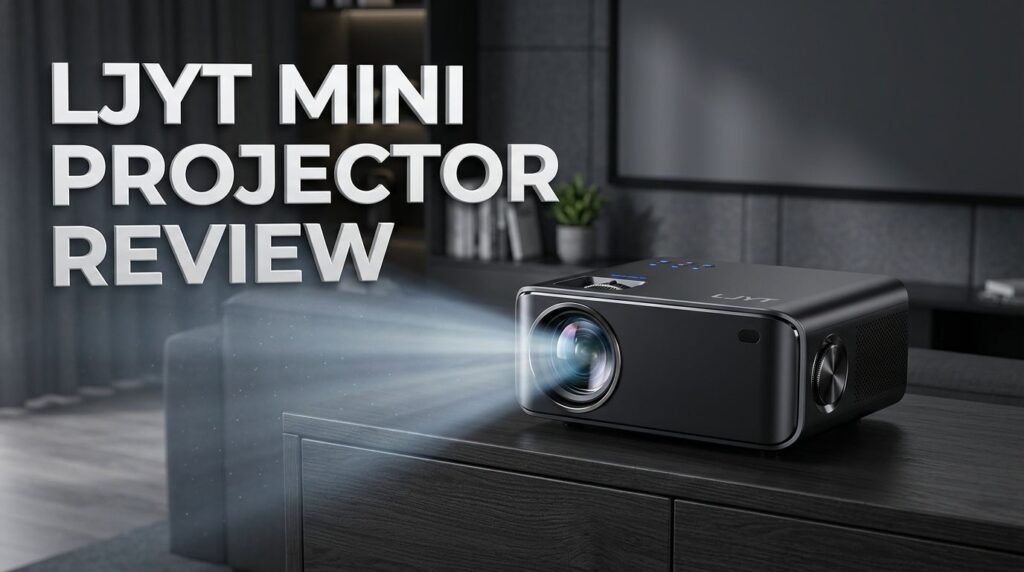
LJYT Mini Projector Review 2026: Scam or Legit?
Are you searching for a compact, affordable projector that fits in your bag and delivers a big screen experience? The LJYT Mini Projector has been gaining serious attention in 2026.
It promises native 1080P resolution, WiFi 6, Android 11, and Bluetooth 5.4 at a price point that makes most competitors nervous. But does it actually deliver?
In this detailed review, we break down every feature, every strength, and every weakness of the LJYT Mini Projector. We tested its picture quality, sound output, wireless performance, and portability. By the end, you will know exactly whether this projector deserves a spot in your home or travel bag.
Key Takeaways:
- Native 1080P resolution with 4K decoding support gives you sharp, detailed images that punch above this projector’s weight class. Movies and shows look clear with good color accuracy for a budget device.
- WiFi 6 and Bluetooth 5.4 connectivity ensure smooth wireless streaming and audio output. You can mirror your phone screen or connect Bluetooth speakers without noticeable lag.
- Android 11 operating system is built right in. This means you can download streaming apps directly on the projector without needing an external streaming stick or device.
- 200 ANSI lumens brightness works well in dark and dimly lit rooms. However, daytime use or bright rooms will wash out the image significantly. Plan your viewing for evenings or use blackout curtains.
- 210 degree rotation and auto keystone correction make setup fast and flexible. You can point the projector at a wall or ceiling and the image adjusts itself automatically.
- Ultra portable design makes this one of the lightest projectors in its category. It fits easily in a backpack or carry bag for movie nights at a friend’s house, camping trips, or business presentations.

LJYT Mini Projector: Full Overview and First Impressions
The LJYT Mini Projector arrives in a clean, compact box with the projector unit, a remote control, a power adapter, and a basic user manual. The first thing you notice is how small and light this projector actually is. It feels sturdy despite its size. The build quality uses a matte finish plastic shell that resists fingerprints well.
Setting it up takes about five minutes. You plug it in, power it on, and the Android 11 interface loads up. The system asks you to connect to WiFi and sign in to your Google account. From there, you can access the Google Play Store and download your favorite streaming apps.
The remote control is simple and responsive. It has a clean layout with directional buttons, a home button, volume controls, and a back button. There is no voice control on the remote, which is a minor downside.
Overall, first impressions are positive. The projector looks modern, feels well built for its price, and gets you up and running quickly. There are no complicated menus or confusing setup steps to deal with.
Display Quality and 1080P Performance
The LJYT Mini Projector delivers native 1080P resolution (1920 x 1080 pixels). This is a big deal at this price point. Many competing budget projectors only offer native 720P and claim 1080P support through upscaling.
Text appears sharp and readable on screen. Movie scenes show good detail, and colors look vibrant without being oversaturated. The projector also supports 4K video decoding, which means it can accept 4K input signals and downscale them to its native resolution. This gives you a slightly better image compared to feeding it lower resolution content.
The contrast ratio is decent for a budget projector. Dark scenes show reasonable black levels, though they do appear slightly grey in comparison to higher end models. Bright scenes pop nicely. Skin tones look natural and warm.
One thing to keep in mind is projection size. The sweet spot for this projector is between 60 and 100 inches. Push it beyond 120 inches and you will notice a drop in sharpness and brightness. For a bedroom or small living room, this size range works perfectly.
Brightness: How Does 200 ANSI Lumens Perform?
Let’s talk about brightness. The LJYT Mini Projector puts out 200 ANSI lumens. This number matters because it determines how well the projector performs in different lighting conditions.
In a fully dark room, the image looks great. Colors are rich. Details are sharp. The picture has good depth and presence. You get a genuine cinema feel with the lights off.
In a dimly lit room with a lamp on or some ambient light, the image is still watchable. You lose some contrast and vibrancy, but the picture remains clear enough for casual viewing.
In a bright room or daylight, the picture washes out significantly. This is a common limitation of all budget mini projectors. If you plan to use this projector during the day, invest in blackout curtains or a projector screen with ambient light rejection.
For reference, 200 ANSI lumens places this projector in the standard range for its price tier. Most budget mini projectors sit between 150 and 300 ANSI lumens. If you need a projector for daytime use, you will need to spend more for a model with 500 or more lumens.
WiFi 6 and Bluetooth 5.4 Connectivity
The LJYT Mini Projector includes WiFi 6 and Bluetooth 5.4. These are modern wireless standards that deliver faster speeds and more stable connections.
WiFi 6 supports both 2.4 GHz and 5 GHz bands. The 5 GHz band gives you faster throughput and reduced interference, which is ideal for streaming HD content. During testing, streaming from YouTube and other platforms was smooth with no buffering after the initial load.
Screen mirroring works over WiFi as well. You can cast your iPhone or Android phone screen to the projector wirelessly. The latency is low enough for watching videos and browsing photos. However, real time gaming through screen mirroring has noticeable delay, so it is not ideal for fast paced games.
Bluetooth 5.4 lets you connect wireless speakers, headphones, or earbuds to the projector. The built in speaker on the LJYT Mini Projector is functional but small. Connecting a decent Bluetooth speaker improves the audio experience dramatically.
Pairing devices is straightforward through the Android 11 settings menu. The connection stays stable during use. We did not experience random disconnects during extended viewing sessions.
Top 3 Alternatives for LJYT Mini Projector


Android 11 Operating System and App Support
One of the standout features of the LJYT Mini Projector is its built in Android 11 operating system. This turns the projector into a smart device. You do not need a Fire TV Stick, Roku, or Chromecast to start streaming.
After the initial setup, you can open the Google Play Store and download apps. YouTube, Disney+, Hulu, and many other streaming apps install and run directly on the projector. The interface is smooth and easy to use with the included remote.
The projector has limited internal storage, so you may not want to install too many apps. Stick to the essentials and you will be fine.
One important note: Netflix has DRM restrictions that prevent it from running on many budget Android projectors. This is an industry wide issue and not specific to the LJYT. If Netflix is essential, you can connect an external streaming stick via HDMI or use screen mirroring as a workaround.
The Android 11 system receives periodic updates. These updates can improve performance and add compatibility with newer apps. Make sure to keep the projector connected to WiFi so it can download updates automatically.
Auto Keystone Correction and 210 Degree Rotation
Setting up a projector can be frustrating if the image looks crooked or distorted. The LJYT Mini Projector solves this with auto keystone correction. This feature automatically adjusts the image shape to create a clean rectangle on your wall or screen.
The auto correction works well for moderate angles. If you place the projector slightly off center or below the screen surface, it compensates automatically. For extreme angles, you may need to adjust manually through the settings menu.
The 210 degree rotation feature adds extra flexibility. You can tilt the projector to point at a wall, a ceiling, or even project downward onto a table surface. This makes it easy to watch movies in bed while projecting on the ceiling.
Setup time is minimal. Place the projector, power it on, and the auto keystone does the rest. You can fine tune the focus using the manual focus ring on the projector body. The entire process takes under two minutes.
This level of convenience is a real advantage for people who move their projector between rooms or take it on the go. You don’t need a dedicated mount or a perfectly positioned shelf.
Built In Speaker and Audio Quality
The LJYT Mini Projector includes a built in speaker that provides basic audio output. It gets loud enough to fill a small room. Dialogue is clear and you can follow movies without straining.
However, the bass response is thin and the overall sound lacks depth. This is expected from a small, portable projector. The built in speaker works fine for casual viewing, YouTube videos, and presentations.
For a better experience, you have multiple audio options. Bluetooth 5.4 lets you connect to any wireless speaker or soundbar. A 3.5mm audio jack provides a wired connection to headphones or external speakers.
Pairing a Bluetooth speaker transforms the audio experience completely. Suddenly, movies have weight and music has presence. If you already own a portable Bluetooth speaker, this combination works extremely well.
For late night viewing, connecting Bluetooth earbuds keeps the sound private without disturbing anyone else. The audio sync over Bluetooth 5.4 is tight, with no noticeable lip sync issues during our testing.
Portability and Build Quality
The LJYT Mini Projector was built for portability. It is small, light, and easy to carry. You can fit it in a laptop bag, backpack, or even a large jacket pocket. This makes it one of the most travel friendly projectors available today.
The shell is made from durable matte finish plastic. It does not feel cheap or flimsy. The edges are smooth and rounded. The overall design is clean and modern. It looks good sitting on a shelf or coffee table.
The bottom of the projector has a standard tripod mount. This means you can attach it to any camera tripod for a stable, elevated projection. A tripod setup improves the viewing angle and gives you more control over placement.
Heat management is handled by a dual sided cooling system. Two internal fans pull cool air in and push warm air out. This keeps the projector from overheating during extended use. The fan noise is low. You can hear it in a quiet room, but it does not overpower the audio.
The projector does not have a built in battery. You need a power outlet or a portable power bank to use it. This is worth considering if you plan to use it outdoors. A high capacity power bank can keep it running for a few hours.
Gaming Performance on the LJYT Mini Projector
Gamers often wonder if budget projectors can handle games. The LJYT Mini Projector can display games, but there are some important caveats.
If you connect a gaming console like a PlayStation, Xbox, or Nintendo Switch via HDMI, the projector displays the image at 1080P. The picture looks good and the colors are accurate. Input lag is noticeable but manageable for casual, turn based, or single player games.
Fast paced competitive games like first person shooters or fighting games will feel sluggish. The input lag on budget projectors is higher than on monitors or TVs. This is not a deal breaker for casual gamers, but serious competitive players should stick with a dedicated gaming monitor.
Mobile gaming through screen mirroring adds extra latency on top of the projector’s native input lag. This combination makes real time mobile games difficult to play. Simple games like puzzles or strategy titles work fine.
The 200 ANSI lumens brightness also affects gaming. You need a dark room for the best experience. Text heavy games with small fonts may be hard to read on a large projected screen.
For casual gaming sessions with friends, the LJYT Mini Projector is a fun option. The big screen experience makes party games and co op titles more enjoyable, even if the response time is not perfect.
LJYT Mini Projector for Presentations and Work
Beyond entertainment, the LJYT Mini Projector works well as a presentation tool. Its compact size makes it easy to bring to meetings, classrooms, or client offices.
The projector supports HDMI input, so you can connect your laptop directly. PowerPoint slides, spreadsheets, and documents display clearly at 1080P. Text is sharp and easy to read from across a room.
WiFi screen mirroring adds another option. You can mirror your laptop or phone screen wirelessly to the projector. This eliminates the need for cables and makes the setup look cleaner.
The auto keystone correction is especially useful in professional settings. You often cannot control the room layout or projector placement. The auto correction ensures the image looks straight even if you place the projector at an angle on a table or shelf.
At 200 ANSI lumens, you will need to dim the room lights for the best visibility. Bright conference rooms with overhead fluorescent lighting will wash out the image. If your meeting room has adjustable lighting, turn it down for a better picture.
The built in speaker is loud enough for small meeting rooms with five to ten people. For larger spaces, connect an external speaker via Bluetooth or the 3.5mm jack.
Heat Management and Noise Levels
Projectors generate heat during operation. The LJYT Mini Projector uses a double sided cooling system with intake and exhaust fans. This design creates efficient air circulation that keeps internal temperatures low.
During extended viewing sessions of two to three hours, the projector stays warm but never hot. The top and sides remain comfortable to touch. The cooling system does its job well.
Fan noise is present but quiet. At a distance of three to four feet, the fan is barely audible over the projector’s built in speaker. If you use external speakers or headphones, you will not notice the fan noise at all.
Some budget projectors produce a distracting buzzing or whirring sound. The LJYT avoids this issue. Its cooling fans run at a consistent, low volume. There are no sudden speed changes or rattling sounds.
This quiet operation makes the LJYT a good choice for bedroom use. You can watch a movie before sleep without the fan noise keeping you awake. The projector does not generate enough heat to warm up a small room either.
Who Should Buy the LJYT Mini Projector?
The LJYT Mini Projector is a strong choice for several types of buyers. Students will love its low price, small size, and built in Android system. It turns any dorm room wall into a big screen.
Travelers and campers benefit from its portability. Pack it in your bag, connect a power bank, and you have an outdoor movie theater.
Budget conscious movie lovers get a solid 1080P picture with smart features at a fraction of the cost of premium projectors. For a bedroom or small living room, it delivers a genuine big screen experience.
Business professionals who need a portable presentation tool will find the HDMI input, WiFi mirroring, and auto keystone correction very useful.
However, this projector is not for everyone. If you need bright room performance, high end gaming with low input lag, or cinema grade picture quality, you should look at projectors in the $300 to $500 range. The LJYT is a budget device and it performs like one. It just performs better than most at its price point.
Pros and Cons of the LJYT Mini Projector
The pros are clear. Native 1080P resolution gives you a sharp image. WiFi 6 and Bluetooth 5.4 provide modern wireless connectivity. Android 11 removes the need for external streaming devices. Auto keystone and 210 degree rotation make setup fast. The compact size makes it truly portable.
The cons are worth noting too. 200 ANSI lumens limits use to dark or dim rooms. The built in speaker lacks bass and depth. There is no built in battery. Netflix does not run natively due to DRM restrictions. Input lag makes it unsuitable for competitive gaming.
The LJYT Mini Projector delivers strong value for its price. It does many things well and only falls short in areas where all budget projectors struggle. If you understand its limitations and plan your use accordingly, it is a smart buy.
Final Verdict: Should You Buy the LJYT Mini Projector in 2026?
The LJYT Mini Projector earns a solid recommendation for anyone shopping in the budget portable projector category. It offers genuine 1080P quality, modern connectivity, and a built in smart OS at a price that is hard to beat.
It is perfect for evening movie nights, bedroom viewing, outdoor adventures, and quick presentations. It is not perfect for bright rooms, competitive gaming, or replacing a high end home theater setup.
For the price, you get more features and better build quality than most of its direct competitors. The WiFi 6, Bluetooth 5.4, Android 11, and auto keystone combination is impressive at this tier.
If you need a capable, portable, and affordable mini projector in 2026, the LJYT Mini Projector deserves a spot on your short list. It does exactly what it promises and delivers good performance for everyday use.
Frequently Asked Questions
Can the LJYT Mini Projector run Netflix?
Netflix has DRM restrictions that block it from running natively on most budget Android projectors. The LJYT is no exception. However, you can watch Netflix by connecting an Amazon Fire TV Stick or Roku via HDMI. Screen mirroring from your phone also works as an alternative.
How big of a screen can the LJYT Mini Projector display?
The LJYT can project images from about 40 inches up to over 200 inches. The best image quality appears between 60 and 100 inches. Beyond 120 inches, brightness and sharpness decrease noticeably.
Does the LJYT Mini Projector have a built in battery?
No. The LJYT Mini Projector requires a power source to operate. You can use a standard wall outlet or a high capacity USB power bank for outdoor use. Make sure the power bank can supply enough wattage for stable operation.
Is the LJYT Mini Projector good for gaming?
It works for casual and single player gaming via HDMI. The image quality is good at 1080P. However, the input lag is too high for competitive or fast paced gaming. It is best suited for party games, strategy games, and slower paced titles.
How loud is the fan noise on the LJYT Mini Projector?
The fan noise is low and consistent. It is barely noticeable when audio is playing through the built in speaker or external speakers. In a completely silent room, you can hear a soft hum, but it is not distracting.
Can I mount the LJYT Mini Projector on a tripod?
Yes. The bottom of the projector has a standard tripod screw mount. It fits any standard camera or projector tripod. This gives you flexibility in placement and helps you achieve the perfect viewing angle.