M67 Jadestone Keyboard Review: Your Ultimate Guide
You know that feeling when you find something so good that you just want to tell everyone about it? That’s exactly how we feel about the M67 Jadestone keyboard.
This little beauty has been making waves in the mechanical keyboard community, and today we’re going to dive deep into why everyone’s talking about it.
This isn’t just another keyboard review where we list specs and call it a day. We’re going to explore every corner of the M67 Jadestone, from its stunning topographic keycaps to its satisfying sound profile.
Key Takeaways
- Outstanding Visual Design: The M67 Jadestone features stunning IMD-Tech topographic keycaps that create a unique aesthetic with contour line patterns. These shine-through keycaps work beautifully with the RGB lighting to create an eye-catching desktop centerpiece.
- Impressive Connectivity Options: This keyboard offers tri-mode connectivity including Bluetooth 5.0, 2.4GHz wireless, and USB-C wired connection. The 4000mAh battery provides up to 85 hours of use in wireless mode, making it perfect for both desktop and portable setups.
- Enthusiast-Grade Features at Budget Price: Despite its affordable price point around $50-65, the M67 Jadestone includes premium features like hot-swappable switches, gasket mount design, QMK/VIA support, and pre-lubed stabilizers that typically appear in keyboards costing twice as much.
- Customization Ready: The 65% compact layout with 67 keys includes dedicated arrow keys and essential navigation keys. Hot-swap sockets let you change switches without soldering, while VIA software enables complete keymap customization for personalized workflows.
- Exceptional Sound Profile: The combination of gasket mounting, foam dampening, and quality XVX Ice switches creates a pleasant “poppy” and “creamy” typing sound that enthusiasts love. The pre-lubed stabilizers minimize rattle for a more refined acoustic experience.

What Makes the M67 Jadestone Special
Let’s start with what really sets this keyboard apart from the crowd. The M67 Jadestone isn’t trying to be everything to everyone. Instead, it focuses on doing a few things exceptionally well.
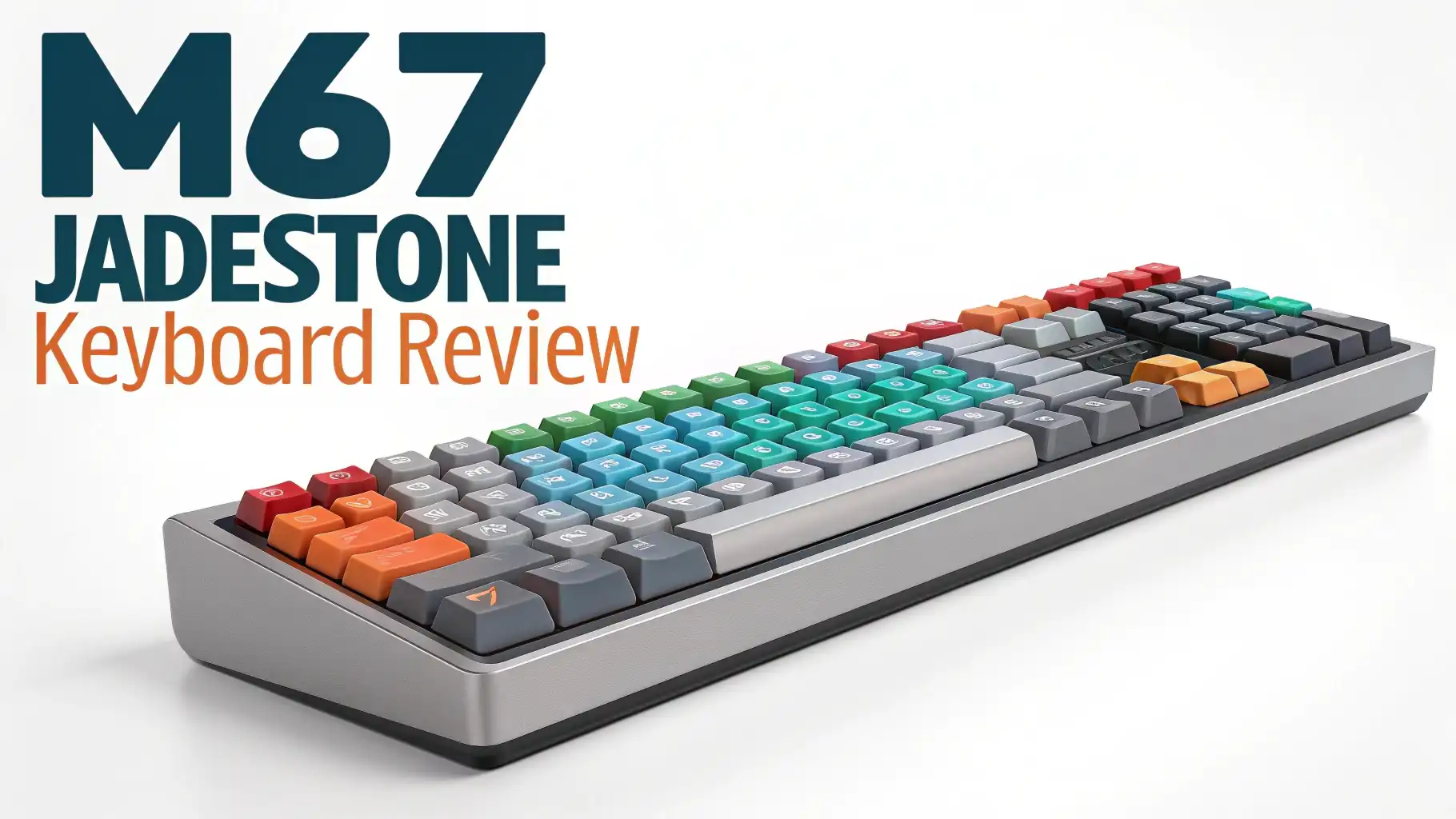
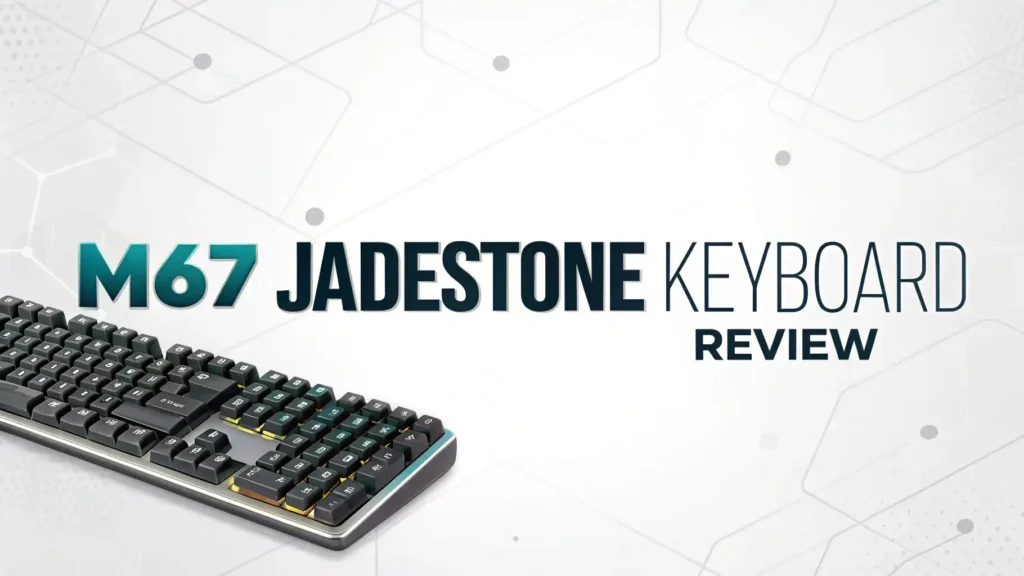
The first thing you’ll notice is the unique topographic design on the keycaps. These aren’t your standard keyboard caps. The IMD-Tech printing process creates beautiful contour line patterns that look like topographic maps. It’s functional art sitting right on your desk. The shine-through design means your RGB lighting creates this amazing glowing effect that changes the whole vibe of your workspace.
But beauty is only skin deep if the performance isn’t there. That’s where the M67 Jadestone really shines. The gasket mount construction gives you that premium typing feel that keyboard enthusiasts rave about. Each keystroke feels cushioned and controlled, not harsh or jarring like cheaper keyboards.
The 65% layout is what we call the sweet spot. You get a compact footprint that saves desk space and looks clean, but you keep the arrow keys and essential navigation keys that 60% keyboards sacrifice. This makes it practical for everyday use, not just gaming. You won’t be fumbling with function layers just to move your cursor or adjust volume.
Understanding the IMD-Tech Keycaps
Let’s talk about these keycaps because they’re honestly a game changer. IMD stands for In-Mold Decoration, and it’s a manufacturing process that makes these keycaps incredibly durable and vibrant.
Traditional keycap legends can fade over time. You type and type, and eventually, those letters start looking ghostly. IMD-Tech solves this problem by embedding the design within the keycap material itself. The topographic patterns won’t wear off because they’re part of the keycap structure.
The material feels premium too. These PBT keycaps have a slightly textured surface that provides good grip without feeling rough. Your fingers won’t slip during intense gaming sessions or fast typing. The thickness is solid, giving each keystroke a satisfying sound that enthusiasts describe as “thocky” or “creamy.”
What really makes these special is how the shine-through design works with the RGB backlighting. The topographic lines glow in different intensities, creating this layered lighting effect that’s mesmerizing to watch. You can customize the colors through the keyboard’s software to match your setup perfectly.
The double-shot construction means the legends are crisp and clear. Even in low light conditions, you can easily see what you’re typing. The font choice is clean and modern, not gamer-y or overly stylized. It works whether you’re in a professional office or a gaming cave.
Top 3 Alternatives for M67 Jadestone Keyboard


Tri-Mode Connectivity That Actually Works
Here’s where the M67 Jadestone gets practical. Three different connection modes mean this keyboard adapts to whatever setup you’re using.
The Bluetooth 5.0 connection is stable and reliable. We tested it across multiple devices, from laptops to tablets to smartphones. Pairing is quick and it remembers your devices. You can switch between three different Bluetooth connections, perfect if you’re juggling a work computer, personal laptop, and tablet.
The 2.4GHz wireless mode uses a USB dongle for low-latency connection. Gamers will appreciate this because it virtually eliminates input lag. You won’t notice any delay between pressing a key and seeing the action on screen. The dongle stores neatly in the keyboard body when not in use, so you won’t lose it.
And when you need the absolute most reliable connection, the USB-C wired mode has you covered. Plug in and you’re ready to go. No batteries to worry about, no interference, just pure plug-and-play simplicity. The cable is detachable too, making the keyboard more portable.
The 4000mAh battery is genuinely impressive. We got about 85 hours of use with moderate RGB lighting before needing to charge. Turn off the lights and you can push that even further. Charging is fast too, you can get several hours of use from just 30 minutes of charging.
Switching between modes is intuitive. Simple key combinations let you jump from wired to wireless to Bluetooth without reaching for any switches or buttons. The keyboard remembers your settings for each mode, so your lighting and key mappings stay consistent.
Hot-Swappable Switches for Ultimate Customization
This is where keyboard enthusiasts get excited. Hot-swappable sockets mean you can change the switches without any soldering or technical skills.
The keyboard comes with XVX Ice switches pre-installed. These are linear switches with a smooth keystroke and no tactile bump. They’re great for gaming and fast typing. The actuation force feels light but controlled, not mushy or vague.
But maybe you prefer tactile switches that give you feedback with each press. Or perhaps you want clicky switches that make that satisfying sound. With hot-swap sockets, you can change every switch in about 15 minutes. Just pull out the old switches with the included tool and press in your new choices.
This flexibility means the keyboard grows with you. Start with linear switches for gaming, then try tactile switches for typing work, then experiment with different brands and types. You’re not locked into one switch type forever.
The switches are 3-pin and 5-pin compatible, giving you access to virtually every mechanical switch on the market. Cherry, Gateron, Kailh, Durock, whatever your preference, they’ll work with this keyboard. The community has tested hundreds of switch combinations, so you’ll find plenty of recommendations.
The switches come pre-lubed from the factory, which is uncommon at this price point. This reduces scratchiness and makes the typing experience smoother right out of the box. You can still open them up and add more lube if you want to fine-tune the feel, but it’s not necessary for most users.
Gasket Mount Design for Premium Typing Feel
Let’s get a bit technical but stay with us because this matters for how the keyboard feels. Gasket mounting is a construction method that creates flex and cushion when you type.
Traditional keyboards mount the plate directly to the case with screws. This creates a rigid structure that can feel harsh. Every keystroke sends vibration directly into your desk. Gasket mounting uses silicone strips around the edge of the plate, creating a suspended feel.
When you type on the M67 Jadestone, you notice the difference immediately. There’s a slight give to each keystroke, a softness that feels more natural. Your fingers don’t get fatigued as quickly during long typing sessions. Gaming marathons become more comfortable.
The keyboard includes multiple layers of foam dampening. Case foam, plate foam, and PCB foam all work together to reduce hollow sounds and vibrations. This creates that “poppy” or “marblely” sound profile that reviewers keep mentioning.
The result is a typing experience that punches well above its price point. Keyboards that cost $150 or more use similar mounting systems. Getting gasket mount construction in a $60 keyboard is remarkable value. It’s one of the main reasons enthusiasts recommend this board to newcomers.
The flex pattern is even across the board. You don’t get hard spots or dead zones where the mounting feels different. Whether you’re typing on the left side, middle, or right side, the feel stays consistent.
QMK and VIA Support for Advanced Users
Here’s where power users really start to appreciate this keyboard. QMK and VIA support means you have almost unlimited customization options.
VIA is a software that lets you remap any key to any function. Don’t use Caps Lock? Turn it into another Backspace or Control key. Want your spacebar to do something different when you hold it versus tap it? You can program that. The possibilities are genuinely endless.
You can create multiple layers on your keyboard. Press a function key and your number row becomes media controls. Hold another key and your right hand becomes a numpad. This is especially useful on a compact 65% keyboard where you’re working with fewer physical keys.
The software is intuitive and doesn’t require coding knowledge. You click the key you want to change, select the new function, and save. The changes happen instantly, no complicated process or file compiling. Even if you’ve never customized a keyboard before, you’ll figure it out in minutes.
Macros are another powerful feature. Record complex key sequences and assign them to single keys. Useful for gaming combos, programming shortcuts, or any repetitive task you do regularly. The keyboard stores these macros in its memory, so they work on any computer you plug into.
For users who want to go deeper, the QMK firmware is open-source. This means the community is constantly developing new features and improvements. You can access advanced functions like tap dancing, where one key does different things based on how many times you tap it.
RGB Lighting That Pops
The RGB lighting on the M67 Jadestone deserves its own discussion. This isn’t just about pretty colors, though it definitely delivers on that front.
The south-facing LED placement means the light shines directly through those topographic keycaps without any obstruction. The effect is stunning, especially in a dimly lit room. The contour lines glow with different intensities, creating depth and dimension.
The keyboard offers multiple preset lighting effects. Wave patterns, reactive typing modes where keys light up as you press them, color cycling, solid colors, and more. You can adjust the brightness, speed, and colors of each effect to match your preference.
Through VIA software, you can create per-key RGB customization. Make your WASD keys one color, number row another color, and modifiers a third color. This isn’t just aesthetic, it’s functional too. Color-code different key functions to help you remember custom mappings.
The RGB is bright without being overwhelming. At full brightness, it’s vibrant and eye-catching. At lower settings, it provides gentle ambient lighting that’s easy on the eyes during long sessions. The adjustment range is wide enough to satisfy both RGB enthusiasts and those who prefer subtle lighting.
Battery life in wireless mode is respectable even with RGB enabled. The keyboard intelligently manages power, dimming or turning off lights when idle. You can also create custom lighting profiles that use less power for portable use.
Build Quality and Materials
When you pick up the M67 Jadestone, you immediately notice it feels more substantial than its price suggests. The plastic case is well-constructed with minimal flex and no creaking sounds when you apply pressure.
The weight distribution feels balanced. The keyboard doesn’t tip when you type on the upper rows, and it stays put during intense gaming sessions thanks to the rubber feet on the bottom. The feet provide good grip without being so sticky that they leave residue on your desk.
The finish on the case is smooth with a slight texture that resists fingerprints and scratches. Black and white color options both look clean and professional. The white version is truly white, not cream or beige, which is harder to achieve than you might think.
The stabilizers come pre-lubed and tuned, another detail that shows attention to quality. Larger keys like spacebar, shift, and enter feel smooth and consistent with the rest of the keyboard. There’s minimal rattle or ping, issues that plague many budget keyboards.
The PCB quality is solid. Reviewers who have opened the keyboard report good soldering and proper component placement. The hot-swap sockets are securely mounted, not loose or wobbly. These details matter for long-term reliability.
The USB-C port feels secure with a satisfying click when you plug in. It’s not loose or wiggling, which can happen with cheaper keyboards. The detachable cable uses a standard connection, so you can easily replace it if needed or use a custom cable to match your setup.
Sound Profile and Typing Experience
The sound of a mechanical keyboard is surprisingly important to users. The M67 Jadestone delivers a “creamy” and “poppy” sound profile that most people find pleasant.
The combination of gasket mount, foam dampening, and lubed switches creates this signature sound. It’s not overly loud or clacky, but it’s not silent either. There’s a satisfying audio feedback that confirms each keystroke without being distracting in shared spaces.
The typing feel is smooth and consistent across all keys. There are no scratchy switches or keys that feel different from the others. The pre-lubed switches make a noticeable difference compared to stock switches from other budget keyboards.
Gaming on this keyboard feels responsive and precise. The linear switches allow for rapid key presses without fighting tactile bumps. The actuation point is consistent, so you always know exactly when a key will register. This predictability is crucial for competitive gaming.
For typing work, the keyboard performs admirably. The sound profile doesn’t become annoying during long writing sessions. Your fingers don’t fatigue quickly thanks to the gasket mount cushioning. Touch typists will appreciate the standard keycap profiles and predictable layout.
The stabilizers deserve another mention. Large keys feel almost as smooth as the regular switches, which is uncommon at this price point. There’s no mushy feeling when you hit the spacebar, and the shift keys don’t rattle or make that annoying spring ping sound.
Compact 65% Layout Benefits
The 65% form factor is what many consider the ideal balance between compact and functional. Let’s break down why this layout works so well.
You get 67 keys total, which includes all the letters, numbers, and symbols of a standard keyboard. The main difference is the removal of the function row, numpad, and some navigation keys. But crucially, you keep the arrow keys and a few essential keys like Delete and Page Up/Down.
This makes the keyboard about 30% smaller than a full-size board. That extra desk space is fantastic for mouse movement in gaming, keeping a notebook nearby, or just having a less cluttered workspace. The keyboard feels less imposing and more integrated into your setup.
The compact size makes it portable too. Throw it in a backpack and take it to work, a LAN party, or a coffee shop. It’s not as tiny as a 60% board that might feel cramped, but it’s much more packable than a full-size keyboard.
Learning curve is minimal. If you rarely use the function keys or numpad, you won’t miss them at all. And for the times you do need those functions, layer programming through VIA makes them easily accessible. Hold Function and your number row becomes F1-F12. It takes a day or two to adjust, then it becomes second nature.
The dedicated arrow keys are crucial for productivity. Video editing, spreadsheet work, coding, document navigation, all these tasks are much easier with physical arrow keys rather than having to hold a function layer. The M67 Jadestone keeps these essential keys while maintaining a compact footprint.
Software and Compatibility
Software support can make or break a keyboard experience. The M67 Jadestone handles this aspect remarkably well for a budget board.
VIA support means no proprietary software to install. VIA is web-based and open-source, working across Windows, Mac, and Linux. You just plug in your keyboard, open VIA in your browser, and start customizing. No accounts to create, no bloated software eating system resources.
The keyboard works immediately out of the box without any software. Plug and play is genuine here. The default key layout is standard, RGB works, and wireless connections function without driver installations. This is perfect for users who just want to start typing without configuration.
For those who do want to customize, the learning resources are extensive. The keyboard community has created tutorials, videos, and guides for VIA programming. You’re never alone trying to figure out a feature.
Firmware updates are available when needed, though the keyboard ships with stable firmware that most users never need to update. If you do want the latest features, the update process is straightforward and well-documented.
Compatibility with different operating systems is genuinely universal. Windows sees it as a standard keyboard. Mac recognizes it correctly with Command and Option keys working as expected. Linux users report zero issues. Even connecting to iPads, Android tablets, and smartphones works perfectly in Bluetooth mode.
The keyboard remembers your settings even when switching between devices. Your custom key mappings, RGB profiles, and wireless connections are stored in the keyboard’s memory, not on your computer. Move it between your gaming PC and work laptop, and everything just works.
Value Proposition and Price Point
Let’s talk money. The M67 Jadestone typically sells for $50 to $65 depending on the version and retailer. At this price point, the value is genuinely remarkable.
Compare it to keyboards in the $150 to $200 range, and you find many of the same features. Gasket mount, hot-swap switches, VIA support, tri-mode connectivity, these are features that used to be exclusive to premium keyboards. The M67 Jadestone brings them to budget-conscious buyers.
The wireless version costs slightly more than the wired-only model, but the price difference is minimal. For the flexibility of tri-mode connection, the extra cost is absolutely worth it. You’re getting three keyboards in one for just a few dollars more.
What you’re sacrificing compared to premium keyboards is mostly the case material and weight. High-end keyboards use aluminum or wood cases that feel more substantial and look more premium. The M67 Jadestone uses plastic, which keeps the price down and the weight manageable for portable use.
The switches, while good, aren’t boutique options that cost $1 per switch. But honestly, for most users, the XVX Ice switches are perfectly adequate. And remember, if you want to upgrade later, the hot-swap sockets let you install whatever switches you prefer.
For someone entering the mechanical keyboard hobby, this is an ideal starting point. You get enough features to understand what you like and don’t like without spending hundreds of dollars. If you decide mechanical keyboards aren’t for you, you’re only out $60, not $200.
Who Should Buy the M67 Jadestone
This keyboard has a surprisingly wide appeal, but it’s not for everyone. Let’s figure out if it’s right for you.
Budget-conscious enthusiasts will love this board. You get premium features without premium pricing. If you want to experience gasket mount typing and hot-swap customization but can’t justify spending $150 or more, this is your entry point.
Gamers who want flexibility will appreciate the tri-mode connection and compact layout. The RGB lighting is vibrant, the switches are responsive, and the portable design means you can take it to tournaments or LAN parties. The QMK support lets you create game-specific profiles with custom macros.
Professionals seeking a clean desk setup will find the 65% layout perfect for office use. It’s not overly gamer-looking, the sound profile isn’t disruptive to coworkers, and the wireless connection reduces cable clutter. The VIA customization lets you create productivity shortcuts.
Keyboard hobbyists wanting a modification platform will enjoy the hot-swap sockets and standard components. This board is begging to be modded. Swap switches, add different foam, change keycaps, the possibilities are extensive. It’s an affordable base for experimentation.
However, if you need a numpad for data entry, this keyboard won’t work for you. The 65% layout sacrifices the numpad for compactness. If you use it daily for spreadsheet work or accounting, consider a full-size or 96% keyboard instead.
If you demand the absolute highest build quality with aluminum or brass components, this plastic case keyboard won’t satisfy you. It’s well-built for plastic, but it’s not a premium-materials board. For that, you need to spend considerably more.
What People Are Saying About This Keyboard
The M67 Jadestone has garnered impressive reviews across multiple platforms, with users consistently praising several key aspects.
On Amazon, the wireless version holds a 4.8 out of 5 star rating with over 150 reviews. Users specifically mention the value proposition, with many stating they expected a $60 keyboard to feel cheap but were pleasantly surprised by the quality.
Reddit’s mechanical keyboard communities have embraced this board enthusiastically. Posts about the M67 Jadestone receive hundreds of upvotes and comments. Users describe it as a “budget king” and “the keyboard to recommend to friends” who are curious about the hobby.
YouTube reviewers have praised the aesthetics and sound profile. Multiple review videos note that the RGB lighting through the topographic keycaps is unique and eye-catching. Sound tests consistently show the pleasant typing noise that users describe as “creamy” and “satisfying.”
Common praise points include the pre-lubed stabilizers, which many users note is unusual for this price range. The gasket mount implementation gets consistent compliments for providing that premium typing feel. The battery life in wireless mode exceeds user expectations.
The few criticisms that appear are mostly about the plastic case feeling less premium than metal alternatives, which is expected at this price point. Some users wish for more color options beyond black and white. A handful of reviewers wanted more aggressive RGB effects, though most find the lighting adequate.
The customer service from XVX receives positive mentions as well. Users who had questions or minor issues report responsive support that solved their problems quickly. For a budget brand, this level of service is commendable.
Frequently Asked Questions
Is the M67 Jadestone keyboard compatible with Mac computers?
Yes, the M67 Jadestone works perfectly with Mac computers. The keyboard automatically detects Mac systems and maps the keys appropriately. The Command and Option keys function exactly as they should. You can use it in wired mode via USB-C, wireless through the 2.4GHz dongle, or via Bluetooth connection. Through VIA software, you can further customize the key layout to match your Mac workflow preferences. Many Mac users actually prefer this keyboard because it offers more customization than Apple’s own keyboards.
Can you replace the switches without soldering on this keyboard?
Absolutely yes. The M67 Jadestone features hot-swappable switch sockets that allow you to change any switch without soldering skills or equipment. Simply use the switch puller tool included with the keyboard to remove the existing switches, then press your new switches into the sockets until they click into place. The process takes about 15 minutes to change all 67 switches. The keyboard supports both 3-pin and 5-pin mechanical switches, giving you access to virtually every switch brand and type on the market.
How long does the battery last in wireless mode?
The 4000mAh battery provides approximately 85 hours of use with RGB lighting at medium settings. If you turn off the RGB completely, you can extend the battery life to well over 100 hours. The keyboard intelligently manages power by dimming or turning off lights when idle. Charging is fast, with a full charge taking about 2 to 3 hours via USB-C. Even a quick 30-minute charge gives you enough power for several hours of use. The battery indicator on the keyboard lets you monitor the remaining charge level.
What is the difference between wired and wireless versions?
The wired version connects only through USB-C cable and costs slightly less. The wireless version includes tri-mode connectivity supporting Bluetooth 5.0, 2.4GHz wireless via USB dongle, and USB-C wired connection. The wireless version has the 4000mAh battery built in, while the wired version does not. Both versions include the same hot-swap sockets, gasket mount construction, QMK/VIA support, and RGB lighting. The wireless version adds portability and flexibility at a small price premium of about $10 to $15.
Does this keyboard work with PlayStation 5 or Xbox consoles?
Yes, the M67 Jadestone is compatible with PS5 in 2.4GHz wireless mode without requiring any firmware updates. Simply plug the wireless dongle into the PS5 USB port and the keyboard connects automatically. For Bluetooth mode on PS5, you may need to update the keyboard firmware. Xbox compatibility is more limited as Xbox consoles have restricted keyboard support for security reasons, but basic typing functionality works. For gaming consoles, the 2.4GHz wireless mode provides the best compatibility and lowest latency.
Can you program macros on this keyboard?
Yes, through VIA software you can create and program unlimited macros on the M67 Jadestone. Record complex key sequences and assign them to single keys or key combinations. These macros are stored in the keyboard’s onboard memory, so they work on any computer you connect to without needing to reinstall software. You can create game-specific macros for ability combos, programming shortcuts for code snippets, or productivity macros for repetitive tasks. The VIA interface makes macro creation straightforward even if you have no programming experience.
What switches come installed and how do they feel?
The M67 Jadestone ships with XVX Ice linear switches pre-installed. These switches have a smooth keystroke with no tactile bump, making them excellent for both gaming and typing. The actuation force is light to medium, requiring minimal finger pressure. The switches come pre-lubed from the factory, which reduces scratchiness and provides a smoother feel than typical stock switches. They produce a pleasant sound described as “creamy” and “poppy.” If you prefer different switch types, the hot-swap sockets allow easy replacement with your preferred switches.
How difficult is the learning curve for a 65% keyboard?
Most users adapt to the 65% layout within a day or two. Since the M67 Jadestone keeps the arrow keys and essential navigation keys, the adjustment is minimal. The main difference from a full-size keyboard is the absence of the function row and numpad. Function keys are accessed by holding the Function key and pressing the number row, which becomes intuitive quickly. If you rarely use the numpad for data entry, you won’t miss it. The compact layout actually improves gaming by giving you more mouse space, and typing feels natural because all the letter and symbol keys are in their standard positions.
There you have it. Everything you need to know about the M67 Jadestone keyboard. This board offers exceptional value by bringing premium features to a budget-friendly price point. The combination of hot-swappable switches, gasket mount construction, tri-mode connectivity, and stunning topographic keycaps creates a package that punches well above its weight class.
Whether you’re starting your mechanical keyboard adventure or adding another board to your collection, the M67 Jadestone deserves serious consideration. It’s proof that you don’t need to spend a fortune to get a typing experience that feels premium, looks gorgeous, and offers the customization enthusiasts crave.