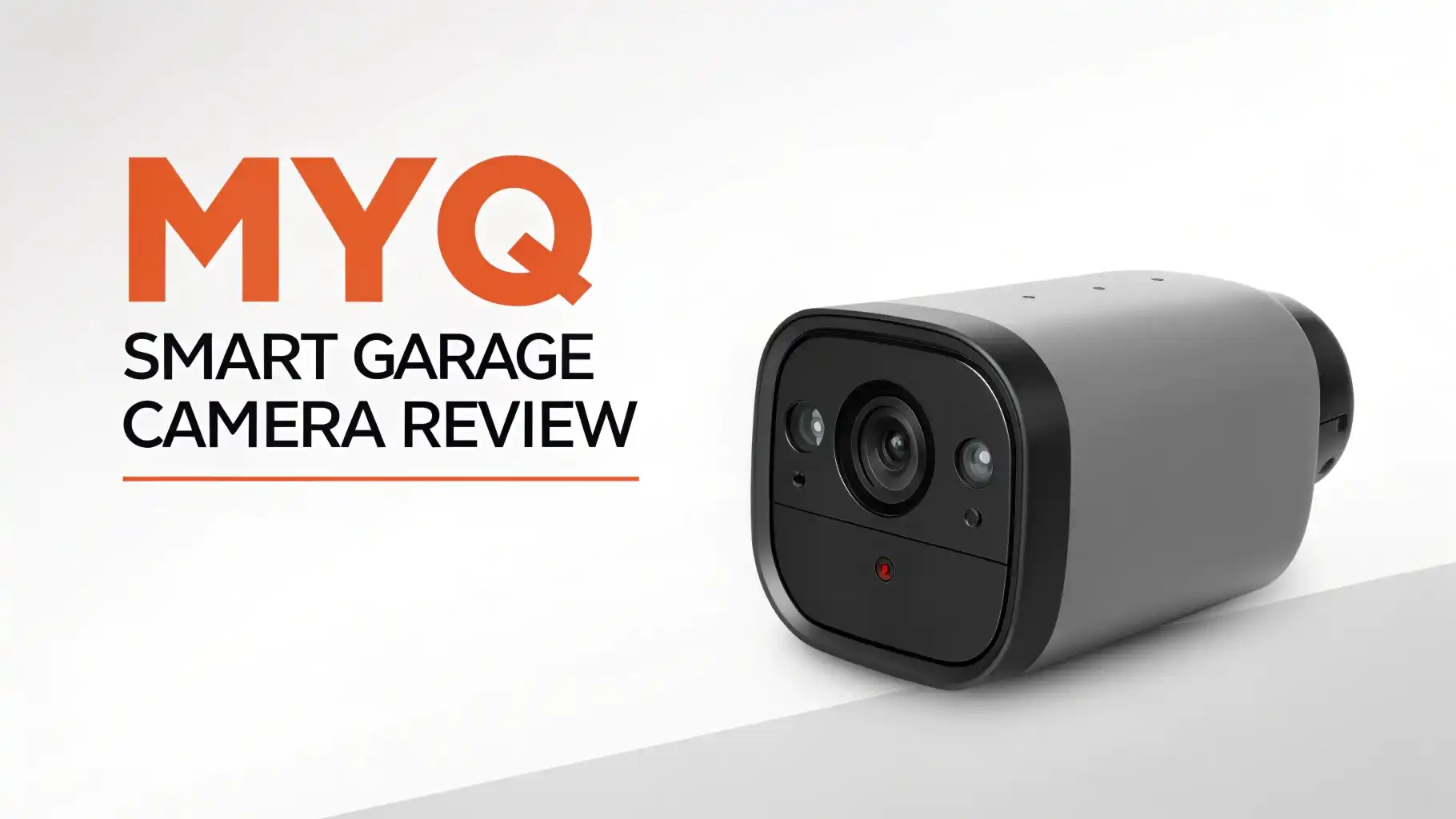
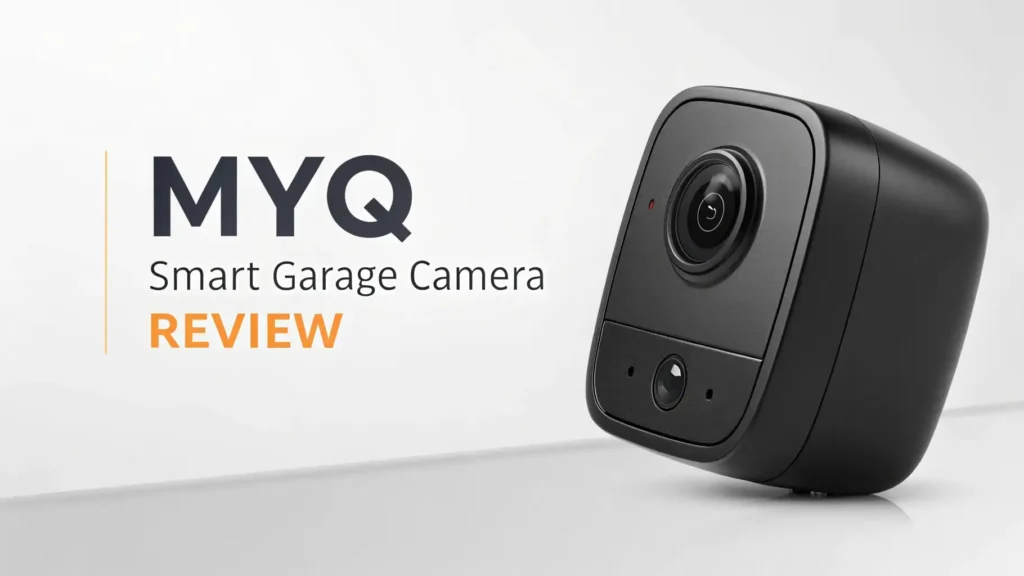
myQ Smart Garage Camera Review 2026: Read This Before Buying
Have you ever left home and instantly thought, “Wait, did I close the garage door?” That feeling is awful. You are halfway to work, and your brain starts replaying every possible disaster scenario.
What if someone walked in? What if your car is exposed? What if your tools are gone? Here is the good news. The myQ Smart Garage Camera exists specifically to solve that exact problem, and in 2026, it still does a very solid job.
This review covers everything you need to know before you buy. We tested the camera, dug into real user feedback, compared it to top alternatives, and broke down whether the subscription plan is actually worth it.
Key Takeaways:
- Built for the garage first. The myQ Smart Garage Camera is one of very few security cameras designed specifically for garage environments. It handles temperature extremes from -4°F to 122°F, which means it works through cold winters and hot summers without a problem.
- 1080p HD video with a 140-degree wide-angle lens. The video quality is clear and sharp. The wide lens covers the full width of a standard two or three car garage from a single mounting point. You do not need multiple cameras to monitor your space.
- Magnetic base makes installation incredibly easy. The camera mounts directly on the underside of your garage door opener with no screws and no tools. It sticks magnetically and stays put. You can reposition it in seconds.
- Two-way audio lets you communicate in real time. Whether you want to talk to a delivery person or check on a family member in the garage, the Push To Talk feature makes it simple. The audio is clear in most conditions, though some background noise can come through.
- Motion detection sends instant alerts to your phone. The camera detects movement and sends push notifications immediately. You can customize these settings in the myQ app to reduce unnecessary alerts.
- A free trial and flexible subscriptions are available. The camera comes with a 30-day free trial for video storage. After that, you can continue with live viewing for free or upgrade to a paid plan starting at $79.99 per year for cloud storage, smart detection, and clip downloads.

What Is the myQ Smart Garage Camera?
The myQ Smart Garage Camera is a Wi-Fi security camera made by Chamberlain Group, the same company behind popular garage door opener brands like LiftMaster and Chamberlain. The product model is MYQ-C23AXXW1 (Gen 2), and it is available on Amazon under ASIN B093Z8FPG6.
Unlike most security cameras that are simply adapted for garage use, this one was built from the ground up with the garage environment in mind. Chamberlain understood that garages are not like living rooms. Garages get cold, hot, and dusty. They need cameras that can handle all of that while still delivering clear, reliable footage.
The myQ Smart Garage Camera works as a standalone device. You do not need a myQ garage door opener to use it. However, if you already have one, the experience gets much better.
The camera feed and your garage door controls appear together in the same myQ app screen. This makes it incredibly convenient to check your garage status and view live video in one place.
The camera connects over Wi-Fi and supports both 2.4GHz and 5GHz networks. It is powered by a USB cable and AC adapter, which are included in the box. The white finish looks clean and modern, and it fits naturally in most garage settings. Overall, this is a focused, purpose-built product that does exactly what it promises.
Key Features of the myQ Smart Garage Camera
The myQ Smart Garage Camera comes packed with features that most homeowners will find genuinely useful. Here is a breakdown of the most important ones.
1080p HD Video at 30 Frames Per Second. The camera records full HD video at 30fps using the H.264 codec. The result is smooth, clear footage that shows faces, license plates, and objects with good detail. The video does not look grainy or washed out, even in less-than-ideal lighting conditions.
140 Degree Wide Angle Lens. This wide lens is one of the camera’s biggest strengths. A 140-degree field of view covers the full width of most garages from a single point of installation. You can see all three garage doors, your parked cars, and the entry door from one camera location.
Automatic Night Vision. The camera switches to infrared night vision automatically when the lights go off. The night vision range covers the typical garage length, and the image remains bright enough to identify details clearly in complete darkness.
Magnetic Base Mount. The camera has a built-in magnetic base. It attaches directly to the metal underside of your garage door opener motor unit. No drilling, no screws, no tools. This is one of the most praised features by real users.
Two-Way Audio. A built-in microphone and speaker allow real-time communication. The Push To Talk feature works reliably through the myQ app on iOS and Android. This is great for communicating with delivery drivers or family members inside the garage.
Video Quality and Night Vision Performance
Video quality is one area where the myQ Smart Garage Camera performs consistently well. The 1080p resolution at 30 frames per second produces footage that is smooth and detailed. Colors are vivid and accurate during daytime. You can clearly make out faces, clothing colors, and objects within the camera’s field of view.
The 140-degree wide angle lens adds significant value here. Most standard security cameras have a 90 to 110-degree field of view. The wider lens on the myQ camera means you need fewer cameras to monitor the same amount of space. In a typical two-car garage, one camera placed under the door opener can capture nearly the entire area.
The camera adds a timestamp in the top-left corner of every recording. This is a small but useful feature for reviewing footage after an event. You always know exactly when something happened.
When it comes to night vision, the performance is solid. The camera uses infrared (IR) LEDs that activate automatically when ambient light drops. In a pitch-dark garage, the image remains clear enough to identify people and vehicles.
Top 3 Alternatives for myQ Smart Garage Camera


Setup and Installation Process
Getting the myQ Smart Garage Camera up and running is one of the most straightforward setup experiences in the security camera category. Most users are fully operational within 10 to 15 minutes of opening the box.
Here is how the installation process works:
Step one: Download the myQ app. The app is available for free on iOS and Android. Create an account or log in if you already have one. The app walks you through every step of the setup process with clear on-screen instructions.
Step two: Position the camera. Before attaching it permanently, hold the camera in your desired position and check the live view in the app. Make sure the field of view covers everything you want to monitor. The magnetic base makes repositioning extremely easy, so take a moment to find the perfect angle before committing.
Step three: Attach the camera. Press the magnetic base firmly against the metal panel on the underside of your garage door opener. The camera clicks into place and holds securely. No screws, no brackets, no tools.
Step four: Connect to Wi-Fi. Follow the in-app prompts to connect the camera to your home Wi-Fi network. The camera supports both 2.4GHz and 5GHz networks. A strong Wi-Fi signal in your garage is important for consistent performance. If your router is far from the garage, consider using a Wi-Fi extender.
Motion Detection and Smart Alerts
The motion detection system on the myQ Smart Garage Camera is functional and responsive. The camera detects movement within its field of view and sends push notifications to your smartphone within seconds of detecting activity. This gives you real-time awareness of what is happening in your garage, even when you are miles away.
One thing to note is that motion detection is turned off by default. You need to turn it on manually in the myQ app settings. Once enabled, the sensitivity can be adjusted to reduce false alerts triggered by minor movements like shadows, insects, or changes in light.
However, without a paid subscription, the camera does not save motion-triggered video clips. It will notify you that motion was detected, but you will not be able to review the recorded footage unless you are subscribed to one of the video storage plans. This is one of the most common complaints from users who expect basic event recording to be included at no cost.
Two-Way Audio and Communication
The two-way audio feature on the myQ Smart Garage Camera is a genuinely useful addition to the camera’s feature set. The camera includes a built-in microphone and speaker, and communication works through a Push To Talk function within the myQ app.
The audio quality is good in most situations. You can hear voices clearly, and the person on the other end of the garage can hear you through the camera’s speaker without significant distortion. This makes it easy to talk to a family member entering the garage or instruct a delivery person where to leave a package.
Real users have noted that the microphone can pick up background noise in some environments. Garages with HVAC units, fans, or other equipment running nearby may experience some audio interference. This is a common issue with most entry-level security cameras and is not specific to the myQ model.
myQ App Experience and Smart Home Integration
The myQ app is the central hub for controlling the myQ Smart Garage Camera. It is available on both iOS and Android and is free to download. The app is generally well-designed, and most users find it intuitive to use after the initial setup.
Within the app, you can access live video, adjust camera settings, manage notification preferences, view event history (with subscription), and control any other connected myQ devices. If you have a myQ garage door opener, your camera feed and door controls appear together on the same screen. This unified view is one of the most appreciated features of the myQ ecosystem.
The app has received some criticism for occasional slowness and minor bugs in certain situations. Some users report that the live stream takes longer to load than expected, particularly on slower Wi-Fi connections. Ensuring a strong and stable Wi-Fi signal in your garage resolves most of these issues.
Subscription Plans and Pricing
Understanding the myQ subscription structure is essential before you buy. Here is a clear breakdown of what is free and what requires a paid plan.
Free (No Subscription Required):
Live video streaming is always available at no cost. You can open the myQ app at any time and watch a live feed from your camera. Motion detection alerts (notifications only) are also available for free. However, no video clips or recordings are saved without a paid plan.
Essential Plan: $79.99 per year (one device)
This plan covers a single camera and includes 30 days of cloud video storage, smart detection (person, vehicle, animal), the ability to download video clips, and full access to motion event history. This is the most popular plan for single-camera users.
Ultra Plan: $149.99 per year (unlimited devices)
This plan covers all myQ cameras in your home and includes the same 30-day storage and smart detection features. It is the best value if you have two or more cameras. At this price, the per-camera cost drops significantly compared to individual plans.
Is the subscription worth it?
If you only want to monitor your garage in real time and receive motion notifications, the free tier is enough. But if you want to review what happened while you were away, especially after a break-in, a package theft, or an accident in the garage, the subscription is necessary. For most homeowners, the Essential plan at $79.99 per year is a reasonable investment that delivers full functionality at a manageable annual cost.
Pros and Cons of the myQ Smart Garage Camera
Every product has strengths and weaknesses. Here is a direct look at both sides.
Pros:
- Clear 1080p video with a wide 140-degree field of view. The image quality is genuinely good for an indoor garage camera. You can see the full width of a standard garage from one mounting point.
- The magnetic base is a game-changer for installation. No tools, no drilling, no stress. It attaches in seconds to any metal surface, which is almost always the underside of the garage door opener motor.
- Works in extreme garage temperatures from -4°F to 122°F. Most security cameras are not rated for this kind of thermal range, making the myQ camera one of the few truly garage-optimized options on the market.
- Two-way audio and Key by Amazon compatibility add real value. The ability to communicate through the camera and enable secure package delivery is a feature set that competitors often cannot match in a garage-specific product.
- Seamless integration with the myQ ecosystem makes it a no-brainer upgrade for existing myQ garage door opener users.
Cons:
- No video recording without a paid subscription. This is the biggest drawback. Motion alerts notify you of activity, but you cannot review footage without paying for the Essential or Ultra plan. For users expecting basic free recording, this is a significant limitation.
- The microphone picks up background noise in active garage environments. If your garage has loud mechanical equipment, audio quality may suffer.
- Wall outlet access can be tricky if your garage door opener and myQ controller already occupy the available outlets near the ceiling. An outlet extender may be necessary.
- The camera is not weatherproof and cannot be used outdoors. If you need an outdoor camera, you will need a separate product.
Frequently Asked Questions
Does the myQ Smart Garage Camera work without a subscription?
Yes, the camera works without a subscription. You can access live video streaming at any time for free through the myQ app. Motion detection notifications are also available at no cost. However, you will not be able to view, review, or download recorded video clips without a paid plan. The 30-day free trial gives you full access to all features when you first set up the camera.
Can I use the myQ Smart Garage Camera outdoors?
No, the standard myQ Smart Garage Camera is designed for indoor use only. It is not weatherproof and should not be exposed to rain, direct sunlight, or moisture. The camera is optimized for garage environments and works in temperatures ranging from -4°F to 122°F. If you need outdoor coverage, myQ also offers an outdoor camera model designed for exterior use.
What Wi-Fi frequency does the myQ Smart Garage Camera support?
The camera supports both 2.4GHz and 5GHz Wi-Fi networks. A stable connection is important for consistent live streaming and timely motion alerts. If your garage is far from your router, a Wi-Fi range extender can improve performance significantly.
Does the myQ Smart Garage Camera work with Alexa and Google Assistant?
Yes, the camera is compatible with both Amazon Alexa and Google Assistant. You can ask Alexa to display the garage camera feed on an Echo Show or Fire TV device. Google Home users can also view the live feed on compatible smart displays. Integration is straightforward through the respective apps.
How do I mount the myQ Smart Garage Camera?
The camera uses a magnetic base for mounting. You simply press it against the metal surface on the underside of your garage door opener motor unit. No screws or tools are needed. If you prefer to mount it somewhere else, the box also includes wall mounting hardware including screws and anchors.
What is the field of view of the myQ Smart Garage Camera?
The camera has a 140-degree wide-angle field of view. This wide coverage allows a single camera to monitor the full width of a standard two or three car garage from one mounting point on the ceiling level.
Is the myQ Smart Garage Camera compatible with Apple HomeKit?
Apple HomeKit support is not natively available on the myQ Smart Garage Camera. MyQ does offer limited HomeKit integration for its garage door opener controllers through a separate accessory, but direct HomeKit support for the camera itself is not included. Users who rely heavily on Apple HomeKit should check compatibility before purchasing.
How long does setup take for the myQ Smart Garage Camera?
Most users complete the full setup in 10 to 15 minutes. This includes downloading the myQ app, positioning the camera, attaching it magnetically, and connecting it to the Wi-Fi network. The app provides step-by-step guidance throughout the process, making it simple even for users with no technical background.