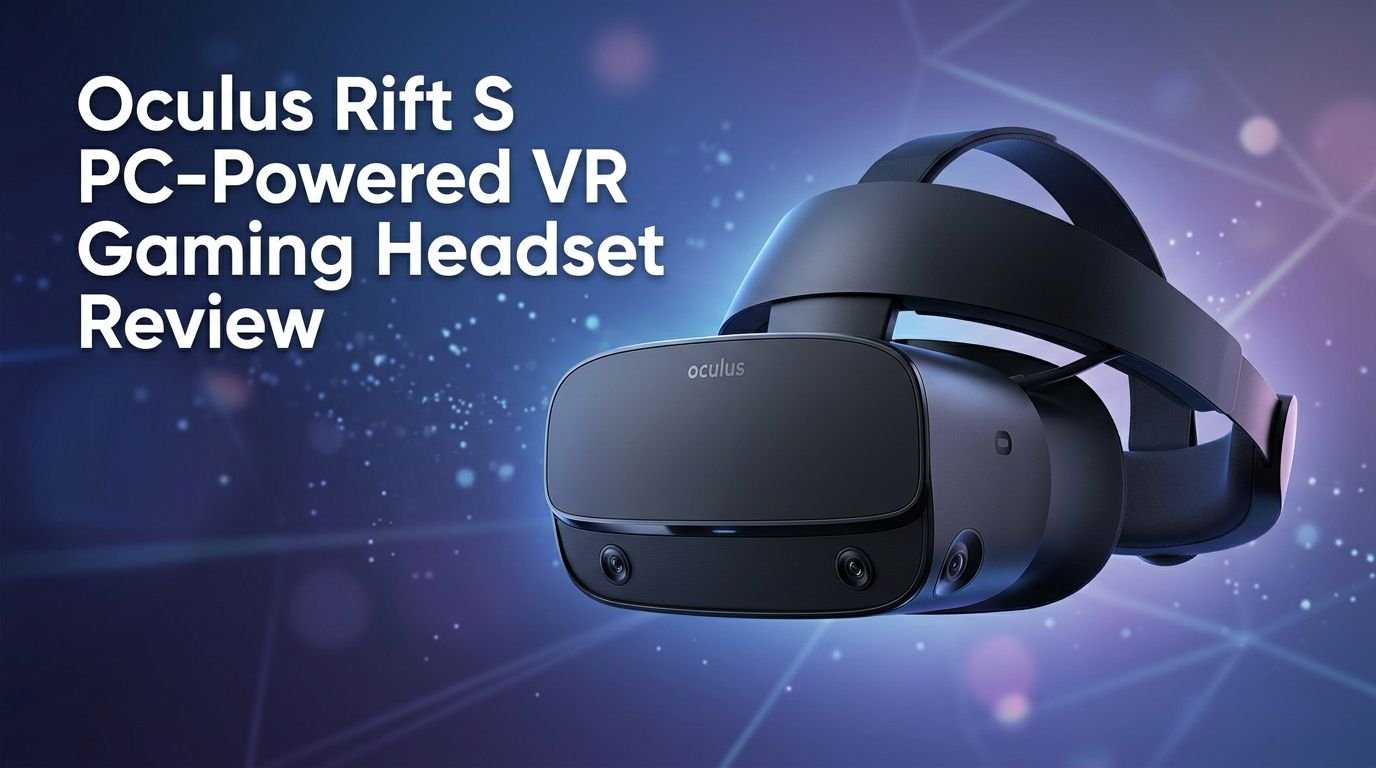
Oculus Rift S PC-Powered VR Gaming Headset Review 2026
Are you thinking about picking up the Oculus Rift S in 2026? Maybe you found one at a great price, or you already own one and want to know how it holds up today. Either way, you are in the right place.
The Oculus Rift S was a game-changer when it launched in 2019. It brought inside-out tracking, a sharper display, and a much simpler setup to PC VR gaming. But VR technology has moved fast. New headsets from Meta, Valve, and others now crowd the market.
So how does the Rift S perform in 2026? Can it still deliver a solid VR experience? This review breaks down every key detail. We cover display quality, comfort, tracking, game compatibility, and much more.
Key Takeaways:
- The Oculus Rift S features a 2560 x 1440 combined resolution with a fast-switch LCD panel. This was impressive in 2019 and still offers a clear enough picture for most VR games today, though newer headsets have surpassed it.
- Inside-out tracking with five built-in cameras removes the need for external sensors. Setup is fast and simple. You plug in two cables and you are ready to go.
- The halo headband design distributes weight evenly across your head. Many users find it more comfortable than strap-based headsets for longer play sessions.
- The 80 Hz refresh rate is the biggest weak point. Most modern headsets run at 90 Hz or higher. You may notice slight differences in smoothness during fast-paced games.
- Meta officially discontinued the Rift S in 2021. You will only find it through resellers, refurbished units, or used markets. Software support has also slowed down significantly.
- For budget-conscious buyers, the Rift S can still be a decent entry point into PC VR gaming. However, you should weigh its limitations against more current options before making a purchase.

Oculus Rift S PC-Powered VR Gaming Headset Overview
The Oculus Rift S launched in May 2019 as the successor to the original Oculus Rift. Meta (then Facebook) designed it in collaboration with Lenovo. The goal was simple. They wanted to make PC VR easier and more accessible without sacrificing quality.
This headset connects to your PC through a DisplayPort 1.2 cable and a USB 3.0 cable. It draws all its processing power from your computer. That means you need a VR-ready PC with a solid GPU and CPU to run it.
The Rift S ditched the external sensor setup of the original Rift. Instead, it uses five built-in cameras for inside-out tracking. This was a major upgrade. You no longer needed to mount sensors around your room.
The package includes the headset, two Oculus Touch controllers, and the required cables. The Touch controllers use AA batteries and offer excellent hand-tracking with analog sticks, buttons, and triggers. They feel natural in your hands during gameplay.
The Rift S was priced at $399 at launch. That made it one of the most affordable PC VR headsets at the time. Today, prices vary widely on the used market. You can find units ranging from $150 to $350 depending on condition.
Overall, the Rift S was built for gamers who wanted a plug-and-play VR experience with their existing gaming PC. It delivered on that promise and earned strong reviews from critics and users alike.
Display Quality and Visual Performance
The Oculus Rift S uses a single fast-switch LCD panel with a combined resolution of 2560 x 1440 pixels. That breaks down to 1280 x 1440 per eye. This was a noticeable step up from the original Rift’s 1080 x 1200 OLED panels.
The LCD technology reduces the screen door effect compared to older VR headsets. Text is easier to read. Game environments look cleaner. You can spot details at a distance more easily than on the original Rift.
However, the switch from OLED to LCD does come with a trade-off. Black levels are not as deep. Dark scenes in horror games or space simulators may look slightly washed out. Colors are accurate but lack the punch that OLED panels deliver.
The field of view sits at approximately 88 degrees. This is slightly narrower than competitors like the Valve Index, which offers around 130 degrees. You will notice a subtle binocular-like framing around your vision, but it fades during active gameplay.
One thing the Rift S does not support is manual IPD adjustment. It relies on a software-based IPD adjustment with a fixed lens spacing of about 63.5mm. If your interpupillary distance falls outside the 61mm to 65mm range, you may experience blurriness or discomfort.
In 2026, the display holds up for casual and mid-level gaming. But if you want the sharpest visuals, newer headsets like the Meta Quest 3 and HP Reverb G2 offer much higher resolutions.
Comfort and Build Quality
Comfort matters a lot in VR. You might wear this headset for hours. The Rift S handles this better than many headsets from its era thanks to the halo headband design co-developed with Lenovo.
The halo band wraps around the back of your head and sits above your forehead. You adjust it with a dial at the back. This design shifts weight away from your face and distributes it more evenly across your head.
The headset weighs about 500 grams (approximately 1.1 pounds). That is slightly heavier than the original Rift. But the weight distribution makes it feel lighter during use. Most users report comfortable sessions lasting 1 to 2 hours without strain.
The facial interface uses a foam padding that rests against your face. It does a decent job of blocking light. However, the foam is not removable or replaceable through official channels. Third-party replacements are available, and they are worth considering for hygiene.
Build quality is solid. The plastic shell feels sturdy. The cables are thick and well-insulated. The Touch controllers have a satisfying weight and grip. Nothing about this headset feels cheap or fragile.
One downside is the lack of built-in headphones. The Rift S uses a near-ear speaker system that pipes audio through small speakers near your ears. They work fine for casual gaming. But they leak sound and lack bass. Serious gamers will want to plug in their own headphones through the 3.5mm jack.
Top 3 Alternatives for Oculus Rift S
1. Meta Quest 3 512GB

2. HP Reverb G2 VR Headset

3. Valve Index VR Headset

Inside-Out Tracking Performance
The Oculus Rift S uses Oculus Insight tracking technology. Five cameras positioned around the headset handle all the tracking. Two cameras face forward. Two face outward to the sides. One faces slightly upward.
This setup tracks both your headset and your Touch controllers without any external hardware. You just draw your play area boundary through the Oculus software and start playing. Setup takes less than five minutes.
Tracking accuracy is impressive for a system from 2019. Head movements register smoothly. Controller tracking is responsive and precise in the area in front of and around you. Games like Beat Saber, Superhot VR, and Half-Life: Alyx play well with this system.
There are limitations, though. Controllers can lose tracking when you move them behind your back or very close to the headset. This is a known weakness of camera-based inside-out tracking. Games that require reaching behind you may experience brief tracking hiccups.
Low-light environments can also cause tracking issues. The cameras need some ambient light to function correctly. Playing in a completely dark room is not recommended. A dimly lit room works fine, but total darkness will cause problems.
Compared to the Valve Index’s base station tracking, the Rift S tracking is less precise. But it is far more convenient. No wall-mounted sensors. No extra power outlets. Just put on the headset, and it works.
Controller Design and Functionality
The Oculus Rift S ships with second-generation Oculus Touch controllers. These are slightly redesigned from the original Touch controllers. The tracking ring now sits above your hand instead of below it.
Each controller features an analog thumbstick, two face buttons (A/B or X/Y), a trigger, a grip button, and a menu button. The layout feels intuitive. You can pick up most games without reading a manual.
Hand presence is a standout feature. The Touch controllers use capacitive sensors on the buttons, triggers, and thumbsticks. The system can detect whether your fingers are resting on or lifting off these surfaces. This allows for basic hand gestures like pointing and giving a thumbs up in supported games.
The controllers run on AA batteries. Each controller uses one AA battery. Battery life is solid. You can expect around 20 to 30 hours of play before needing a swap. Rechargeable AA batteries are a smart investment here.
Ergonomics are excellent. The controllers feel natural in your hands. The curved design follows the shape of your grip. Long play sessions do not cause hand fatigue for most users.
One drawback is the tracking ring placement. The rings sit on top and can occasionally collide during intense gameplay. This is common in boxing or shooting games where your hands come close together. It does not happen often, but it is worth noting.
Software and Game Compatibility
The Rift S connects to the Oculus PC software platform. Through this app, you access the Oculus Store and its full library of PC VR games. The store offers hundreds of titles across genres like action, simulation, puzzle, and social experiences.
You can also use SteamVR with the Rift S. This opens up the entire Steam VR library. Games like Half-Life: Alyx, Boneworks, Pavlov VR, and Project Cars 2 all run smoothly on this headset. The SteamVR integration works well with minimal setup.
Oculus Home serves as your VR dashboard. You can customize your virtual space, launch games, and manage settings from inside VR. The interface is clean and easy to use.
However, Meta has shifted its focus to the Quest platform in recent years. The Oculus PC software still functions, but updates have become infrequent. New features and improvements are primarily built for Meta Quest devices now.
Game developers have also moved their attention to standalone VR and the Quest ecosystem. Some newer titles may not receive Rift-specific optimizations. That said, most SteamVR games remain fully compatible since they target the OpenVR or OpenXR standards.
Social features like Oculus Parties and Oculus Friends still work but have been migrated to the Meta ecosystem. You will need a Meta account to use the headset. This is a change from the original Facebook account requirement.
PC Requirements and Setup Process
Running the Oculus Rift S requires a VR-ready PC. Here are the minimum and recommended specs you should know about.
The minimum specs include an Intel i3-6100 or AMD Ryzen 3 1200 processor, 8GB of RAM, and an NVIDIA GTX 1050 Ti or AMD Radeon RX 470 GPU. For a better experience, Meta recommended an Intel i5-4590, 8GB of RAM, and an NVIDIA GTX 1060 or AMD Radeon RX 480.
Your PC must have a DisplayPort 1.2 output and a USB 3.0 port. This is important. The Rift S does not work with HDMI. If your GPU only has HDMI outputs, you will need a compatible adapter, though results with adapters can be inconsistent.
Setup is straightforward. Download the Oculus PC app. Plug in the DisplayPort and USB cables. The software walks you through sensor calibration and boundary setup. The entire process takes about 10 to 15 minutes for first-time users.
You do not need to drill holes or mount anything on your walls. This is one of the biggest advantages over headsets like the Valve Index or HTC Vive, which require base stations.
One thing to keep in mind is cable management. The Rift S uses a tethered connection. The cable is about 5 meters long. During active games, the cable can get tangled or pulled. A ceiling-mounted cable management system can solve this problem for a small additional cost.
Audio Quality and Microphone
The Rift S takes a different approach to audio than its predecessor. Instead of built-in on-ear headphones, it uses an open-ear speaker system. Two small speakers sit near your ears without touching them.
This design has pros and cons. On the positive side, you stay aware of your surroundings. You can hear someone talking to you or a doorbell ringing without removing the headset. This adds a layer of safety during VR sessions.
The sound quality is acceptable for casual gaming. Dialogue is clear. Sound effects have decent spatial positioning. You can tell where sounds come from in a VR environment, which is important for immersion.
But the open-ear design lacks bass and volume. Explosions feel flat. Music in games like Beat Saber does not hit hard enough. The speakers also leak sound, so people nearby will hear your gameplay audio.
For serious gaming or media consumption, plug in a pair of headphones. The Rift S includes a 3.5mm headphone jack on the left side of the headset. Any standard wired headphones or earbuds will work. This instantly upgrades your audio experience.
The built-in microphone is decent. It picks up your voice clearly enough for multiplayer games and social VR apps. It does not match the quality of a dedicated desktop microphone, but it works well for in-game communication. Background noise suppression is basic but functional.
Gaming Experience in 2026
Let’s talk about what really matters. How does the Rift S feel when you play games in 2026?
The answer is surprisingly good for many titles. Popular VR games like Beat Saber, Superhot VR, The Walking Dead: Saints & Sinners, and Blade & Sorcery run smoothly on the Rift S. The tracking is accurate. The controllers feel great. The display is clear enough to enjoy the action.
Half-Life: Alyx remains one of the best VR experiences ever made. The Rift S handles it well at medium to high settings on a capable PC. The 80 Hz refresh rate does not cause major issues, though 90 Hz or 120 Hz headsets do provide a smoother experience.
Racing and flight simulators also work well. Games like iRacing, Assetto Corsa, and Microsoft Flight Simulator look good on the Rift S display. The resolution is sufficient for reading in-cockpit instruments, though a higher-resolution headset like the HP Reverb G2 would be better for simulation enthusiasts.
Fast-paced action games expose the 80 Hz refresh rate limitation more noticeably. Quick head movements can feel slightly less fluid compared to headsets running at 90 Hz or above. Some users report mild motion discomfort during extended sessions in fast games.
The game library is the Rift S’s biggest strength in 2026. Because it supports both the Oculus Store and SteamVR, you have access to thousands of VR titles. This is a huge advantage over platform-locked headsets.
Overall, the gaming experience is solid but no longer cutting-edge. If you are new to VR and can find a Rift S at a good price, you will still have a great time.
Pros and Cons of the Oculus Rift S
Every product has strengths and weaknesses. Here is an honest look at both sides of the Rift S.
The biggest pros include the easy setup, reliable tracking, and excellent controller ergonomics. You do not need external sensors. The Touch controllers feel fantastic. And the Oculus + SteamVR game library gives you access to virtually every PC VR title available.
Comfort is another strong point. The halo headband design works well for most head shapes and sizes. Weight distribution is good. The headset does not feel front-heavy like some competitors.
The price on the used market is also attractive. You can often find Rift S units for $150 to $250. That is a fraction of the cost of modern headsets like the Valve Index or Meta Quest 3.
Now for the cons. The 80 Hz refresh rate feels dated. Every major competitor now offers 90 Hz or higher. The lower refresh rate can cause subtle discomfort for sensitive users.
No manual IPD adjustment is a real problem for some people. If your eyes fall outside the 61mm to 65mm sweet spot, this headset is not a good fit for you. Literally.
The lack of official support from Meta is concerning. The Rift S is discontinued. Software updates are rare. If something breaks, finding replacement parts can be difficult and expensive. The tethered design also limits your freedom of movement compared to wireless solutions.
Should You Buy the Oculus Rift S in 2026?
This is the big question. And the answer depends on your situation, budget, and expectations.
If you are on a tight budget and already own a VR-ready PC, the Rift S can be a smart buy. A used unit under $200 gives you access to the full PC VR library. The display, tracking, and controllers are good enough for an enjoyable VR experience.
If you are a first-time VR buyer with a flexible budget, consider newer options instead. The Meta Quest 3 offers wireless freedom, higher resolution, and standalone capability starting at around $500. The Meta Quest 3S provides similar features at a lower price point. Both can also connect to a PC for full PCVR gaming.
If you already own a Rift S and it works fine, there is no urgent reason to upgrade unless you want wireless play, higher refresh rates, or better visuals. The Rift S still does its job.
The biggest risk with buying a Rift S in 2026 is the discontinued status. Meta will not release new features or major updates for this headset. If the hardware fails, repairs are difficult. Third-party accessories and replacement parts are becoming harder to find.
For gamers who value simplicity and affordability, the Rift S remains a viable option. For those who want the best VR experience available today, newer headsets deliver significantly more. Choose based on what matters most to you.
How the Rift S Compares to Modern Headsets
To put things in perspective, let’s compare the Rift S with some popular 2026 options.
The Meta Quest 3 features a resolution of 2064 x 2208 per eye, a 120 Hz refresh rate, and full wireless capability. It also works as a standalone headset without a PC. It costs more, but the value is hard to beat. The Quest 3 outperforms the Rift S in nearly every category.
The HP Reverb G2 offers 2160 x 2160 per eye, making it one of the sharpest PC VR headsets. It runs at 90 Hz and is excellent for simulation games. Its tracking is not as reliable as the Rift S in some scenarios, but the visual upgrade is dramatic.
The Valve Index delivers a 130-degree field of view and a 144 Hz refresh rate. It uses external base stations for tracking, which provides the most precise tracking available. It is the premium choice for serious PC VR gamers.
Against these options, the Rift S shows its age. Resolution, refresh rate, and features all fall behind current standards. But the Rift S wins on price. A used Rift S costs a fraction of any of these alternatives.
The Rift S also wins on simplicity. No base stations. No external cameras. Two cables and you are in VR. For users who do not want to fuss with complicated setups, this still has value.
Final Verdict
The Oculus Rift S was an excellent VR headset when it launched. In 2026, it is still functional, still fun, and still capable of delivering quality VR experiences. But it is no longer the best option available.
Buy the Rift S if you find one at a great price, you already have a gaming PC, and you want a simple entry into VR gaming. It will serve you well for casual and mid-level VR gaming.
Skip the Rift S if you want wireless VR, the sharpest visuals, the highest refresh rates, or long-term software support. Modern headsets like the Meta Quest 3, Meta Quest 3S, or Valve Index offer better experiences in every measurable way.
The Rift S earned its place in VR history. It made PC VR accessible to millions of gamers. And even in 2026, that legacy still means something. Just go in with realistic expectations, and you will not be disappointed.
Frequently Asked Questions
Is the Oculus Rift S still supported by Meta in 2026?
Meta discontinued the Rift S in 2021. The Oculus PC software still works, and existing games remain playable. However, Meta no longer releases major updates or new features for this headset. The focus has shifted entirely to the Quest platform. You can still download and play games from the Oculus Store and SteamVR without issues.
Can I use the Oculus Rift S without a gaming PC?
No. The Rift S is a PC-powered headset. It requires a VR-ready computer with a DisplayPort 1.2 output and a USB 3.0 port. It cannot function as a standalone device. If you want a headset that works without a PC, consider the Meta Quest 3 or Quest 3S.
What is the best price to pay for a used Oculus Rift S in 2026?
Used Rift S units typically sell between $150 and $300 depending on condition and included accessories. A fair price for a complete set in good working condition is around $150 to $200. Be cautious of units without controllers, as replacement Touch controllers can be expensive to find.
Does the Oculus Rift S work with SteamVR games?
Yes. The Rift S is fully compatible with SteamVR. You can play any game available on the Steam VR platform. This includes popular titles like Half-Life: Alyx, Beat Saber, Boneworks, and many more. SteamVR integration works well through the Oculus software.
Is the 80 Hz refresh rate on the Rift S a dealbreaker?
For most users, no. The 80 Hz refresh rate is sufficient for a comfortable VR experience in most games. However, if you are sensitive to motion or play fast-paced games frequently, you may notice a difference compared to 90 Hz or 120 Hz headsets. It is a noticeable limitation but not a dealbreaker for casual gaming.