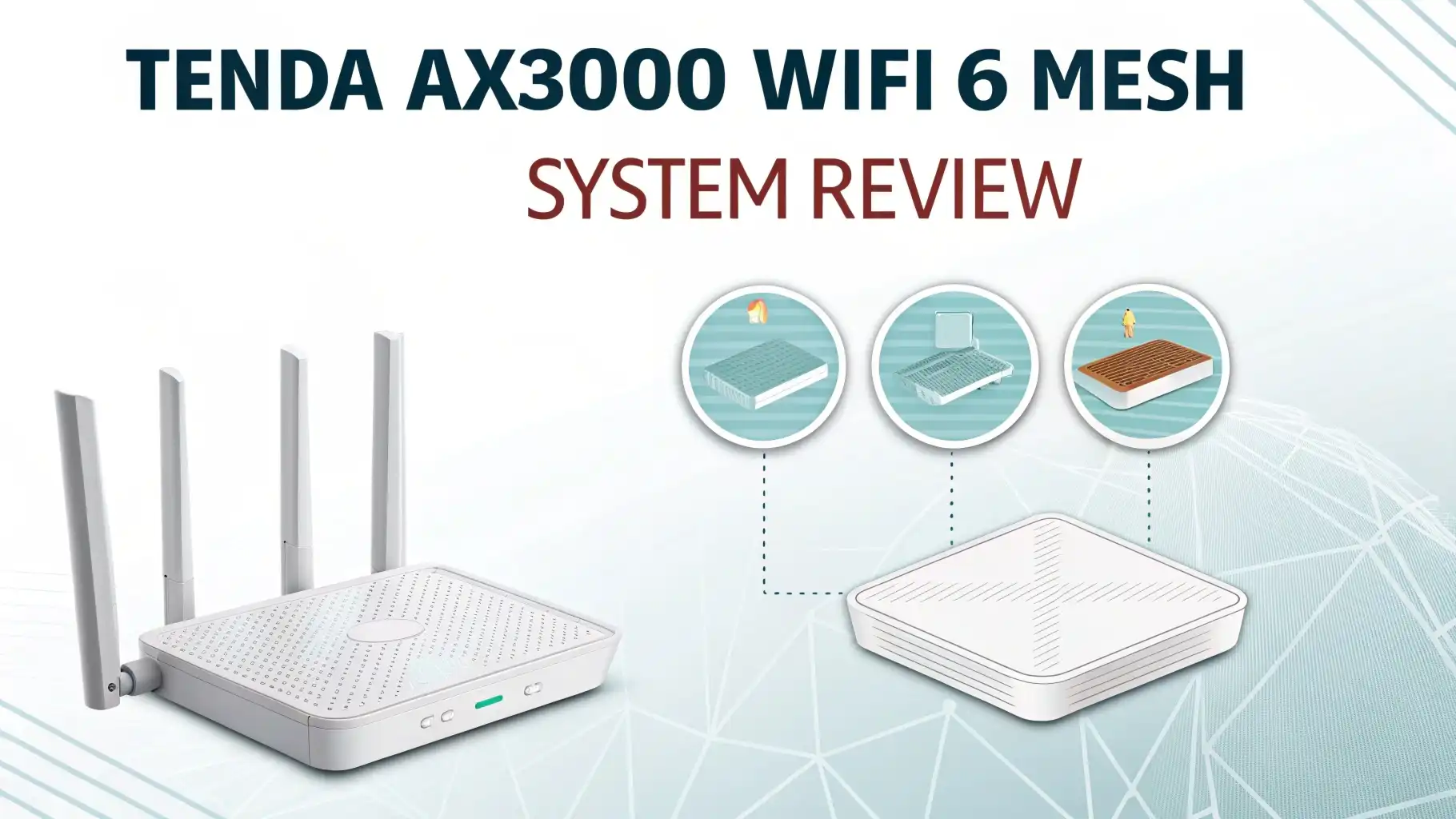
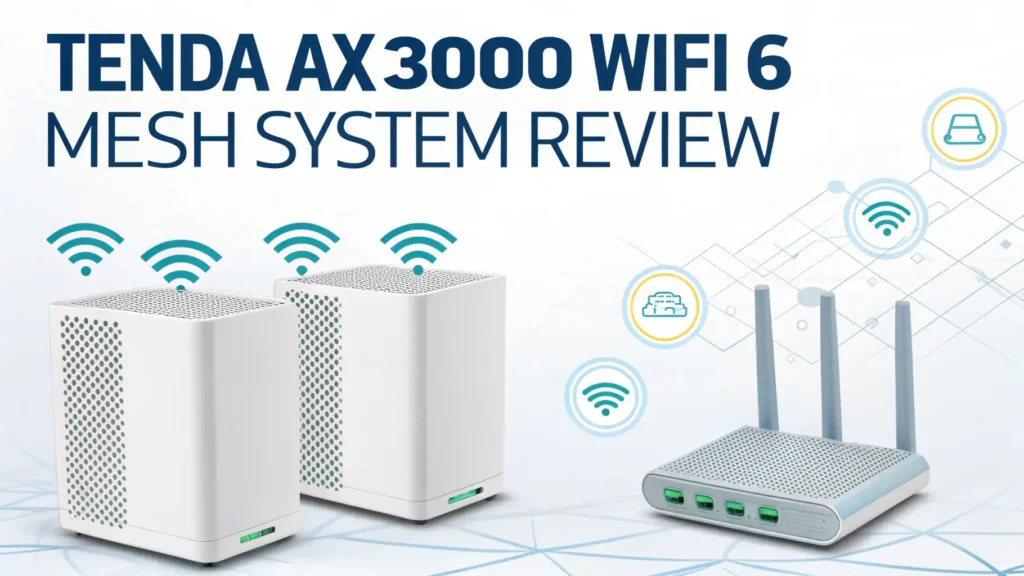
Tenda AX3000 WiFi 6 Mesh System Review 2026: Worth the Price Tag?
Your home WiFi should feel like air. It should be everywhere. It should be invisible. And it should not crash when your family streams, games, and takes video calls at the same time.
That is the promise behind the Tenda AX3000 WiFi 6 Mesh System Nova MX12. In this 2026 review, I will explain what it does well, where it feels limited, and who should buy it.
I will also share top Amazon alternatives in case you want different features or a different app experience.
In a nutshell:
- Tenda Nova MX12 targets whole home coverage with WiFi 6 speeds, which works well for most apartments and many mid size homes. It focuses on practical coverage, not fancy extras.
- You get AX3000 class dual band performance, which usually means strong 5 GHz speed near a node and solid overall capacity for many devices. This is a smart pick for everyday households, especially when you want stable roaming.
- Coverage depends on the pack you buy, so your results change a lot between a small kit and a larger kit. Buying the right pack matters more than chasing peak Mbps.
- It supports Ethernet backhaul, which is a big win if your home has Ethernet ports. Wired backhaul gives you steadier mesh performance than wireless backhaul in many homes.
- If you want premium extras like tri band backhaul or WiFi 6E, you may prefer systems like Orbi or Nest WiFi Pro, but you will usually pay more. Value buyers will still like Tenda.
- If you want an easy app first experience, eero and Deco are strong alternatives with broad user adoption and smooth setup flows. You trade control for simplicity, depending on the brand.

What the Tenda AX3000 WiFi 6 Mesh System Nova MX12 is
The Tenda Nova MX12 is a WiFi 6 mesh system that replaces a single router with multiple nodes. Each node helps spread WiFi across your home. Your devices switch between nodes as you move, and the network keeps one name.
This system aims at people who want better coverage without paying top tier prices. It also aims at homes with many phones, TVs, and smart devices. WiFi 6 helps with that because it improves how the network schedules devices. The result is often less slowdown when many devices are online.
Tenda sells different bundles with different coverage claims. That matters because the experience depends on how many nodes you use and where you place them. Mesh is simple, but placement still decides the outcome.
Tenda AX3000 WiFi 6 Mesh System Nova MX12
The Tenda AX3000 WiFi 6 Mesh System Nova MX12 is the headline product most people mean when they say Tenda AX3000 mesh. It is marketed for whole home mesh coverage and it supports many connected devices. The listing highlights dual band WiFi 6, coverage up to about 7,000 sq ft, and support for a large device count.
In real life terms, this kit is best for a home where you want fewer dead zones and smoother roaming. You will feel the biggest difference if your current router struggles through walls. You also get a simple path to expand later by adding nodes in the same product family.
If your home has Ethernet jacks, the MX12 becomes even more appealing because you can use wired backhaul. Wired backhaul can make speeds more consistent, especially in busy WiFi areas like apartments.
Speed and coverage in real homes in 2026
Speed claims can sound huge. Your actual speed depends on distance, walls, and interference. With AX3000 class mesh, you can expect the strongest speed near a node on 5 GHz. Farther away, the speed drops, but mesh helps keep the signal usable.
Coverage also depends on pack size and placement. If you place nodes too close, they can compete. If you place nodes too far, they cannot talk well. A simple rule works for many homes. Put the main node near the modem. Put the next node about one to two rooms away. Then adjust based on signal quality.
In 2026, many homes also have more smart devices than ever. A mesh system can help because it spreads the load. That improves stability, which is what most people want day to day. A stable 200 Mbps feels better than a random 900 Mbps spike.
Setup and app experience: what it feels like to use
Most mesh systems live or die by the setup flow. Tenda positions Nova as easy to set up with an app guided process. Your job is simple. You connect the first node to your modem. You power on the others. You follow steps in the app. Then you name your network.
A good mesh app should also make daily tasks easy. You should be able to reboot, pause devices, set a guest network, and run basic checks. That is the daily reality of home WiFi.
If you like deep settings, you may want a more advanced brand. If you like simple controls, Tenda can feel comfortable. Simple controls reduce mistakes, and that helps many families.
Security and privacy basics you should check
Home WiFi security matters because many devices do not update often. A mesh system should support modern encryption and basic network isolation options.
On the MX12 class listings, you will see mention of modern security standards like WPA3 on some retailer pages and product descriptions across the MX12 family. That is a good sign for 2026 home security expectations.
You should still do the basics. Use a strong admin password. Use a guest network for visitors. Update firmware when updates appear. Also check if the system lets you disable remote management if you do not need it. Small steps lower risk a lot.
Ports and Ethernet backhaul: a big deal for stable mesh
Many people ignore ports until they need them. If you have a gaming console, a smart TV, or a work PC, Ethernet can be a simple upgrade.
Tenda’s MX12 listings highlight gigabit Ethernet ports per unit and support for backhaul options in certain bundles. That matters because Ethernet backhaul lets nodes communicate through a cable instead of WiFi. That frees up wireless bandwidth for your devices.
If your home has Ethernet already, this is one of the best reasons to buy mesh. It is also great if you live in a WiFi crowded area. Wired backhaul ignores most of that noise.
Tenda AX3000 Mesh WiFi 6 System Nova MX12 5000 sq ft Coverage

This listing is a Tenda AX3000 Nova MX12 bundle positioned around 5,000 sq ft coverage and a high device count, with dual band WiFi 6 and gigabit ports. It also calls out mesh performance and backhaul support for whole home setups.
This is a strong option if you want to cover a typical multi room home but you do not want to overbuy. It can also fit a smaller home where you want very consistent signal in hard areas like a back bedroom or a garage office.
I like this type of kit for people who say one clear sentence: I want WiFi that just works. You can still tweak placement later, but the starting point is simple.
Top 3 Alternative for Tenda AX3000 WiFi 6 Mesh System Nova MX12


Performance for streaming, gaming, and work calls
Streaming needs steady download speed. Video calls need stable upload and low jitter. Gaming needs low latency. Mesh can help all three if the nodes are placed well.
For streaming, the key benefit is coverage in rooms that used to buffer. For calls, the key benefit is fewer sudden drops when you move to another room. For gaming, the best case is when your console uses Ethernet or when you use a node near your setup.
If you game a lot, I suggest one simple plan. Put a node in the same room as the console. Then use Ethernet from the node to the console if you can. That one change can cut random lag spikes in many homes.
For work calls in 2026, your goal is boring WiFi. Boring WiFi is perfect WiFi.
Tenda AX3000 Mesh WiFi 6 System Nova MX12 2800 sq ft Coverage

This smaller coverage listing is useful for apartments, condos, and smaller homes. It still uses the same general AX3000 WiFi 6 approach, but it aims at a tighter footprint. The Amazon listing calls out 2800 sq ft coverage and a quad core processor focus in the product text.
I like this size for two types of people. First, the person who lives in an apartment with thick walls and wants strong signal in the bedroom. Second, the person who wants mesh roaming without filling the whole house with nodes.
This kit can also work as a starter set. If you move later, you can add more nodes depending on the product line compatibility.
Who should buy the Tenda AX3000 mesh system in 2026
You should buy this system if you want better coverage and stable roaming at a fair price. It fits families with many devices. It fits remote workers who need steady calls. It fits streamers who hate buffering in the back rooms.
You should also consider it if you have Ethernet ports in your home. Ethernet backhaul is a strong match for mesh systems, and it can make the network feel faster and more stable at the same time.
You may want a different system if you want WiFi 6E, if you want advanced tuning, or if you want the most premium backhaul design. In that case, look at higher tier alternatives like Nest WiFi Pro or Orbi.
Buying tips: how to pick the right pack size on Amazon
Pack size is the quiet hero of mesh shopping. If you underbuy, you will still have weak rooms. If you overbuy, you can create extra interference and waste money.
Start with your layout. Count floors. Note thick walls. Note where your modem sits. Then pick the kit that matches your space claim. For example, Tenda sells MX12 coverage options around 2800 sq ft, 5000 sq ft, and more depending on bundle.
Then plan node placement. Place a node where you actually use WiFi, not where it looks nice. Place one near the office. Place one near the TV room. Keep them open and off the floor when possible.
Finally, check return policy and price changes. Amazon pricing moves often. A good deal week can change the whole value math.
FAQs
Is Tenda AX3000 WiFi 6 mesh good for a two story home?
Yes, it can work well if you buy the right bundle and place nodes with care. A two story home often needs one node on each floor. If you can use Ethernet backhaul, the experience often improves.
Does the Tenda Nova MX12 support Ethernet backhaul?
Many MX12 bundles highlight Ethernet support and gigabit ports, and Ethernet backhaul is commonly listed as supported. You should confirm on the exact Amazon listing you buy and match it to your wiring plan.
What is a good alternative if I want a very easy app?
Amazon eero 6+ is a popular choice for simple setup and easy control. It targets gigabit plan support in its product description and works well for many families.
What is a good alternative if I want strong value in AX3000 class?
TP Link Deco X55 is a direct competitor in the AX3000 WiFi 6 mesh category. It is widely sold and has many bundle options on Amazon.
What is a good alternative if I want tri band mesh?
NETGEAR Orbi RBK752 is a tri band WiFi 6 mesh system option. It targets wide coverage and many devices, and it sits above budget mesh systems in price in many cases.