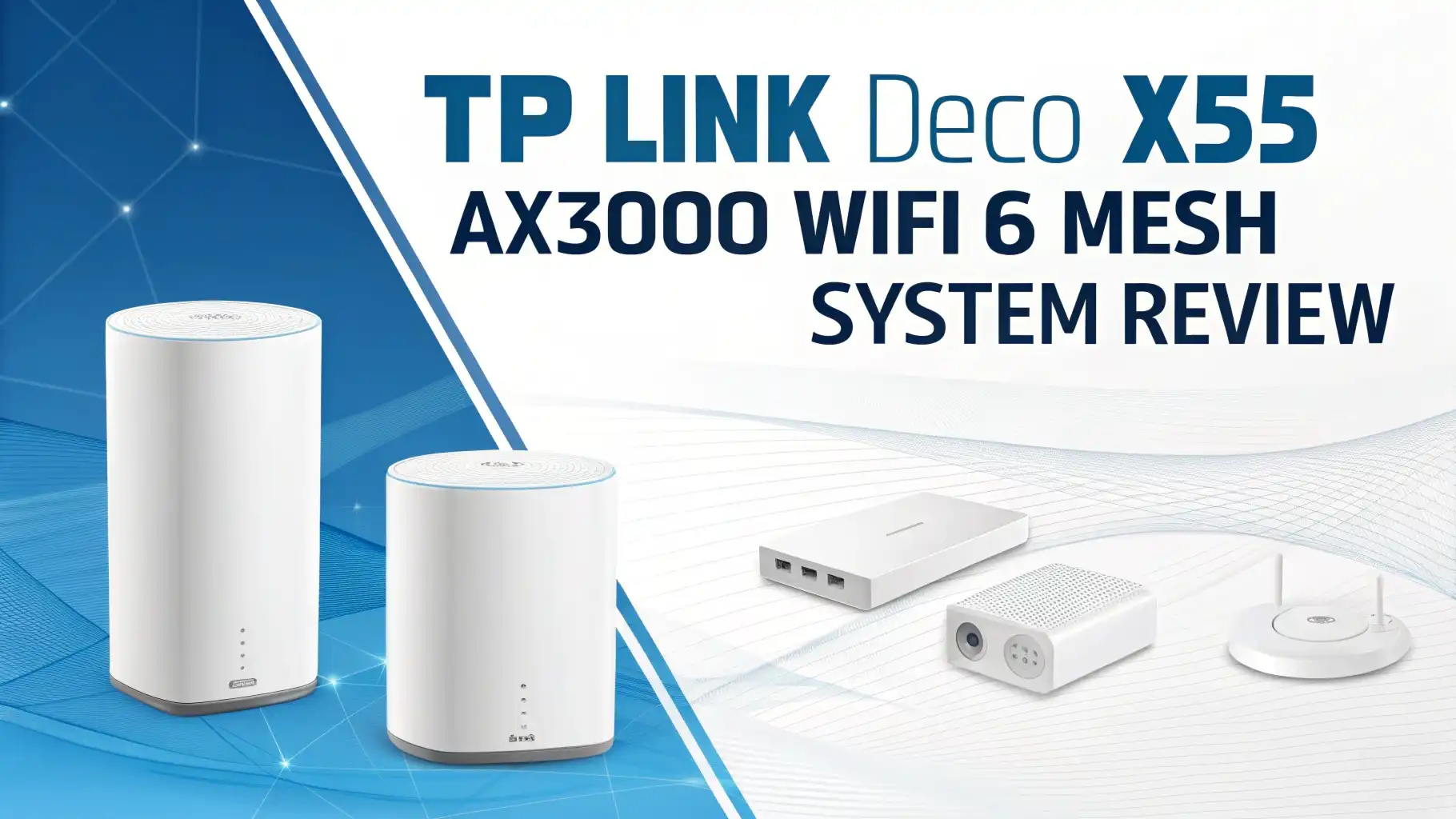
TP Link Deco X55 AX3000 WiFi 6 Mesh System Review 2026: Honest Guide
You buy fast internet. Then your bedroom still loads videos like it is 2009. That is the moment most people start looking at mesh WiFi.
In 2026, the TP Link Deco X55 AX3000 WiFi 6 Mesh System is still one of the most popular picks on Amazon because it focuses on the basics that matter.
It aims to remove dead zones, keep speeds steady, and stay simple to manage from your phone. It also supports WiFi 6, and TP Link lists key points like coverage up to 6500 square feet, support for over 150 devices, AI Driven Mesh, and HomeShield security features.
Key takeaways
- Deco X55 targets dead zones fast. It can cover up to 6500 square feet with a 3 pack, so it fits many medium to large homes. This helps if your router room is far from your TV room. Coverage is the main win here.
- Speed is strong for WiFi 6 dual band. TP Link lists 2402 Mbps on 5 GHz and 574 Mbps on 2.4 GHz for AX3000 class performance. That is enough for 4K streaming, video calls, and normal gaming in most homes.
- Setup is app first and simple. You use the Deco app to install and manage the network. This is great if you hate web router menus. Most users get online quickly.
- It supports Ethernet backhaul. You can connect Deco units with Ethernet for more stable links when your home has wires in walls. This is a big deal for speed stability.
- HomeShield adds security and controls. You get security and family features, with some features tied to subscription options. You still get useful basic controls without making it hard. It is a good safety layer for smart homes.
- If you want WiFi 6E or WiFi 7, look at alternatives. In 2026, many buyers compare it with systems like TP Link Deco XE75 or eero Pro 6E. Those can cost more but add newer bands or different features.

TP Link Deco X55 AX3000 WiFi 6 Mesh System overview
The Deco X55 is a whole home mesh WiFi 6 system. It replaces a router and extender setup with a set of matching nodes that talk to each other.
TP Link highlights AI Driven Mesh which learns the network environment and improves how devices connect as you move around. That means your phone can switch nodes with less fuss while you walk around the house.
Performance on paper is clear. TP Link lists AX3000 dual band speeds with 2402 Mbps on 5 GHz and 574 Mbps on 2.4 GHz. The system is also positioned for busy homes with over 150 devices supported. That includes phones, TVs, cameras, and smart speakers all at once.
A nice practical detail is wired support. Each unit has 3 gigabit ports on many bundles sold on Amazon, which helps if you want to plug in a console, a PC, or a smart TV without using WiFi.
Design and hardware basics you should know
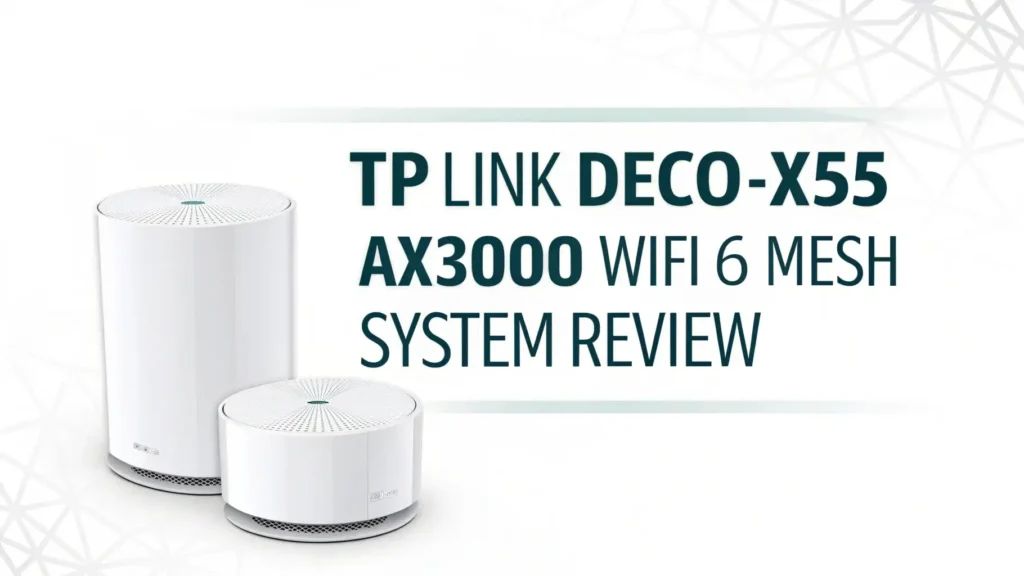
The Deco X55 has a clean home friendly shape. It looks like a small white tower, so it blends with shelves and tables. That matters because you place nodes out in the open for best signal.
For coverage planning, TP Link shows example bundles. A 2 pack can cover up to 4500 square feet, and a 3 pack can cover up to 6500 square feet. So you can match the pack size to your home instead of guessing.
WiFi features include Beamforming and BSS Color. TP Link explains these as ways to reduce WiFi conflicts and focus signal strength. In simple terms, it helps when your neighborhood has lots of networks nearby.
Setup experience and the Deco app
Setup is guided through the Deco app. TP Link describes the flow as unbox, install app, and follow steps on screen. This is ideal for people who want a fast start with fewer settings.
The app also helps with daily control. You can see connected devices, set guest WiFi, and manage priority. This makes the system feel less scary for first time mesh buyers. You can also help guests connect without giving them your main password.
Voice control is also mentioned by TP Link. You can pair it with Alexa for voice commands. That is not a must have, but it can be fun if your home already uses Alexa devices.
Real world speed expectations in 2026
The Deco X55 is dual band WiFi 6, so it is meant for strong everyday speeds, not top tier lab records. The key numbers TP Link lists are 2402 Mbps on 5 GHz and 574 Mbps on 2.4 GHz. That is a common class for WiFi 6 mesh systems that balance price and performance.
In real homes, your speed depends on walls, distance, and how many devices are active. A thick wall can cut speed faster than you expect. The point of mesh is that you place a node closer to the problem room. That helps you get more stable speeds where a single router fails.
If you pay for gigabit internet, Deco X55 can still make sense, but your top WiFi speed may not match a wired gigabit line in every room. If you want the newest band for cleaner wireless space, you may prefer WiFi 6E options like Deco XE75.
Coverage and roaming what it feels like daily
Coverage is the reason most people buy this system. TP Link positions the 3 pack for up to 6500 square feet and the 2 pack for up to 4500 square feet. This makes it easier to plan a set for a two story home or a home with a garage office.
Roaming is also a key part of the experience. TP Link says Deco units form one unified network name, so your phone connects to the fastest Deco as you move. That means fewer manual reconnects and fewer dropouts during calls.
AI Driven Mesh is part of this. TP Link says it learns your environment and improves over time. This is useful when your usage changes like when kids start streaming after school.
Ethernet backhaul and wired options for stable performance
TP Link states that wireless connections and optional Ethernet backhaul work together to link Deco units. If you have Ethernet runs, this is one of the best ways to make mesh feel more like a wired network. It reduces the wireless load between nodes and can cut random slowdowns.
This also helps gamers and work from home users. If you can wire your main PC or console into a Deco node, you often get lower latency than pure WiFi. Even one wired connection can improve the feel of online play and video calls.
If you rent and you cannot run wires, the Deco X55 still works well as wireless mesh. You just need to place nodes in open spots, not behind a TV or inside a cabinet.
HomeShield security and parental controls
TP Link promotes HomeShield as a built in kit of features that helps with security and family controls. It includes cyber threat detection, device management, and the ability to block sites and set time limits. This helps when you want one simple place to manage a smart home.
The big value here is that security is not a separate box. Your router becomes the control center. That can be easier than installing software on every device.
If your home includes cameras, doorbells, and smart locks, router level security is helpful. It can also help you spot unknown devices that join your network.
Top 3 Alternative for TP Link Deco X55 AX3000 WiFi 6 Mesh System


Best Amazon bundle to pick 1 pack 2 pack or 3 pack

A 1 pack is best when you live in a small space or you already have a router and you want to add one mesh node for a weak area. It is also a budget friendly way to test Deco before buying more.

A 2 pack is the sweet spot for many homes. TP Link maps it to up to 4500 square feet. This works well for a two story home where the modem sits on one end. You can place the second node near bedrooms or a home office.
A 3 pack is best for larger homes or homes with tricky layouts. TP Link maps it to up to 6500 square feet. It also helps if you want coverage in a backyard office or garage. For many buyers, this is the best value per node.
Deco X55 for gaming streaming and work calls
For streaming, Deco X55 has the right mix of speed and coverage. WiFi 6 helps with better handling of many devices at once. TP Link also positions it for homes with over 150 devices. That means your video stream does not have to fight your smart cameras as much.
For gaming, you should focus on two things. You need a strong signal and you need low interference. Mesh helps because you can place a node near the console or PC. If you can use Ethernet from the Deco node, do it. It often makes gameplay feel smoother.
For work calls, roaming matters. One WiFi name across the home can prevent call drops when you move rooms. That is a small detail that feels big during a long video meeting.
Compatibility with ISPs modems and smart homes
Deco systems typically work with most internet providers because they connect to your modem or gateway. The setup is also flexible because you can run it in router mode or access point mode depending on your existing equipment. This matters if your ISP box is locked down.
Smart home compatibility is also a plus. TP Link notes voice control with Alexa. If you have smart plugs, speakers, and lights, stable WiFi coverage improves their response time.
If you plan to expand later, TP Link says Deco X55 is compatible with other Deco models, so you can add units over time. That helps you scale without replacing everything.
Pros and cons in plain words
The big pros are simple. Good coverage, easy setup, and solid WiFi 6 speeds for the price. The official specs show strong coverage targets and good dual band throughput.
The cons are also simple. It is dual band WiFi 6, so it does not have a dedicated third band for backhaul the way some tri band systems do. That can matter in very large homes with no Ethernet wiring. Also, some advanced security or parent features may involve subscription choices, depending on what you want.
If you want the newest wireless bands, the alternative list above gives you a clear upgrade path.
Who should buy the Deco X55 in 2026
You should buy the Deco X55 if you want a simple way to fix dead zones without paying premium prices. It fits homes that want strong coverage and stable speeds for everyday use like streaming, school work, and smart devices. It also fits people who want an app that feels friendly.
You should also consider it if you can use Ethernet backhaul, because that can make the system feel much faster and more stable.
You may skip it if you want WiFi 6E or WiFi 7 now. In that case, start with Deco XE75 or a newer system, since 2026 has more options in those classes.
FAQs
Is TP Link Deco X55 good for a large house in 2026?
It can be good for many large homes, especially with the 3 pack. TP Link lists up to 6500 square feet coverage for a 3 pack. Your walls and layout still matter. Place nodes in open areas for best results.
Does Deco X55 support Ethernet backhaul?
Yes. TP Link states that you can use optional Ethernet backhaul to link Deco units for faster and more stable mesh performance. This is one of the best upgrades if your home has wiring.
Is Deco X55 WiFi 6E?
No. Deco X55 is WiFi 6 dual band. If you want WiFi 6E, a common alternative is TP Link Deco XE75.
How many devices can Deco X55 handle?
TP Link lists support for over 150 devices. That covers many phones, TVs, cameras, and smart home devices in one home.
Can I expand Deco X55 later with more nodes?
Yes. TP Link says Deco X55 can work with other Deco models, and you can add more units to expand coverage. This is useful when you move to a bigger home.
Is the Deco X55 2 pack or 3 pack better?
A 2 pack is often enough for many homes and TP Link maps it to up to 4500 square feet. A 3 pack is better for bigger homes and is mapped to up to 6500 square feet. If you have extra rooms, thick walls, or a garage office, the 3 pack is the safer choice.