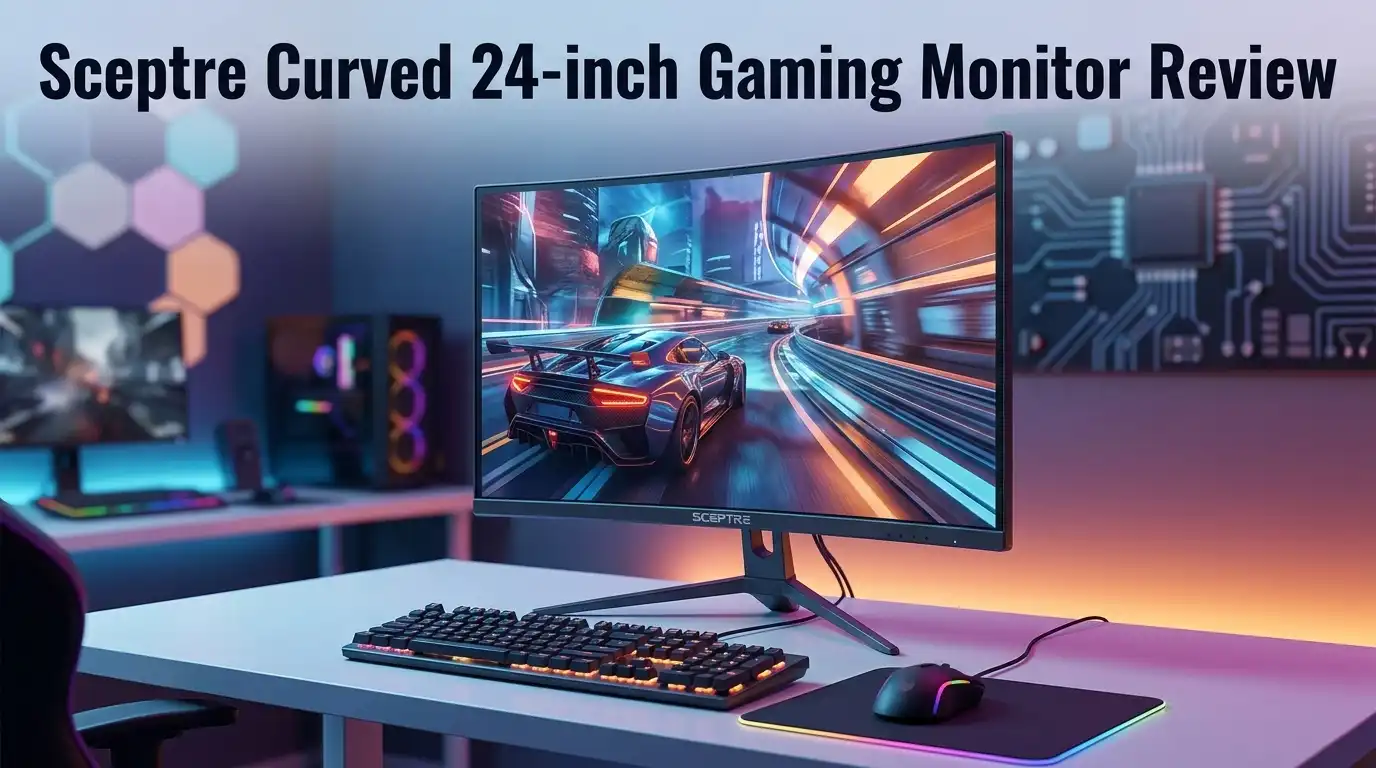
Sceptre Curved 24-inch Gaming Monitor Review 2026
Budget monitors rarely get people excited. This one does. The Sceptre Curved 24-inch Gaming Monitor keeps showing up on best seller lists year after year, and it usually sells for less than a new AAA game plus a pizza.
That price tag raises an obvious question. Does a curved gaming screen this cheap actually deliver, or does it just look good in a product photo?
I spent weeks with this monitor on a desk, on a console, and in a spare room setup. I played shooters on it. I edited spreadsheets on it. I watched films on it late at night.
In A Nutshell:
- The price is the headline feature. This monitor often sits under $90. Very few curved panels come close. You get a 1500R curve, Full HD resolution, and built in speakers for the cost of a decent mechanical keyboard.
- The VA panel punches above its weight. Contrast lands around 3000:1, so blacks look deep and movie scenes carry real atmosphere. Cheap IPS screens at this price look washed out next to it.
- Refresh rate is the weak spot. The standard model runs 75Hz. Competitive players who want 144Hz or higher should look at the C248B model or the alternatives listed further down this post.
- Response time causes visible smearing. Dark scenes in fast games show trailing behind moving objects. Casual players will shrug. Ranked players will notice.
- The stand only tilts. No height adjustment. No swivel. No pivot. You get 75x75mm VESA holes, so a cheap arm fixes this quickly.
- Best fit: casual gamers, students, second screens, and office work. Worst fit: esports, color grading, and anyone chasing high frame rates.
Sceptre Curved 24-inch Gaming Monitor


Last update on 2026-10-07 / Affiliate links / Images from Amazon Product Advertising API Some of the links on this website are affiliate links, which means that at no additional cost to you, I earn a commission if you click through and make a purchase. I only recommend products and services that I believe will add value to my readers. Thank you for your support!
Sceptre built its reputation on affordable displays, and this model sits at the center of that strategy. The panel measures 24 inches diagonally, with roughly 23.6 inches of viewable area. Resolution sits at 1920 x 1080, which works out to about 93 pixels per inch. Text stays sharp at normal viewing distance. Games look clean without punishing your graphics card.
The panel uses VA technology. That choice matters more than most buyers realize. VA panels deliver far better contrast than the TN and IPS panels found in this price bracket. Blacks look black instead of dark gray. Night maps in horror games feel genuinely dark rather than flat and murky.
The curve rating is 1500R on current units, which is a tighter wrap than the older 1800R version. Brightness reaches 250 nits, which is standard for budget screens. Color coverage sits near 98% sRGB on recent revisions, a real improvement over the 85% figure on early units.
Sceptre markets this as a gaming monitor, and that label needs context. It games well at 60 to 75 frames per second. It does not compete with 165Hz panels. Think of it as an entry point rather than a competitive tool. For a first monitor, a dorm room, or a living room console setup, the value here is genuinely hard to beat.
Unboxing Experience: What You Actually Get
The box arrives smaller and lighter than expected. Total shipping weight lands around 8 pounds. I carried it upstairs with one hand, which says plenty about the plastic construction inside.
Sceptre keeps the packaging simple. Two foam clamshells protect the panel. The screen sits face down under a thin plastic sleeve. There is no fabric bag, no premium presentation, and no glossy quick start booklet. You feel the price point during the first thirty seconds.
Inside you will find the panel, a two piece stand, a power adapter with a separate cable, one HDMI cable, and a small manual. The power brick is external, which some people dislike, though it does keep the panel itself thin.
Assembly took me under three minutes. The stand base twists into the neck by hand. The neck then clips into the back of the panel with a satisfying click. No screwdriver needed. No tiny screws rolling under the desk. This is one of the easiest monitor setups I have handled.
First power on revealed a slightly oversaturated default picture with brightness cranked near maximum. That is standard for budget displays. Five minutes in the menu fixed it. My unit arrived with no dead pixels and only mild backlight bleed in the bottom left corner, visible only on a black screen in a dark room. Panel lottery still applies, so inspect yours early.
Design And Build Quality
Sceptre describes the finish as machine black metal. Read that carefully. The word metal describes the color, not the material. The chassis and stand are plastic. The finish mimics brushed metal well enough from three feet away, but touch it and the illusion breaks.
Build quality still feels acceptable. Panel flex is minimal. The bezels are thin on three sides, though a thin black border sits inside the frame around the image. Every so called edgeless monitor has this. Marketing photos always hide it.
The rear panel carries a simple textured pattern and a small Sceptre logo. There is no RGB lighting, no aggressive angular styling, and no gamer branding shouting across your desk. I count that as a win. This screen blends into a home office as easily as a gaming corner.
Ergonomics are the clear compromise. The stand tilts between roughly negative 5 and positive 15 degrees. That is all. No height adjustment. No swivel. No portrait rotation. Taller users will find the screen sits low, which encourages neck strain during long sessions.
The fix costs very little. The 75x75mm VESA pattern accepts nearly any budget monitor arm or wall mount. Spend twenty dollars on an arm and this monitor suddenly behaves like a much more expensive product. Budget for that accessory if you plan to work at this desk daily.
Top 3 Alternative for Sceptre Curved 24-inch Gaming Monitor

Last update on 2026-10-07 / Affiliate links / Images from Amazon Product Advertising API Some of the links on this website are affiliate links, which means that at no additional cost to you, I earn a commission if you click through and make a purchase. I only recommend products and services that I believe will add value to my readers. Thank you for your support!
AOC C24G1A 24 inch Curved Frameless Gaming Monitor

Last update on 2026-10-07 / Affiliate links / Images from Amazon Product Advertising API Some of the links on this website are affiliate links, which means that at no additional cost to you, I earn a commission if you click through and make a purchase. I only recommend products and services that I believe will add value to my readers. Thank you for your support!
Samsung Odyssey G3 Series 24 inch FHD Gaming Monitor

Last update on 2026-10-07 / Affiliate links / Images from Amazon Product Advertising API Some of the links on this website are affiliate links, which means that at no additional cost to you, I earn a commission if you click through and make a purchase. I only recommend products and services that I believe will add value to my readers. Thank you for your support!
Sceptre C248B-144RN 24 inch Curved 165Hz Gaming Monitor
Sceptre Curved 24-inch Gaming Monitor Specifications Summary
Last update on 2026-10-07 / Affiliate links / Images from Amazon Product Advertising API Some of the links on this website are affiliate links, which means that at no additional cost to you, I earn a commission if you click through and make a purchase. I only recommend products and services that I believe will add value to my readers. Thank you for your support!
Here is the plain language version of the spec sheet, without the marketing polish.
The screen measures 24 inches with a 23.6 inch viewable area and a 16:9 aspect ratio. Resolution is 1920 x 1080 Full HD. The panel type is VA with a 1500R curvature on current stock. Refresh rate reaches 75Hz over HDMI, and some units require you to select 75Hz manually inside Windows display settings or your GPU control panel.
Response time is listed at 5ms on the box. Independent testing puts real gray to gray transitions closer to 8ms. Contrast is rated 3000:1 static. Brightness peaks at 250 nits. Color depth is true 8 bit, covering 16.7 million colors, with sRGB coverage near 98% on newer revisions.
Connectivity includes two HDMI 1.4 ports, one VGA port, and a 3.5mm audio input plus headphone output. Two 2W speakers sit inside the chassis. VESA mounting uses the 75x75mm pattern.
Extra features include a flicker free backlight and a blue light filter Sceptre calls Blue Light Shift. Picture presets cover Standard, Movie, FPS, RTS, Eco, and User modes.
Notice what is missing. There is no DisplayPort on this specific model. There is no USB hub. There is no HDR support worth mentioning. Adaptive Sync availability varies by revision, so check the listing details before buying if variable refresh rate matters to you.
Picture Quality In Everyday Use
This is where the monitor earns its reputation. VA contrast changes how content feels. Loading a dark game level or a moody film reveals shadow detail that budget IPS panels simply flatten into gray.
I tested with a few different scenes. Space sequences showed genuinely black backgrounds with bright stars, not the milky haze cheap panels produce. Horror game corridors held depth. Contrast does more for perceived image quality than most spec sheet numbers.
Colors look vivid straight out of the box, though slightly oversaturated. Reds run a little hot. Dropping saturation two or three steps in the menu produces a more natural result. After that small tweak, the image looks pleasant for gaming, streaming, and general browsing.
Accuracy is a different story. This panel is not calibrated for creative work. Color shifts appear across the screen, particularly toward the corners. Photographers and video editors need something else entirely. Casual photo cropping is fine. Client work is not.
Viewing angles behave like typical VA. Straight on, the picture looks great. Move off axis and contrast drops noticeably, with a subtle color wash toward the edges. The curve actually helps here by aiming the edges back at your eyes.
Brightness at 250 nits handles most rooms. A bright window behind your desk will overpower it. In a normal lit room or an evening setup, I ran brightness at around 60% and never wanted more.
Gaming Performance And Motion Handling
Time for the honest section. This monitor games well within limits, and badly outside them.
At 75Hz, motion feels smoother than a standard 60Hz screen. The difference is small but real. Camera pans in open world games look slightly cleaner. Cursor movement on the desktop feels a touch snappier. Anyone upgrading from an old 60Hz office display will notice an improvement.
Input lag measures around 10ms, which is genuinely good. Button presses feel connected to what happens on screen. Sceptre deserves credit here, because plenty of budget panels bungle this.
The problem is pixel response. Real world gray to gray transitions land near 8ms. Fast moving objects leave a visible smear trail, and dark scenes make it worse. VA panels struggle with dark to bright transitions, and this one is no exception. Black smearing is the single biggest weakness of this monitor.
In practice, story games, strategy titles, racing games, and platformers all look fine. Slower shooters play acceptably. Competitive shooters where you flick between targets expose the panel immediately. Enemies moving through shadow leave ghost trails behind them.
Frame rate matching also matters. Without confirmed Adaptive Sync on every revision, you may see tearing when frame rates fluctuate. Capping your frame rate at 75 inside game settings solves most of this and costs nothing.
Ports, Speakers, And Extra Features
Connectivity is basic but sensible. Two HDMI 1.4 ports let you keep a PC and a console attached at the same time. That flexibility matters more than people expect on a budget screen. The VGA port serves older office machines and cheap KVM setups.
The absence of DisplayPort limits future flexibility. HDMI 1.4 caps out at 1080p 120Hz in theory, and this panel tops at 75Hz anyway, so the connection is not the bottleneck here. Still, DisplayPort would have been welcome.
The built in speakers deserve a fair description rather than praise. They produce sound. That is the accurate summary. Two 2W drivers handle dialogue, notification chimes, and background music at low volume. Bass does not exist. Push the volume past 70% and vocals turn thin and harsh.
For a bedroom, a guest setup, or a machine used mainly for browsing, the speakers save you from buying anything extra. For gaming or music, plug in headphones or desktop speakers through the 3.5mm output.
Eye care features work quietly in the background. The flicker free backlight avoids the low frequency PWM flicker that triggers headaches for sensitive users. Blue Light Shift warms the image for evening use, though it tints everything noticeably orange at higher settings. I left it on level one for late night sessions and found it comfortable.
What This Monitor Does Not Do Well
Every honest review needs this section. Here is where the Sceptre falls short.
Motion clarity is the biggest issue. Black smearing in dark scenes is obvious once you look for it, and you cannot unsee it. Competitive players should stop reading and buy a faster panel.
The stand frustrates daily users. Tilt only adjustment forces you to stack books or buy an arm. This is the compromise Sceptre made to hit the price.
Refresh rate tops at 75Hz, and some units ship set to 60Hz by default. You must change this manually. Many buyers never realize they are running the wrong setting.
The OSD menu feels dated. Four small buttons hide behind the right edge of the panel, with no on screen guide showing which button does what. Navigating it in the dark becomes guesswork.
Color accuracy will disappoint anyone doing creative work. Uniformity across the panel varies, and factory calibration is nonexistent.
Panel lottery is real. Reviews mention dead pixels and backlight bleed on a minority of units. Quality control at this price cannot match premium brands. Test your screen thoroughly within the return window.
Finally, the metal branding misleads people. The build is plastic, and the frame is not truly edgeless. Neither issue affects performance, but both affect trust.
Pros And Cons
Pros
- Outstanding price. Very few curved monitors land in this bracket, and none from major brands.
- Strong VA contrast near 3000:1 delivers deep blacks and satisfying film and game visuals.
- Low input lag around 10ms keeps controls feeling responsive.
- Two HDMI ports allow a console and a PC to stay connected together.
- Simple tool free assembly takes about three minutes from box to desk.
- Flicker free backlight and blue light filter reduce eye fatigue during long sessions.
- VESA 75x75mm compatible so a cheap arm solves the ergonomic limits.
- Built in speakers cover basic audio needs without extra purchases.
Cons
- Noticeable black smearing during fast motion, especially in dark scenes.
- 75Hz ceiling falls short for competitive gaming in 2026.
- Tilt only stand with no height, swivel, or pivot adjustment.
- Plastic build despite metal sounding marketing language.
- No DisplayPort and no USB connectivity at all.
- Weak speakers that distort at higher volume levels.
- Average 250 nit brightness struggles in very bright rooms.
- Inconsistent color accuracy makes it unsuitable for creative work.
Who Should Buy This Monitor
Match the product to the person and this screen makes a lot of sense.
Students and first time buyers get the most value. A curved Full HD panel with decent contrast at this price beats almost anything else available. Coursework, streaming, and casual gaming all run comfortably.
Second screen users should also take a look. If you already own a fast primary display, this panel handles chat windows, browser tabs, guides, and reference documents perfectly. The curve even makes side placement more readable.
Console players running a PlayStation or Xbox in a bedroom will be satisfied. Console games at 60fps sit right inside this monitor’s comfort zone.
Office and home workers benefit from the eye care features and the high contrast, which reduces strain during long document sessions. Add a monitor arm and the setup feels far more expensive than it is.
Now the people who should skip it. Competitive shooter players need 144Hz or higher and faster pixel response. Content creators need calibrated color. Anyone with a strong graphics card wastes potential on a 1080p 75Hz panel. Users in very bright rooms will want more brightness.
Buy this monitor for what it is, which is a smart budget purchase. Buy it expecting premium performance and you will feel let down within a week.
Final Verdict: Is It Worth Buying In 2026?
The Sceptre Curved 24-inch Gaming Monitor remains one of the best value displays available, with clear conditions attached.
At around $80 to $100, nothing else combines a curve, a VA panel, dual HDMI, and speakers. The contrast alone justifies the purchase for film watching and atmospheric games. Setup is painless. Input lag is low. Eye care features work.
The compromises are equally clear. Motion handling suffers in fast games. The refresh rate feels dated. The stand barely adjusts. Quality control varies unit to unit.
My honest recommendation splits by budget. If your ceiling is genuinely under $100, buy this and enjoy it. The value is real. If you can stretch another $50 to $70, a 165Hz alternative like the AOC C24G1A transforms your gaming experience far more than any other upgrade at this level.
Rating: 3.5 out of 5 for what it costs. 2.5 out of 5 if judged against faster gaming monitors.
Frequently Asked Questions
Does the Sceptre Curved 24-inch Gaming Monitor support 75Hz automatically?
Not always. Many units default to 60Hz. Open your Windows display settings, choose advanced display, and select 75Hz from the refresh rate dropdown. Nvidia and AMD users can also set it inside the GPU control panel.
Does this monitor have FreeSync?
It depends on the revision. Some C248W variants include Adaptive Sync while others do not. Check the specific listing before buying. Capping your in game frame rate at 75 reduces tearing either way.
Can I mount this monitor on an arm?
Yes. The rear uses a standard 75x75mm VESA pattern. Nearly every budget monitor arm and wall mount supports it. Given the tilt only stand, an arm is a worthwhile addition.
Is this monitor good for PS5 or Xbox Series X?
It works well for 60fps console gaming at 1080p. It cannot use 120Hz modes, and it does not support meaningful HDR. Casual console players will be happy. Performance mode enthusiasts will want a 120Hz display.
Is the screen really metal?
No. The chassis and stand are plastic. Machine black describes the color finish, not the material. Build quality is still reasonable for the price.
How bad is the ghosting?
Mild in bright scenes and noticeable in dark ones. VA panels struggle with dark pixel transitions. Story games and strategy titles look fine. Fast shooters reveal the trailing clearly.
Does it work for office work and text?
Yes. Text renders sharply at 1080p on a 24 inch screen. The blue light filter and flicker free backlight help during long days. The low stand height is the main complaint for desk work.
What is the difference between the C248W and C248B models?
The C248W is the 75Hz version covered in this review. The C248B is the gaming focused model with a 144Hz to 165Hz refresh rate, DisplayPort, and faster response. The C248B costs more and suits competitive players better.

Hello, i’m Ivoria i am the face behind Tech Tracker Blog. I am passionate about my work and love to explore gadgets and share about my experience.