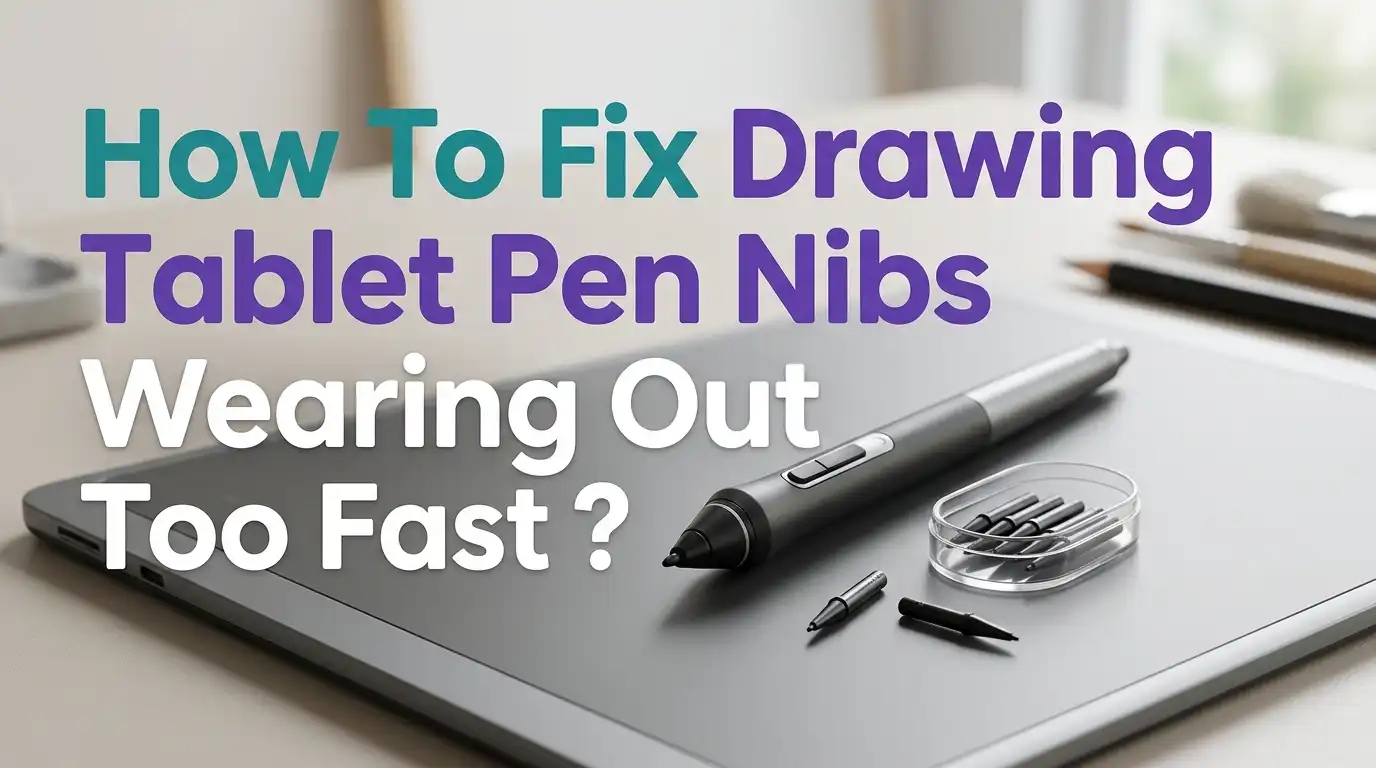
How To Fix Drawing Tablet Pen Nibs Wearing Out Too Fast?
Drawing tablets give artists freedom, but worn nibs ruin that joy. A fresh nib glides smoothly. A worn nib drags, scratches, and even damages your screen. Many artists replace nibs every few weeks, and the cost adds up fast.
You are not alone in this struggle. Heavy pressure, rough surfaces, and small habits cause nibs to wear down quicker than expected. The good news is that you can slow this wear with simple changes. This post shares clear steps to extend nib life and protect your tablet.
Below, you will find practical fixes that work for Wacom, Huion, XP-Pen, Xencelabs, and iPad styluses. Each section gives you actions you can take today. Let us look at why nibs wear, how to fix it, and how to enjoy smoother drawing for longer.
Key Takeaways
- Lighten your hand pressure while drawing because heavy pressing is the top reason nibs grind down. A soft touch protects both the nib and your tablet surface.
- Adjust the pen pressure curve in your driver software so you get full line strength without pushing hard. This single setting often doubles nib life.
- Pick the right screen protector for your tablet. Matte films feel like paper but eat nibs faster, while glossy films feel slick but extend nib life.
- Match the nib type to your style. Standard plastic nibs last longest, while felt nibs wear in days. Spring loaded nibs cushion impact and reduce damage.
- Clean the tablet surface often because dust and dried skin oils act like sandpaper. A weekly wipe down keeps friction low.
- Rotate and inspect your nibs regularly so you swap them before sharp edges scratch the screen. A worn nib can permanently scar your display.
Why Drawing Tablet Pen Nibs Wear Out So Quickly
Pen nibs wear because of friction. Every stroke scrapes a tiny bit of plastic against the tablet surface. Over hours of drawing, that adds up to visible wear.
Several factors speed up this process. Heavy pressure is the biggest cause. Rough screen textures, like matte films, also grind nibs faster. Hot rooms soften plastic nibs, which makes them deform sooner.
Your drawing style matters too. Artists who do heavy line work, cross hatching, or fast sketching wear nibs faster than those who do slow digital painting. The angle you hold the pen also changes contact pressure.
Knowing these causes helps you pick the right fixes. You do not need to change everything at once. Start with the cause that fits your situation. Most artists see big gains just from softening pressure and cleaning their tablet.
Lighten Your Pressure While Drawing
The simplest fix is to draw with a lighter hand. Many artists press hard out of habit from using paper and pencil. Digital tablets do not need this force to register strokes.
Try this test. Hold your pen as if you were writing on a thin sheet of tissue paper. Draw a few lines. If the lines still appear strong, your hardware is responding well to soft input.
Pros: Costs nothing, helps wrist health, and protects your screen surface as a bonus.
Cons: Takes time to retrain your hand, and old habits return when you focus deeply on your art.
Practice this for a week with simple sketches. Set a small reminder near your desk if needed. Many artists report that nibs last twice as long once they switch to softer strokes. Your hand will also feel less tired during long sessions.
Adjust The Pen Pressure Curve In Your Driver
Most tablet drivers let you reshape the pressure curve. This setting controls how hard you must press to get a full thick line. A soft curve gives you maximum line weight with light pressure.
Open your Wacom Desktop Center, Huion driver, or XP Pen settings. Find the pressure or sensitivity tab. Drag the curve upward so the line peaks early. Test it on a sketch.
Pros: Free, fast to set up, and works for any drawing app you use.
Cons: Can feel strange at first, and very soft curves reduce control over thin lines.
Save a custom profile for each program if you can. Painting in Photoshop may need a different curve than inking in Clip Studio Paint. Aim for a setting where light pressure produces full opacity. You will press less, and your nibs will thank you.
Choose The Right Screen Protector Or Surface Sheet
Screen protectors change how your tablet feels. Matte films give a paper like grip, but that grip wears nibs faster. Glossy films feel slippery but they preserve nibs much longer.
Look for protectors marked as low friction or smooth matte. Some brands now make hybrids that mimic paper texture without the heavy abrasion. Tempered glass protectors with light coating work well for many artists.
Pros of matte: Better control, less glare, paper like feel that many artists love.
Cons of matte: Eats nibs in days, especially felt nibs, and slowly loses its texture.
Pros of glossy: Long nib life, sharp screen image, and easy cleaning.
Cons of glossy: Can feel too slick, and pen may skid on detailed strokes.
Pick based on your priority. If you draw daily for hours, glossy may save you money over time. If feel matters most, accept the nib cost.
Pick The Right Nib Type For Your Style
Tablet pens often come with several nib types. Standard plastic nibs are the most common and last the longest. Felt nibs feel like a marker but wear in just a few hours of heavy use.
Stroke nibs, also called spring loaded nibs, have a small spring inside. They cushion your pressure and reduce wear. Hard plastic nibs are stiff and last long but feel less responsive.
Pros of standard nibs: Long life, low cost, and balanced feel.
Cons of standard nibs: Less paper like texture compared to felt.
Pros of felt nibs: Natural drawing feel, great for sketching.
Cons of felt nibs: Wear out within days and cost more per pack.
Try each type for a week. Most artists settle on standard plastic for daily work and save felt nibs for special projects. Keep a small box of mixed types so you can switch when needed.
Clean Your Tablet Surface Often
Dust, skin oils, and dried sweat build up on your tablet. These bits act like fine sandpaper under your nib. A clean surface cuts wear right away.
Wipe your tablet at the start of each drawing session. Use a microfiber cloth and a tiny amount of screen cleaner or distilled water. Avoid alcohol on display tablets unless the maker says it is safe.
Pros: Free, takes 30 seconds, and improves stroke smoothness instantly.
Cons: Easy to forget, and harsh cleaners can damage some coatings.
Once a week, do a deeper clean. Lift any case or stand and wipe the edges too. Crumbs from snacks often hide there. If you eat near your setup, this matters even more. A clean tablet also looks better and feels nicer to use every time you sit down to draw.
Hold Your Pen At The Correct Angle
Pen angle changes how much surface contacts the screen. Holding the pen near vertical concentrates force on a tiny point. This wears nibs into a sharp tip very fast.
Try holding the pen at about 45 degrees instead. This spreads pressure across a wider section of the nib. The nib stays rounder for longer and gives smoother lines.
Pros: Costs nothing, reduces hand strain, and keeps nibs round.
Cons: Some artists find tilted grip less precise for fine detail.
Watch your grip during long sessions. Tension in your hand often tilts the pen upright without you noticing. Take short breaks every 30 minutes and reset your grip. You can also rotate the pen slightly between strokes so wear spreads evenly around the nib edge. This small change makes nibs last weeks longer.
Rotate And Inspect Nibs Regularly
A nib does not wear evenly. One side touches the screen more than the others. Rotating the nib spreads wear across all sides.
Pull the nib out gently with the metal ring tool that came with your pen. Turn it 90 degrees and put it back. Do this every few days. The flat spot will move, giving you more drawing time per nib.
Pros: Free, doubles nib life, and takes 10 seconds.
Cons: Easy to forget, and very worn nibs cannot be saved this way.
Inspect each nib while you have it out. Look for sharp edges, deep grooves, or a needle like point. Replace any nib that looks damaged. A pointed nib can scratch your screen permanently. Keep a small mirror or magnifier nearby for quick checks. This habit protects your tablet investment.
Use A Drawing Glove To Reduce Friction
A drawing glove covers two fingers and the side of your palm. It stops skin oils from reaching the screen. Less oil means less buildup, which means less grit under the nib.
Gloves also let your hand slide smoothly. You will not need to press hard to move your hand across the surface. This indirectly lowers nib pressure too.
Pros: Cheap, washable, and helps hand sweat in warm rooms.
Cons: Takes getting used to, and cheap gloves may shed lint.
Choose a glove made of soft lycra or similar fabric. Wash it weekly to keep it clean. A dirty glove can leave streaks on your screen. Many artists say gloves also help them draw longer without fatigue. The smooth glide encourages a lighter touch, which is exactly what your nibs need to last.
Store Your Pen Properly Between Sessions
Where you put your pen matters. A pen left tip down can deform the nib slowly. Heat from a sunny window softens the plastic and warps the tip.
Use the holder that came with your tablet. Most holders rest the pen on its side, which keeps weight off the nib. Avoid leaving the pen in hot cars or near heaters.
Pros: Free, keeps nibs round, and prevents accidental falls.
Cons: None really, just a habit to build.
Drops also damage nibs. A pen that hits the floor often cracks at the tip even if you cannot see it. Keep your work area tidy so the pen has a safe spot. If you travel with your tablet, pack the pen in a small case with foam padding. Good storage adds weeks to nib life with zero effort on your part.
Replace Nibs Before They Cause Damage
Some artists wait too long to swap nibs. A worn nib can scratch your tablet screen and ruin the surface. The repair cost is far higher than a pack of nibs.
Check the nib length each week. If it has shrunk by half or formed a sharp angle, change it. The old nib may still draw, but it is risking your hardware.
Pros of timely replacement: Protects your screen, keeps line quality consistent, and feels great.
Cons: Adds small ongoing cost, but far less than a new tablet.
Set a calendar reminder if you forget. Buy nibs in bulk packs to save money. Keep a small dish near your tablet with two or three fresh nibs ready to go. Swap takes 10 seconds with the metal ring. This habit keeps your art smooth and your tablet safe for years.
Try A Paper Like Sheet Alternative
Some artists love the feel of matte film but hate the nib wear. A paper like film with smaller texture grain is a middle ground. These films feel grippy but use a softer pattern that wears nibs slower.
Brands now sell films marked as low wear or pen friendly. Read user reviews from artists, not casual users, before you pick one. The right film balances feel and longevity.
Pros: Paper feel without massive nib loss, easy to install, removable.
Cons: Costs more than basic film, and texture still wears down over months.
Test by buying one sheet first. Use it for a few weeks and track nib wear. If you go through fewer nibs, stick with that brand. If wear is the same as standard matte, return to glossy. Every artist has a different stroke, so personal testing matters more than online reviews.
Final Thoughts On Long Lasting Nibs
Worn nibs are a normal part of digital art. You cannot stop wear fully, but you can slow it down a lot. Small habits stack up over weeks and months.
Start with the easiest fixes. Lighten your pressure, clean your tablet, and adjust your pressure curve. These three steps cost nothing and make a clear difference within days.
Then work on the bigger choices. Pick the right screen protector and nib type for your style. Build storage and inspection habits. Each step adds days or weeks to nib life.
Remember that a worn nib hurts more than your wallet. It can scratch your screen and ruin line quality. Treat nibs as small but vital parts of your gear. With these tips, your nibs will last longer, your tablet will stay in great shape, and your art will flow smoothly every time you sit down to create.
Frequently Asked Questions
How long should a drawing tablet pen nib last?
A standard plastic nib lasts between one and six months for most artists. Heavy daily users may go through one in a few weeks. Felt nibs often wear in just days. Your pressure, surface, and style all change this number.
Can a worn nib damage my tablet screen?
Yes, a sharp or jagged nib can scratch the screen surface. These scratches are often permanent and reduce drawing quality. Always replace nibs that show sharp edges or have shrunk to half their original length.
Are felt nibs worth the faster wear?
Felt nibs give a paper like feel that many artists love. If you enjoy that texture and do not mind buying replacements often, they are worth it. For long sessions or budget reasons, plastic nibs make more sense.
Why does my new nib still feel scratchy?
The tablet surface itself may be the cause. Check for dust, dried oils, or a worn screen protector. Clean the surface and inspect your protector. If both look fine, try a different nib type to find a smoother match.
Can I sharpen or reuse a worn nib?
Some artists sand the flat side of a worn nib to round it again. This works once or twice but the nib will be shorter and weaker. It is safer to rotate nibs while still long and replace them when truly worn.

Hello, i’m Ivoria i am the face behind Tech Tracker Blog. I am passionate about my work and love to explore gadgets and share about my experience.