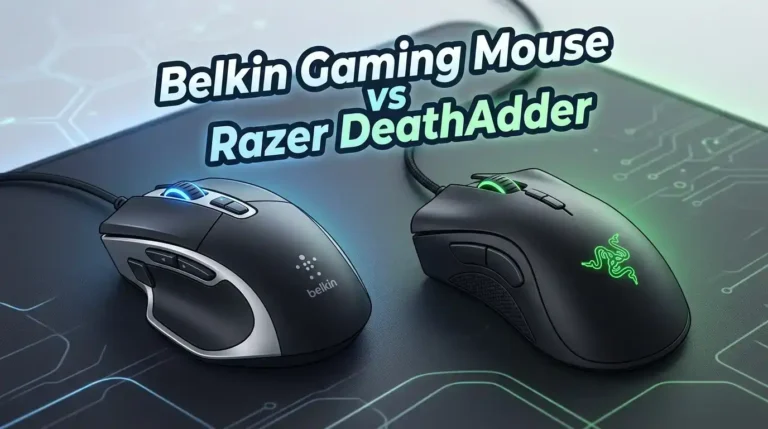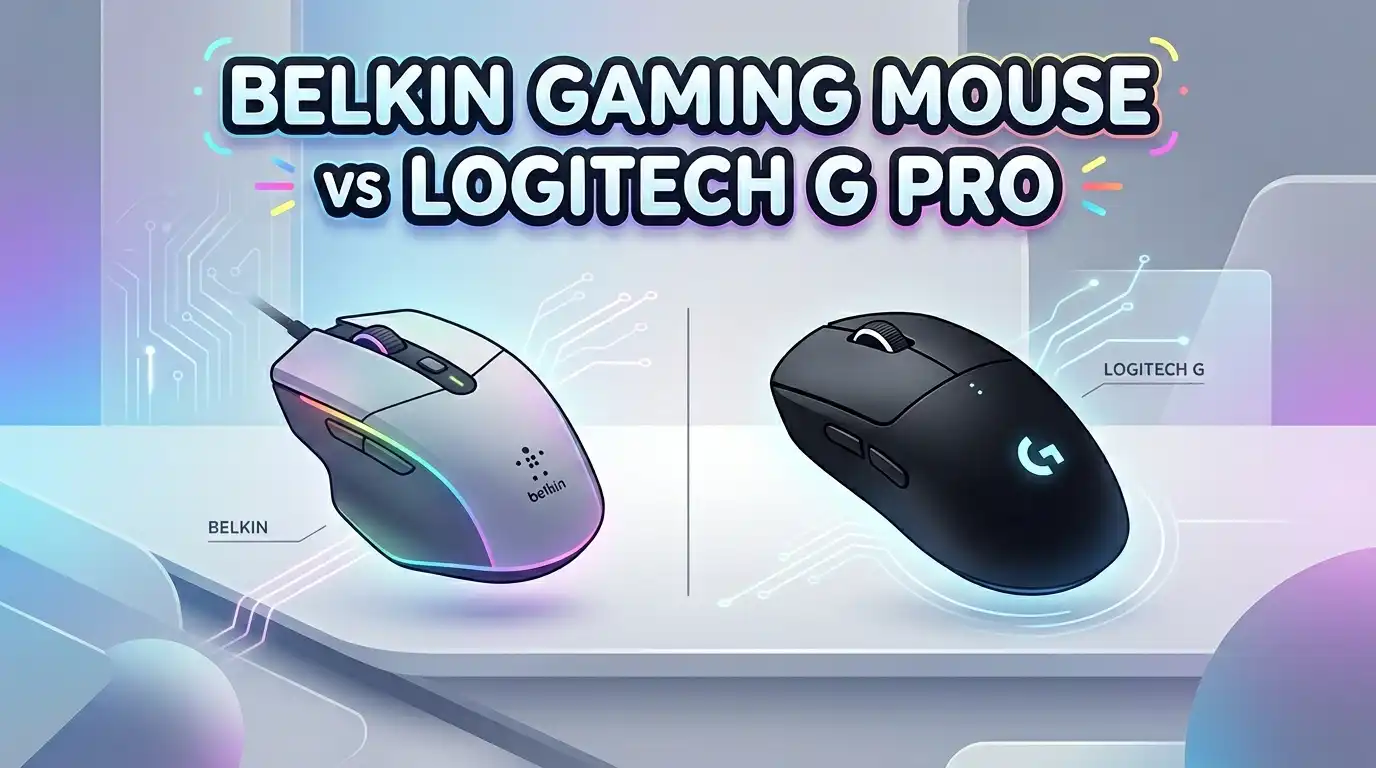
Belkin Gaming Mouse vs Logitech G Pro in 2026
You want a new mouse. You search online and two names pop up: Belkin and Logitech G Pro. One is a household name in PC accessories. The other dominates esports stages around the world. But how do they actually compare for gaming?
The truth is, these two brands serve very different audiences. Belkin offers affordable, plug-and-play mice built for everyday tasks. Logitech’s G Pro lineup delivers tournament-grade sensors, wireless freedom, and ultra-light builds. Yet thousands of people still search for this exact comparison every month.
This post breaks down everything you need to know. We look at sensors, weight, build quality, software, price, and real-world gaming performance. By the end, you will have a clear answer on which mouse fits your hand, your games, and your budget in 2026.
Key Takeaways
- Belkin mice are office-first products. The Belkin 3-Button Wired USB Optical Mouse has an 800 DPI sensor and a basic 3-button layout. It works well for browsing, document editing, and casual computer use. It does not have features gamers expect, like adjustable DPI, programmable buttons, or high polling rates.
- The Logitech G Pro Wireless is a purpose-built gaming mouse. It uses a HERO 25K sensor with up to 25,600 DPI, LIGHTSPEED wireless technology, and weighs only 80 grams. Professional esports players helped design this mouse.
- Price reflects the gap in performance. Belkin’s mouse costs under $10 in most stores. The Logitech G Pro Wireless sits around $90 to $130 depending on sales. You pay more, but you get drastically better tracking, speed, and customization.
- Software support matters for gamers. Logitech G HUB lets you reprogram buttons, create macros, adjust DPI on the fly, and sync RGB lighting. Belkin’s mouse needs no software because it has no settings to change.
- For competitive gaming, the Logitech G Pro wins by a wide margin. If you play FPS, MOBA, or battle royale games, the G Pro lineup gives you the accuracy and responsiveness you need. Belkin simply was not built for this purpose.
- Belkin is expanding into gaming accessories in 2026 with products for the Nintendo Switch 2, but it still does not offer a dedicated high-performance gaming mouse.
Belkin 3-Button Wired USB Optical Mouse Overview

Last update on 2026-08-04 / Affiliate links / Images from Amazon Product Advertising API Some of the links on this website are affiliate links, which means that at no additional cost to you, I earn a commission if you click through and make a purchase. I only recommend products and services that I believe will add value to my readers. Thank you for your support!
The Belkin 3-Button Wired USB Optical Mouse is a simple, affordable mouse built for everyday computer use. It features an 800 DPI optical sensor, a USB-A wired connection with a 5-foot cord, and an ambidextrous design that suits both left and right-handed users.
This mouse weighs around 0.2 pounds and requires no software installation. You plug it in and start clicking. The three-button layout includes a left click, right click, and scroll wheel. It works on PCs, Macs, desktops, and laptops without any driver setup.
Belkin positions this mouse as a reliable workhorse for offices, schools, and general computing. It does not promise high-speed tracking or gaming-level precision. The 800 DPI sensor handles basic tasks like web browsing and word processing with ease.
Pros:
- Very affordable price point, usually under $10
- True plug-and-play with no software needed
- Ambidextrous design fits both hands
- Lightweight and compact for travel or small desks
- Reliable optical tracking for everyday tasks
Cons:
- Only 800 DPI with no adjustability
- No programmable buttons or macros
- Lacks RGB lighting or customization options
- Wired only with no wireless option
- Not suitable for gaming at any competitive level
Logitech G Pro Wireless Gaming Mouse Overview

Last update on 2026-08-04 / Affiliate links / Images from Amazon Product Advertising API Some of the links on this website are affiliate links, which means that at no additional cost to you, I earn a commission if you click through and make a purchase. I only recommend products and services that I believe will add value to my readers. Thank you for your support!
The Logitech G Pro Wireless is a professional-grade gaming mouse designed in collaboration with esports athletes. It uses the HERO 25K sensor, which delivers up to 25,600 DPI with zero smoothing, filtering, or acceleration. LIGHTSPEED wireless technology keeps the connection as fast as wired.
This mouse weighs only 80 grams, which is remarkably light for a wireless mouse. It has eight programmable buttons, including removable side buttons on both flanks. Battery life reaches up to 60 hours with lighting off and 48 hours with RGB active.
Logitech built this mouse around an endoskeleton design that removed unnecessary parts to cut weight. The ambidextrous shape fits multiple grip styles. Competitive FPS players, MOBA enthusiasts, and streamers all rely on this mouse daily.
Pros:
- HERO 25K sensor with 25,600 DPI maximum
- LIGHTSPEED wireless with wired-level latency
- Ultra-light 80-gram weight
- Eight programmable buttons with removable side panels
- Excellent 48 to 60 hour battery life
- Full Logitech G HUB software support
Cons:
- Higher price point around $90 to $130
- Ambidextrous shape may not suit everyone who prefers ergonomic mice
- Micro-USB charging instead of USB-C
- Original switches can develop double-click issues over time
- No Bluetooth connectivity, only LIGHTSPEED dongle
Sensor and DPI Comparison
The sensor gap between these two mice is enormous. The Belkin mouse uses an 800 DPI optical sensor with fixed sensitivity. You cannot change it. What you get out of the box is what you use forever.
The Logitech G Pro Wireless runs the HERO 25K sensor with a DPI range from 100 to 25,600. You can adjust sensitivity in increments of 50 DPI through Logitech G HUB software. This sensor tracks on almost any surface with sub-micron precision.
For gaming, sensor quality directly affects your aim. An 800 DPI sensor will feel sluggish in fast-paced shooters. The HERO 25K sensor reads movements with zero pixel rounding, which means every tiny flick of your wrist translates accurately on screen. This comparison is not close.
Build Quality and Design
Belkin’s mouse has a basic plastic shell with a smooth finish. It feels sturdy enough for office work but lacks the premium texture gamers expect. The compact size makes it portable, though some users with larger hands may find it cramped.
The Logitech G Pro Wireless features an endoskeleton frame covered by a thin outer shell. This design strips weight while keeping the mouse structurally solid. The matte finish provides good grip even during long gaming sessions. Side buttons snap on magnetically and sit flush when removed.
Both mice use an ambidextrous shape. The Belkin mouse achieves this through a simple symmetrical design. The Logitech G Pro takes it further with removable side buttons for both left and right flanks, so left-handed gamers get full functionality.
Wireless vs Wired Connectivity
The Belkin mouse is wired only. It uses a 5-foot USB-A cable that provides a stable, lag-free connection. The cord does add some drag on your mousepad, but for office use, this is rarely a concern.
The Logitech G Pro Wireless uses LIGHTSPEED wireless technology. Logitech engineered this protocol to deliver a 1ms report rate, which matches or beats many wired connections. The included USB receiver is small and plugs into any available port.
Wireless freedom matters for competitive gamers. Cable drag can slow down fast swipes and flick shots. The G Pro Wireless eliminates this issue entirely. It also includes a charging cable for wired play while the battery refills, so you never run out mid-game.
Software and Customization
Belkin’s mouse ships with zero software. There is nothing to install and nothing to configure. This simplicity is a strength for users who want a mouse that just works. But it means you cannot adjust any settings at all.
The Logitech G Pro Wireless pairs with Logitech G HUB, a full-featured software suite. G HUB lets you create custom DPI profiles, remap every button, build macros, and synchronize RGB lighting across all your Logitech gear. You can store up to five profiles directly on the mouse’s onboard memory.
Onboard memory storage means your settings travel with you. If you bring your G Pro Wireless to a tournament or a friend’s house, your profiles load automatically without installing software on the host computer. This feature alone makes it a strong pick for competitive players.
Logitech G Pro Wired Gaming Mouse

Last update on 2026-08-04 / Affiliate links / Images from Amazon Product Advertising API Some of the links on this website are affiliate links, which means that at no additional cost to you, I earn a commission if you click through and make a purchase. I only recommend products and services that I believe will add value to my readers. Thank you for your support!
The Logitech G Pro Wired is the cable-connected sibling of the G Pro Wireless. It uses the same HERO sensor (updated to 25K in later revisions) and weighs approximately 83 grams. The wired connection ensures zero latency concerns.
This mouse features six programmable buttons and a braided cable for durability. RGB lighting shines through the Logitech logo and DPI indicator. It uses the same compact, ambidextrous shell that pro players love, with a shape inspired by the classic Logitech G100s.
If you want G Pro performance but prefer wired reliability and a lower price, this version delivers. It typically costs between $40 and $60, which makes it a solid mid-range option for gamers on a tighter budget.
Pros:
- HERO 25K sensor with 25,600 DPI
- Lightweight at 83 grams
- Six programmable buttons
- Full G HUB software support
- More affordable than the wireless version
Cons:
- Wired cable adds some drag
- Fewer programmable buttons than the wireless model
- No removable side buttons
- Basic RGB compared to other Logitech models
- Braided cable can be stiff out of the box
Logitech G PRO X Superlight 2

Last update on 2026-08-04 / Affiliate links / Images from Amazon Product Advertising API Some of the links on this website are affiliate links, which means that at no additional cost to you, I earn a commission if you click through and make a purchase. I only recommend products and services that I believe will add value to my readers. Thank you for your support!
The Logitech G PRO X Superlight 2 represents the latest evolution of the G Pro series. It weighs just 60 grams, uses a HERO 2 sensor with 44,000 DPI capability, and supports an 8,000 Hz polling rate for the smoothest cursor movement available in 2026.
LIGHTFORCE hybrid switches combine optical and mechanical technology for crisp, fast clicks. The mouse charges through USB-C, addressing a common complaint about the original G Pro Wireless. Battery life still lasts approximately 95 hours on a single charge.
This is the mouse that top-tier esports professionals use in tournaments right now. If you want the absolute best from Logitech’s G Pro family, the Superlight 2 is the current flagship. It costs around $140 to $160, but it delivers performance that justifies every dollar.
Pros:
- Insanely light at just 60 grams
- HERO 2 sensor with 44,000 DPI
- 8,000 Hz polling rate for ultra-smooth tracking
- USB-C charging
- LIGHTFORCE hybrid switches for speed and durability
- Approximately 95 hours of battery life
Cons:
- Premium price tag around $140 to $160
- Right-handed only design, not ambidextrous
- No removable side buttons
- Only five programmable buttons
- Minimal RGB compared to other gaming mice
Weight and Comfort for Long Sessions
Weight directly impacts gaming fatigue. The Belkin mouse is light at roughly 90 grams, but its compact shape can cause hand cramping during extended use. It was designed for short work sessions, not marathon gaming.
The Logitech G Pro Wireless at 80 grams feels almost weightless. Combined with its smooth glide feet and wireless design, you can swipe across a full mousepad with minimal effort. The shape supports palm, claw, and fingertip grip styles.
The Superlight 2 drops weight even further to 60 grams. At this level, the mouse almost disappears in your hand. For competitive FPS games where you make hundreds of fast adjustments per minute, every gram counts. Logitech clearly wins the comfort and weight category.
Price and Value Breakdown
The Belkin 3-Button Wired USB Optical Mouse costs under $10 at most retailers. For basic computing, it delivers excellent value. You get a reliable mouse that works the moment you plug it in. No frills, no extra cost.
The Logitech G Pro Wireless typically sells for $90 to $130. The wired G Pro sits around $40 to $60. The G PRO X Superlight 2 commands $140 to $160. These prices reflect the advanced sensor technology, wireless engineering, and build quality packed into each mouse.
Value depends on your use case. If you browse the web and type documents, spending $130 on a mouse makes little sense. If you compete in online games and want every possible advantage, the Logitech G Pro lineup offers performance that budget mice cannot match.
Who Should Buy the Belkin Mouse?
The Belkin mouse fits a specific audience. Students, office workers, and casual users who need a basic mouse will find it perfectly adequate. It plugs in, tracks smoothly on a desk, and costs almost nothing.
If you already have a gaming mouse and need a backup for your laptop bag, the Belkin works well for that purpose too. Its small size and light weight make it easy to carry. The 5-foot cord provides enough length for most desk setups.
However, do not buy this mouse expecting gaming performance. It lacks the sensor speed, polling rate, and button customization that games require. Belkin makes excellent chargers, cables, and networking products, but their mouse lineup is strictly for productivity.
Who Should Buy the Logitech G Pro?
The Logitech G Pro lineup serves gamers of all levels. Casual gamers will notice the improved sensor accuracy and lighter weight immediately. Competitive players will appreciate LIGHTSPEED wireless, the high DPI range, and programmable button layouts.
If you play FPS titles like Valorant, Counter-Strike 2, or Apex Legends, the G Pro Wireless or Superlight 2 will give you a real edge. The sub-1ms wireless latency and precise tracking help you land shots consistently.
Content creators and streamers also benefit from the G Pro’s macro support and onboard memory. You can program buttons for OBS scene switches, audio controls, or chat commands. The Logitech G Pro is a versatile tool that extends beyond pure gaming.
Final Verdict: Belkin Gaming Mouse vs Logitech G Pro
This comparison has a clear winner for gaming. The Logitech G Pro lineup outperforms the Belkin mouse in every metric that matters for games. Sensor accuracy, DPI range, weight, wireless technology, software support, and build quality all favor Logitech by a wide margin.
The Belkin mouse wins on price and simplicity. If you need a cheap, reliable mouse for basic tasks, it does the job without complaint. But calling it a gaming mouse stretches the definition beyond reason.
For anyone serious about PC gaming in 2026, the Logitech G Pro Wireless offers the best balance of features and value. If budget allows, the G PRO X Superlight 2 pushes performance even higher with its 60-gram weight, 44K DPI sensor, and 8,000 Hz polling rate. Choose Logitech if gaming matters to you.
Frequently Asked Questions
Is Belkin a good brand for gaming mice?
Belkin is a respected brand for cables, chargers, and networking gear. However, Belkin does not produce dedicated gaming mice. Their mouse products target office and general use with basic 800 DPI sensors. For gaming, you should look at brands like Logitech, Razer, or SteelSeries.
Can I use a Belkin mouse for casual gaming?
You can use a Belkin mouse for very casual, slow-paced games like point-and-click adventures or turn-based strategy titles. The 800 DPI sensor and basic button layout will struggle in fast-paced games that demand quick reflexes and precise aiming.
Is the Logitech G Pro Wireless still worth buying in 2026?
Yes. The Logitech G Pro Wireless remains a strong choice in 2026. Its HERO 25K sensor, 80-gram weight, and LIGHTSPEED wireless technology still compete well against newer mice. The Superlight 2 is the upgrade path if you want the latest features.
What is the main difference between the Logitech G Pro Wired and Wireless?
The wireless version uses LIGHTSPEED technology and has eight programmable buttons with removable side panels. The wired version has six programmable buttons and a fixed cable. Both share the same sensor and similar shape. The wireless model costs more but offers greater freedom of movement.
Does the Logitech G Pro Wireless work with Mac?
Yes. The Logitech G Pro Wireless is compatible with both PC and Mac. Logitech G HUB software is available for macOS, so you can customize DPI, buttons, and lighting on Apple computers just like you would on a Windows machine.
How long does the Logitech G Pro Wireless battery last?
The Logitech G Pro Wireless battery lasts up to 60 hours with RGB lighting turned off and approximately 48 hours with lighting active. The G PRO X Superlight 2 extends this to around 95 hours, making it one of the longest-lasting wireless gaming mice available.

Hello, i’m Ivoria i am the face behind Tech Tracker Blog. I am passionate about my work and love to explore gadgets and share about my experience.