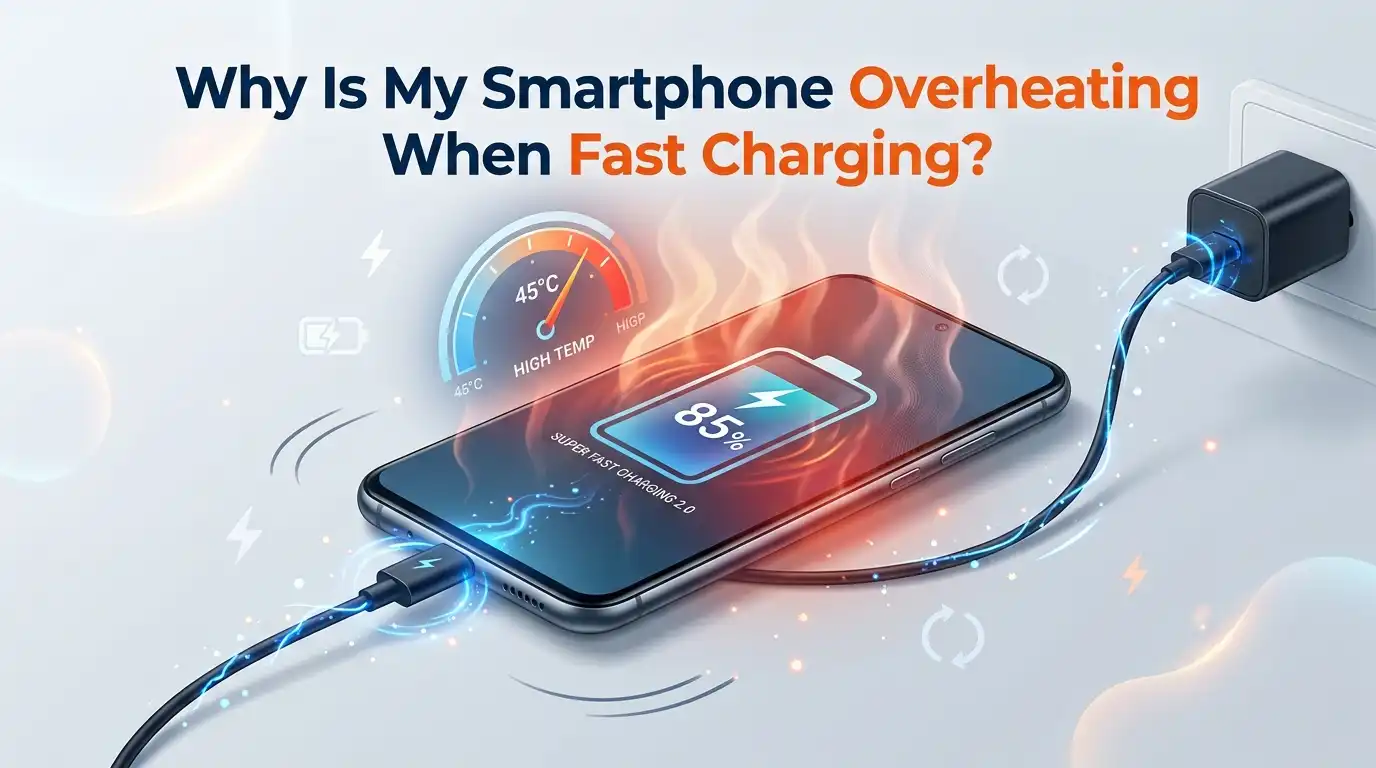
Why Is My Smartphone Overheating When Fast Charging?
Your phone heats up the moment you plug in the fast charger. You feel the back panel turn warm, then hot, and you start to worry. Is this normal? Is your battery getting damaged? You are not alone. Millions of people in 2026 ask this same question every single day.
Fast charging pushes a lot of power into a small battery in a short time. That power creates heat. Some heat is normal. Too much heat is a problem. The tricky part is knowing the difference and fixing the real cause.
This guide breaks it all down in plain language. You will learn why your phone overheats, when to worry, and exactly what to do about it. Every fix here is simple and takes only a few minutes. Let us cool things down together.
In a Nutshell:
- Some heat is completely normal. Fast charging moves high voltage and current into your battery quickly. This always produces warmth. A slightly warm phone is fine. A phone too hot to hold is not.
- The safe charging temperature range is roughly 0°C to 45°C. For the best battery health, keep it between 10°C and 35°C. Heat above 45°C starts to wear your battery down faster.
- The biggest causes are heat-trapping cases, cheap cables, hot rooms, heavy app use while charging, and software bugs. Most of these have quick fixes you can do today.
- Remove the case, use the original charger and cable, and stop using the phone while it charges. These three steps solve most overheating problems instantly.
- Software updates and a quick restart fix many sudden heat issues. A buggy update or a stuck background app often raises the temperature without you knowing.
- Charge in a cool, open space and avoid direct sunlight. Heat is your battery’s biggest enemy. A cooler environment keeps charging fast and safe.
What Counts As Normal Heat During Fast Charging
First, let us set your expectations. Your phone will get warm when you fast charge it. This is basic physics. Pushing 25W, 65W, or even 120W into a battery in minutes releases energy as heat. A warm phone is normal and expected.
The key is the level of warmth. A phone that feels mildly warm to the touch is doing its job. A phone that feels too hot to hold comfortably has crossed the line. Most phones internally reach 40°C to 45°C during heavy fast charging, even in a cool room.
If your phone only gets warm and cools down fast after charging, you have nothing to fear. Worry only when the heat is extreme, constant, or paired with warning messages. Knowing this baseline helps you avoid panic over normal behavior.
The Real Reasons Your Phone Overheats While Fast Charging
Several things cause excess heat, and often more than one acts at the same time. Fast charging itself is the base cause because high power flow always builds heat. On top of that, outside factors make it worse.
A heat-trapping case blocks the phone from releasing warmth. A cheap or damaged cable adds electrical resistance, which turns into extra heat. A hot room or direct sunlight removes the phone’s chance to cool. Heavy app use while charging stacks processor heat on top of battery heat.
Software bugs and old batteries also play a big role. A buggy update can keep your processor busy, and a worn battery struggles to handle fast power safely. Once you know which factor applies to you, the fix becomes clear and simple.
Why Your Phone Case Traps Heat And How To Fix It
Your phone case looks harmless, but it can be a major heat trap. Thick cases, rugged cases, and battery cases wrap your phone in extra material. That material blocks heat from escaping the body. When you fast charge, the trapped heat builds up fast.
The fix is easy. Remove your case before you fast charge, especially during long sessions or overnight. Your phone will breathe and release heat into the air more freely. You will often notice the back panel feels cooler within minutes.
Pros: This costs nothing, takes two seconds, and works instantly. Your phone may even charge a little faster because it avoids heat-based slowdowns.
Cons: Your phone sits unprotected while it charges. You must place it on a soft, flat surface to avoid scratches or drops. For thin cases, the heat difference may be small.
Use The Right Charger And Cable To Stop Overheating
Not all chargers and cables are equal. A mismatched, cheap, or worn cable adds resistance to the power flow. That resistance becomes heat, often felt right at the plug. A damaged cable can heat up dangerously in under a minute.
Always use the original charger and cable that came with your phone, or a certified replacement that matches your phone’s power rating. A proper USB-C cable rated for your wattage carries power cleanly with less heat loss.
Pros: A quality matched cable charges safely, keeps heat low, and protects your battery for the long term. It also prevents melted plugs and frayed wires.
Cons: Certified cables and chargers cost more than generic ones. You may need to replace a worn cable you already own. Checking power ratings takes a little effort, but it pays off in safety.
Stop Using Your Phone While It Fast Charges
This is one of the most common mistakes. You charge your phone and keep gaming, streaming, or scrolling at the same time. This stacks two heat sources together. The battery heats from charging, and the processor heats from your activity.
The result is a sharp rise in temperature. Heavy tasks like gaming, video calls, and navigation push the processor hard. Add fast charging on top, and your phone can quickly hit unsafe heat levels.
The solution is simple. Put your phone down while it fast charges. Let it rest and cool. If you must use it, stick to light tasks like reading texts. Avoid demanding apps until the charge finishes.
Pros: This drops the temperature fast and protects battery life. Cons: You lose access to your phone for a short while, which feels inconvenient if you are busy or waiting on a message.
Charge In A Cool Place And Avoid Direct Sunlight
Your charging environment matters more than people think. Heat from outside adds to the heat from charging. If you charge your phone in a hot car, on a sunny windowsill, or under a blanket, you trap and pile on warmth.
Lithium batteries work best between 10°C and 35°C. A cool, open, shaded spot helps your phone release heat into the air. Never charge your phone in direct sunlight or near a heat source like a radiator or stove.
Pick a flat, hard surface with good airflow, like a desk or table. Avoid soft surfaces such as beds, pillows, or couches that block heat from escaping.
Pros: This costs nothing and keeps charging fast and safe. Cons: You may not always have a cool spot available, such as during summer travel or in a warm room without air conditioning.
Update Your Software To Fix Overheating Bugs
Sometimes the cause is not hardware at all. A buggy software update can make your phone overheat. Many users report sudden heat and battery drain right after an update, even while charging. A stuck system process keeps the phone working overtime.
The good news is that companies fix these bugs fast. Always install the latest software update for your phone. New patches often repair the very overheating problems caused by earlier versions.
Go to your settings, check for updates, and install any that are waiting. Update your apps too, since outdated apps can misbehave in the background.
Pros: Updates are free, fix known bugs, and improve overall performance and security. Cons: A new update can sometimes cause its own issues. If heat starts right after an update, you may need to wait for the next patch or report the problem.
Close Background Apps That Heat Up Your Phone
Apps running in the background quietly drain power and generate heat. A misbehaving app can keep your processor busy even when the screen is off. During fast charging, this hidden activity adds to the heat load.
Check which apps use the most battery in your settings. Look for apps running in the background that you do not need. Force stop or sleep the worst offenders. On Android, you can turn on background usage limits and set heavy apps to sleep.
A quick restart also clears stuck processes and cools things down. Reboot your phone if it suddenly runs hot for no clear reason.
Pros: This saves battery, lowers heat, and speeds up your phone. Cons: Sleeping some apps may delay your notifications. You may need to check each app one by one to find the real culprit, which takes a little patience.
Clean Your Charging Port To Prevent Heat Buildup
A dirty charging port is an overlooked cause of heat. Lint, dust, and debris collect inside the port over time. This blocks a clean connection between the cable and the phone. A poor connection raises resistance, and resistance creates heat.
A dirty or corroded port can also stop your phone from charging properly or make it heat up at the plug. Look inside your port with a flashlight to spot any buildup.
To clean it, turn off your phone first. Use a soft, dry tool like a wooden toothpick or a burst of compressed air. Never use metal objects or water, as these can damage the port.
Pros: Cleaning is free, fast, and often fixes both heat and charging faults at once. Cons: You risk damaging the delicate pins if you push too hard. Be gentle and slow to stay safe.
Try Slower Charging To Keep The Heat Down
Fast charging is convenient, but it is not always necessary. Slower charging produces far less heat. If your phone runs hot every time you fast charge, switching to a slower charge can solve the problem completely.
Many phones in 2026 include settings to limit charging speed or protect the battery. Turn on optimized or adaptive charging if your phone offers it. These features slow the charge near full capacity, which cuts heat and protects battery health.
You can also use a lower watt charger for overnight charging when speed does not matter.
Pros: Slow charging keeps your phone cool and extends battery life over the years. It is ideal for sleep hours. Cons: Charging takes much longer, which is frustrating when you need power fast. You give up the main benefit of fast charging.
When Overheating Means Your Battery Is Failing
Sometimes the problem is the battery itself. Old or damaged batteries struggle to handle fast charging safely. As batteries age, they lose efficiency and generate more heat. A swollen, bulging, or very hot battery is a warning sign.
Watch for clues like a phone that gets extremely hot fast, drains quickly, shuts down at random, or shows a swollen back panel. A swollen battery is a safety risk and needs attention right away.
Check your battery health in your phone settings if the option is there. If the health reading is low, the battery may be near its end.
Pros of replacing it: A new battery restores safe charging, longer life, and normal heat levels. Cons: Battery replacement costs money and may require a professional or a trip to a service center. Never try to remove a swollen battery yourself.
What To Do Right Now If Your Phone Gets Too Hot
If your phone is hot to the touch this very moment, act fast to keep it safe. First, unplug the charger immediately. This stops more heat from building up. Then remove the case so the phone can release warmth.
Move the phone to a cool, shaded spot with good airflow. Do not put it in the fridge or freezer, as sudden cold causes moisture damage. Simply let it rest at room temperature.
Close all apps or power the phone off completely to let it cool faster. Wait until it returns to a normal temperature before you charge or use it again.
If your phone shows a temperature warning often, treat it as a real alert. Repeated overheating signals a deeper problem that needs one of the fixes above.
Smart Charging Habits To Prevent Overheating For Good
Prevention beats repair every time. A few simple habits keep your phone cool and your battery healthy for years. Charge your phone before it drops too low and unplug it before it sits at full for hours. Keeping the charge between 20% and 80% reduces stress and heat.
Charge in a cool room and remove the case during long sessions. Use only quality chargers and cables that match your phone. Avoid charging under your pillow or in a hot car.
Restart your phone now and then to clear stuck processes. Keep your software updated to catch heat-related bugs early. Clean your charging port every few months.
These small steps protect your investment. A cool battery is a long-lasting battery. Build these habits, and overheating during fast charging will rarely trouble you again.
Frequently Asked Questions
Is it bad if my phone gets warm while fast charging?
No, a little warmth is normal and expected. Fast charging pushes high power quickly, which always creates heat. Worry only if the phone gets too hot to hold or shows a temperature warning. A phone that cools down fast after charging is perfectly healthy.
What temperature is too hot for my phone battery?
The safe charging range is roughly 0°C to 45°C. For the best battery health, keep it between 10°C and 35°C. Heat above 45°C starts to wear the battery faster. If your phone feels uncomfortably hot to touch, it is likely past the safe zone.
Does fast charging damage my battery over time?
Fast charging alone causes only minor wear if heat stays under control. The real damage comes from heat, not speed. Keep your phone cool, use a quality charger, and avoid charging in hot places. Done right, fast charging is safe for everyday use.
Should I remove my phone case when charging?
Yes, especially for long or fast charging sessions. Thick cases trap heat and stop your phone from cooling. Removing the case helps heat escape and can even speed up charging. Just place the phone on a soft, flat surface to avoid scratches.
Why does my phone overheat only after a software update?
A buggy update can keep system processes running hard, which raises the temperature. This is a common complaint. Install the next patch as soon as it arrives, since companies fix these bugs quickly. A restart or clearing the cache can also help in the meantime.
Can a bad cable make my phone overheat?
Yes. A cheap, worn, or mismatched cable adds resistance, and resistance turns into heat. A damaged cable can heat up at the plug fast. Always use the original or a certified cable that matches your phone’s wattage to keep charging cool and safe.
Is it safe to use my phone while it fast charges?
It is better to avoid it. Using your phone for heavy tasks while charging stacks two heat sources together. This causes a sharp rise in temperature. If you must use it, stick to light tasks like reading texts, and avoid gaming or streaming until charging finishes.

Hello, i’m Ivoria i am the face behind Tech Tracker Blog. I am passionate about my work and love to explore gadgets and share about my experience.